- Integrations
- TrackingTime
Simple time tracking for Route5
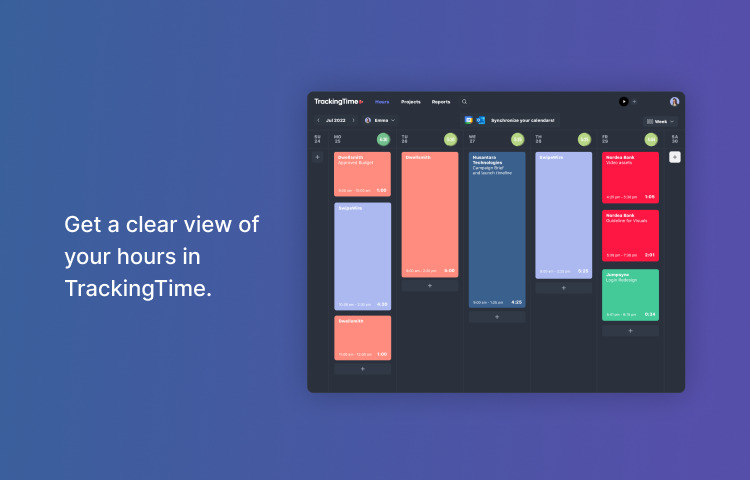
Overview
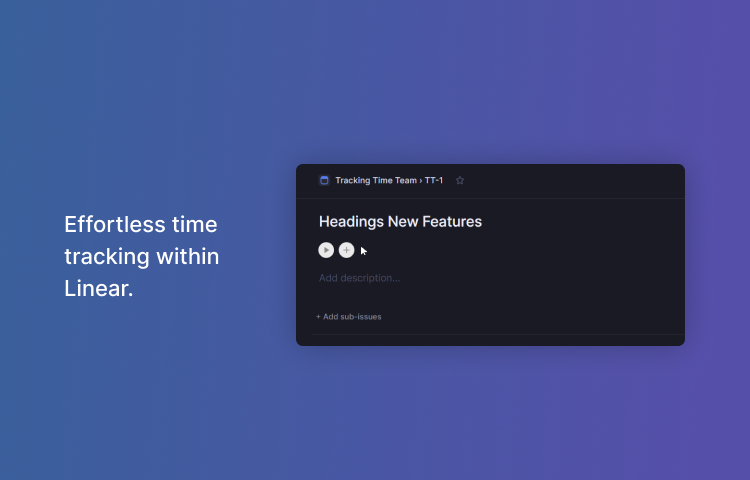
The TrackingTime integration with Route5 adds play buttons in your tasks so you can track your time right from Route5 without leaving the app.
How it works
One-click time tracking with an intuitive interface that allows users to start and stop timers with just one click. This makes it easy to track the time you spend on each task or project, without the need for manual data entry or complex time tracking software.
Detailed reports that show how much time has been spent on each task or project, as well as how team members are using their time. These reports can be customized and exported in a variety of formats.
Another important feature of TrackingTime is time blocking. It allows users to schedule and block out specific periods of time for different tasks or projects. By setting aside dedicated time for each task, users can better manage their time and ensure that they are making progress on their most important projects.
Configure
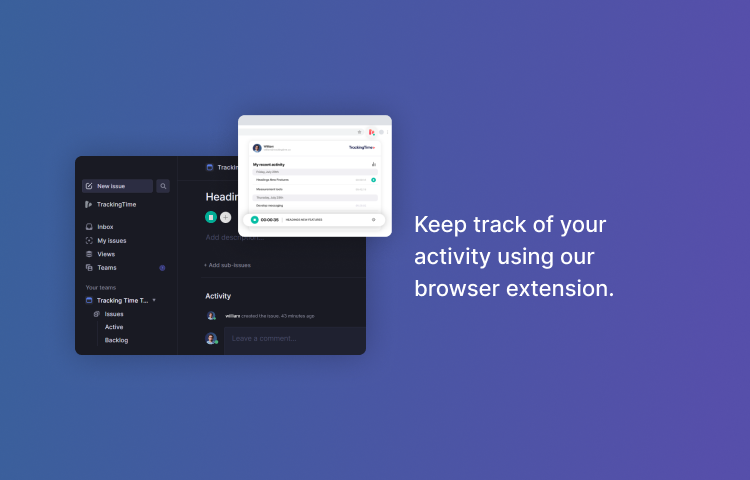
1. Install the TrackingTime Button for your browser.
2. Once installed, the extension will appear in your Browser toolbar.
3. Click on the extension’s icon and sign up for a free TrackingTime account.
4. Go to Route5 and open one of your tasks. Click on the tracking button displayed next to the task’s due date to start / stop the timer.