- Integrations
- GitHub Enterprise Cloud
Automate your pull request and commit workflows and keep issues synced both ways
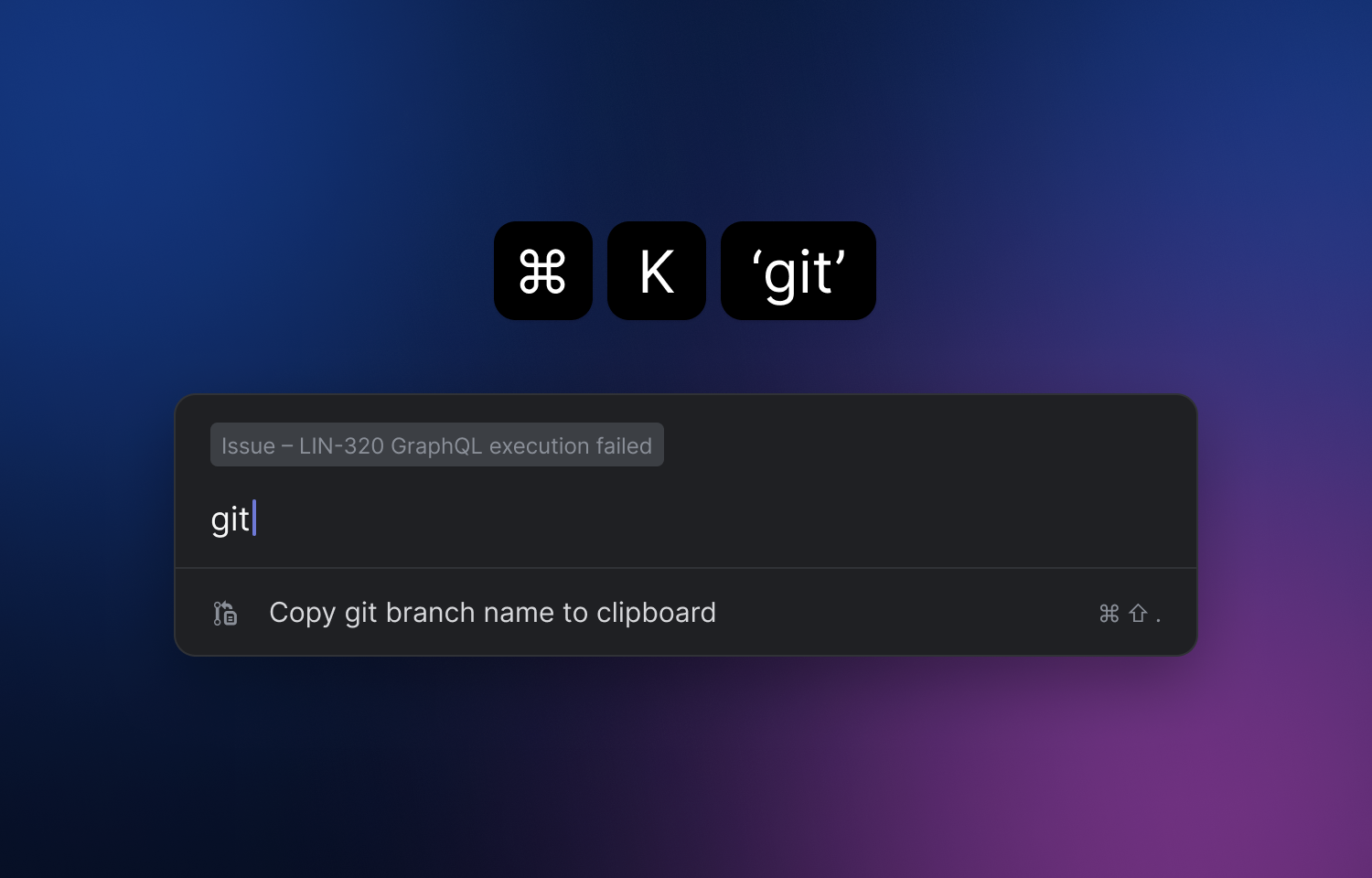
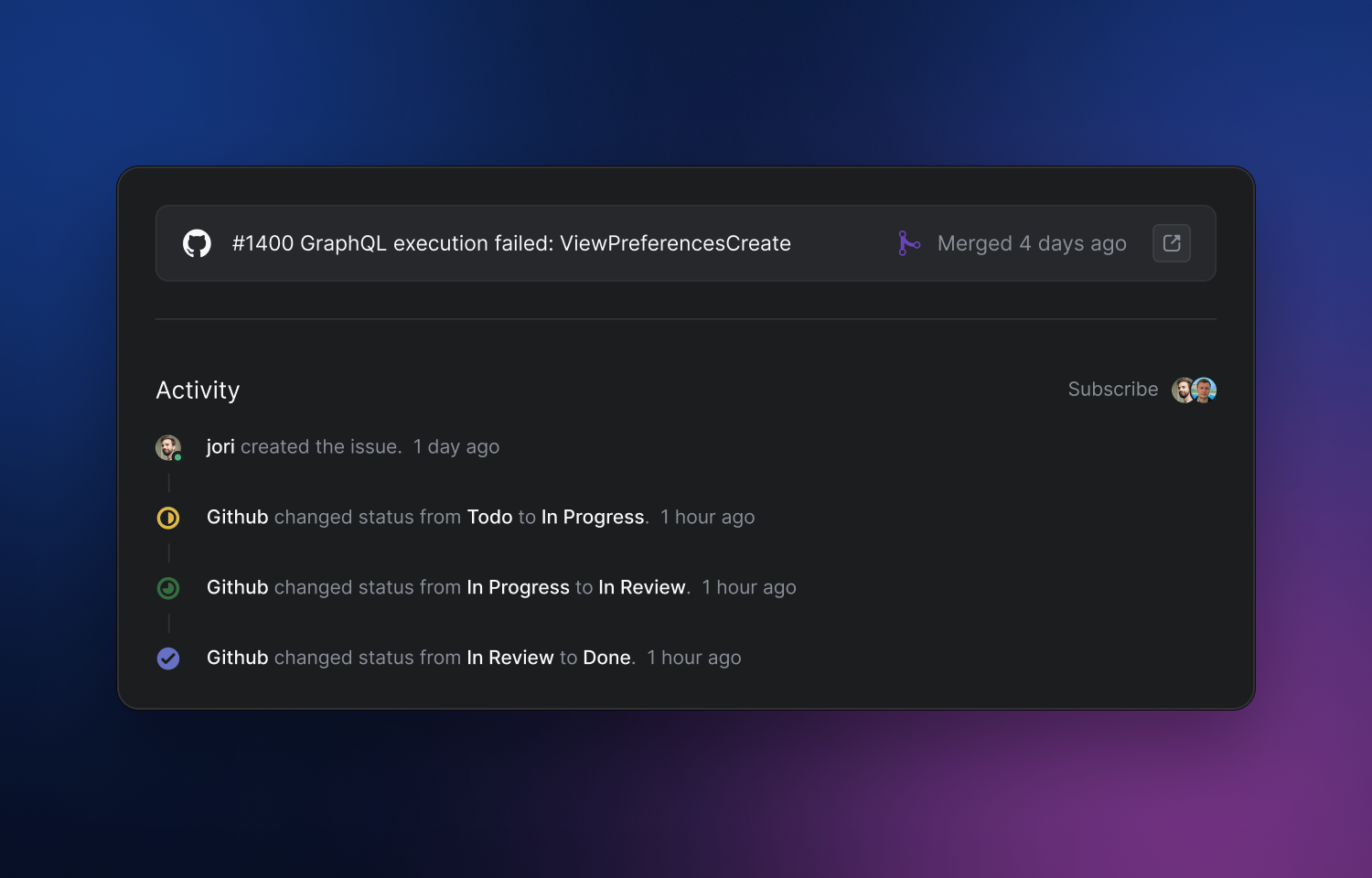
Connect Route5 to GitHub Enterprise Cloud by providing your unique ghe.com domain.
Only setup differs between this integration and our standard GitHub integration. Once connected, functionality like linking PRs to issues, automating issue status changes, and syncing GitHub issues to Route5 teams works identically. Learn more about general integration functionality here.
GitHub Enterprise Cloud is available on the Enterprise plan only.
You might be interested in
- Connect GitHub to automate PR workflows, review code in Route5, sync issues and understand your codebase with Route5 Agent
 GitHubBy Route5
 - Turn Route5 issues into code with Route5 AI coding agent
 Route5 AIBy GitHub
 - Route5 and pull request support for self-hosted GitHub Enterprise Server instance
 GitHub Enterprise ServerBy Route5