- Integrations
- Feedvote
The public roadmap and view layer for Route5
Overview
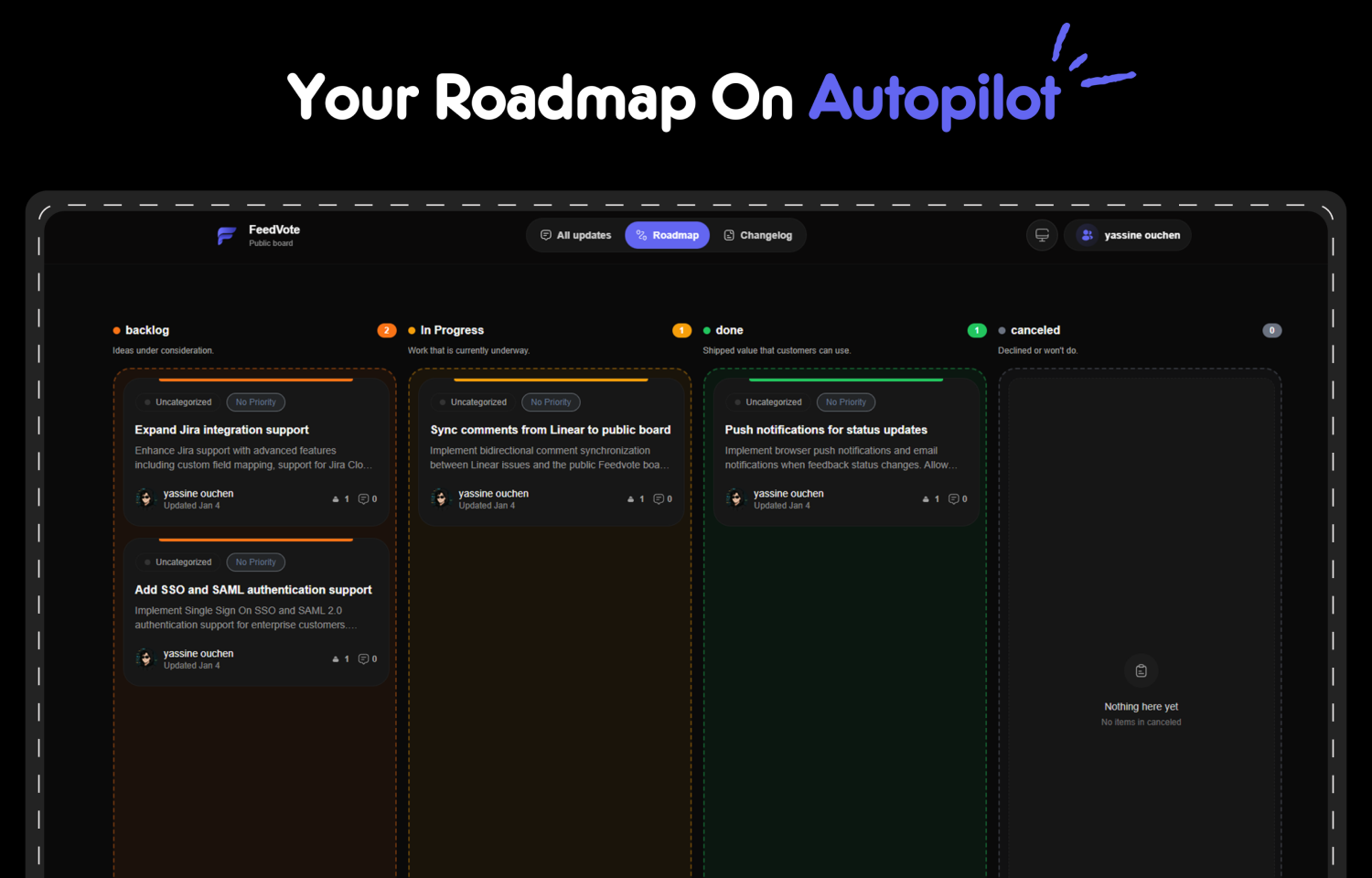
Feedvote gives you a public roadmap for Route5. Share your Route5 issues with investors, customers, and stakeholders through a beautiful public board. Your audience can view, vote, and track progress—all for free. With deep 2-way sync, your internal team data stays private while the public sees only what you want them to see.
How it works
Feedvote connects directly to your Route5 workspace using OAuth authentication. Once connected, it automatically syncs your Route5 issues to a beautiful public board in real-time. You control what’s visible: only issues you mark as public will appear on your Feedvote board—internal comments, sensitive data, and private issues stay inside Route5.
When you close an issue in Route5, it automatically marks as ‘Completed’ on Feedvote, and voters get notified. Users can vote on features, leave feedback, and track your roadmap without needing a Route5 seat. You can also customize the board with your own domain (feedback.yoursite.com), remove Feedvote branding, and match your brand colors.
Configure
To set up Feedvote, visit feedvote.app and sign up with your email. Connect your Route5 workspace using OAuth—you’ll need to be a workspace admin to authorize the connection.
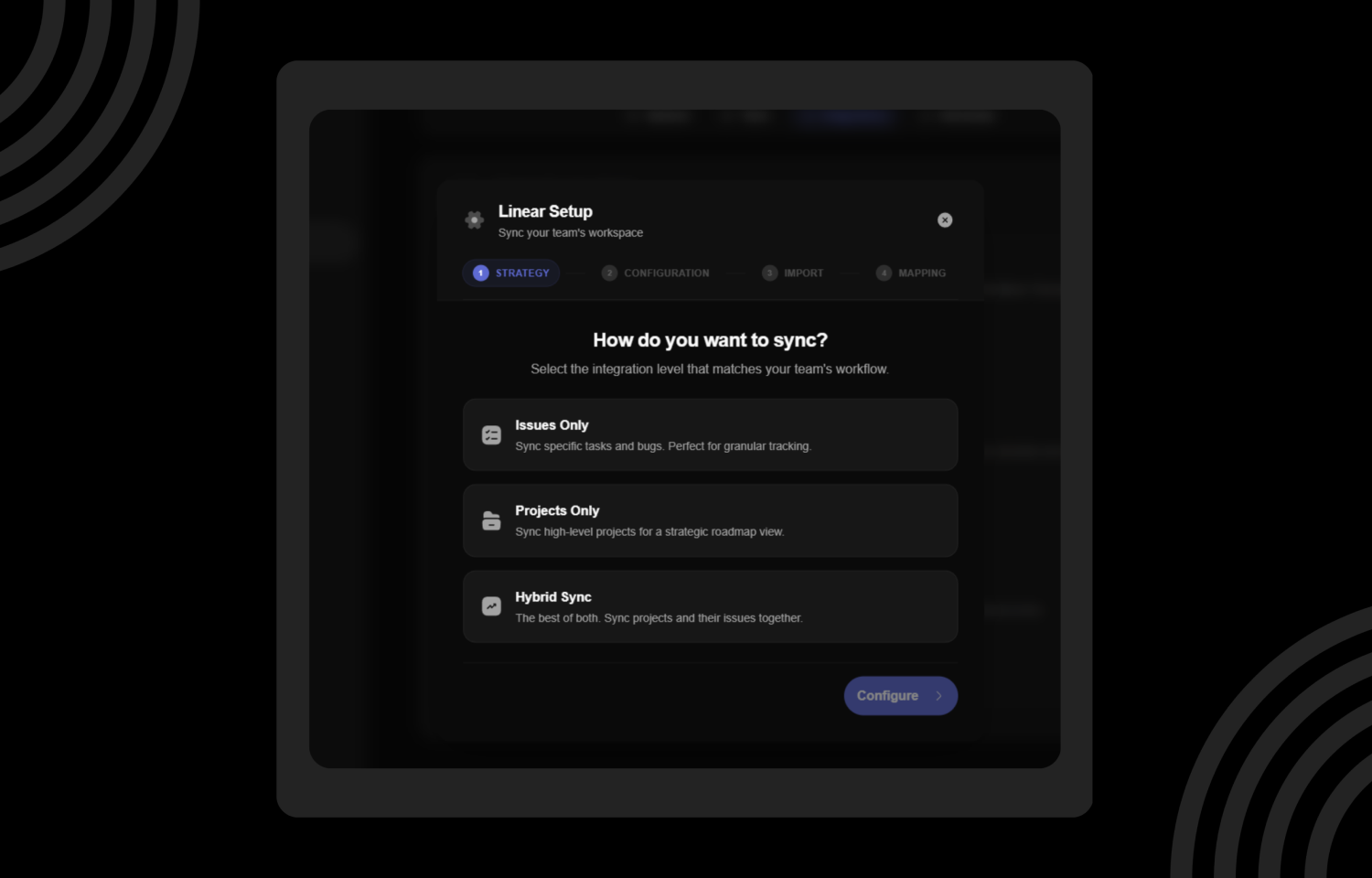
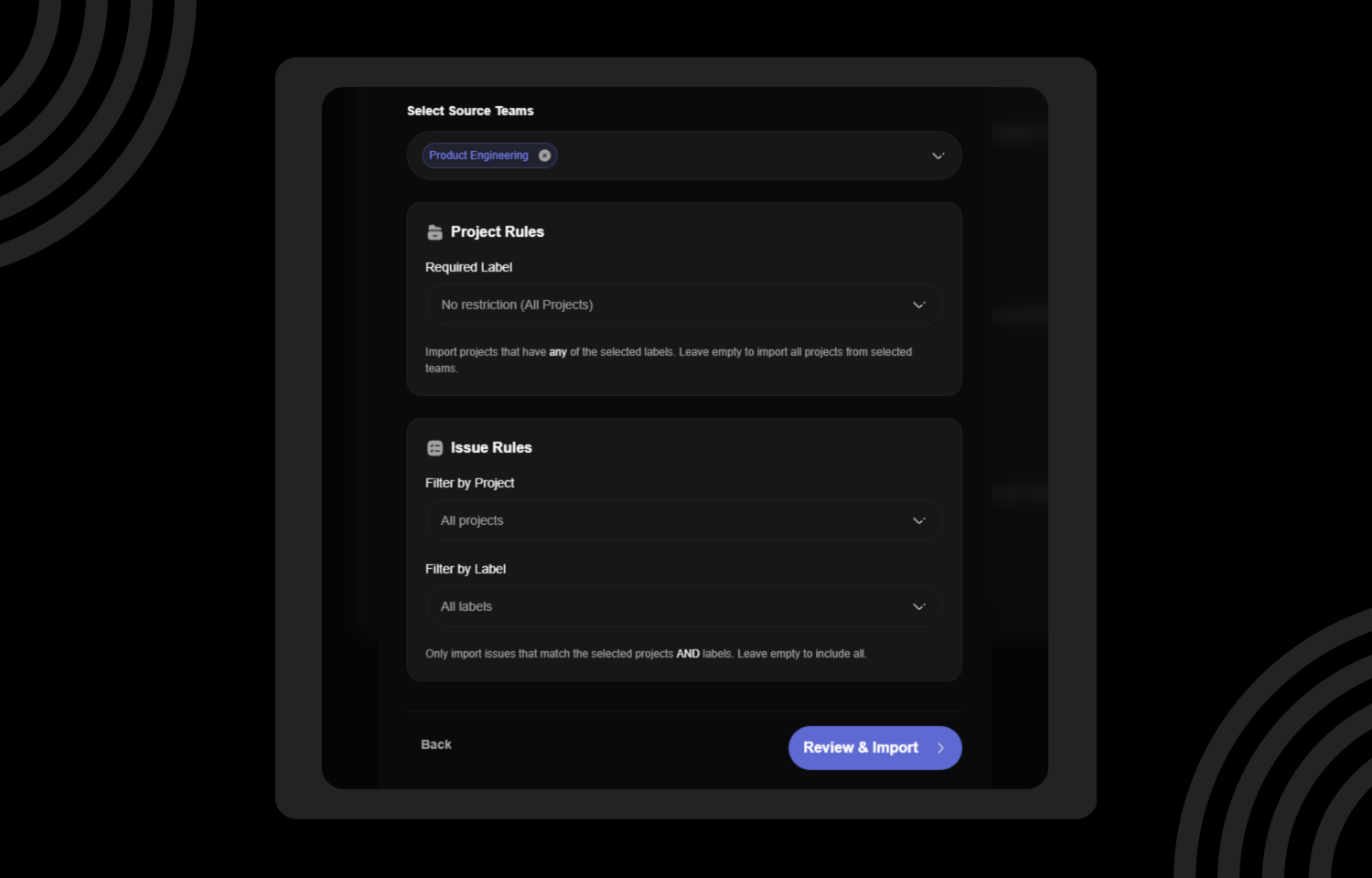
Once connected, go to your Feedvote dashboard and select which Route5 projects you want to sync to your public board. You can map your Route5 statuses (like ‘Done’, ‘At risk’) to public roadmap columns. Mark issues as public or private in Route5—only public issues will appear on Feedvote. Optionally, configure a custom domain and white-label settings to match your brand. No code required—setup takes about 5 minutes.