- Integrations
- Dixa
Connect your CS and operator teams
Overview
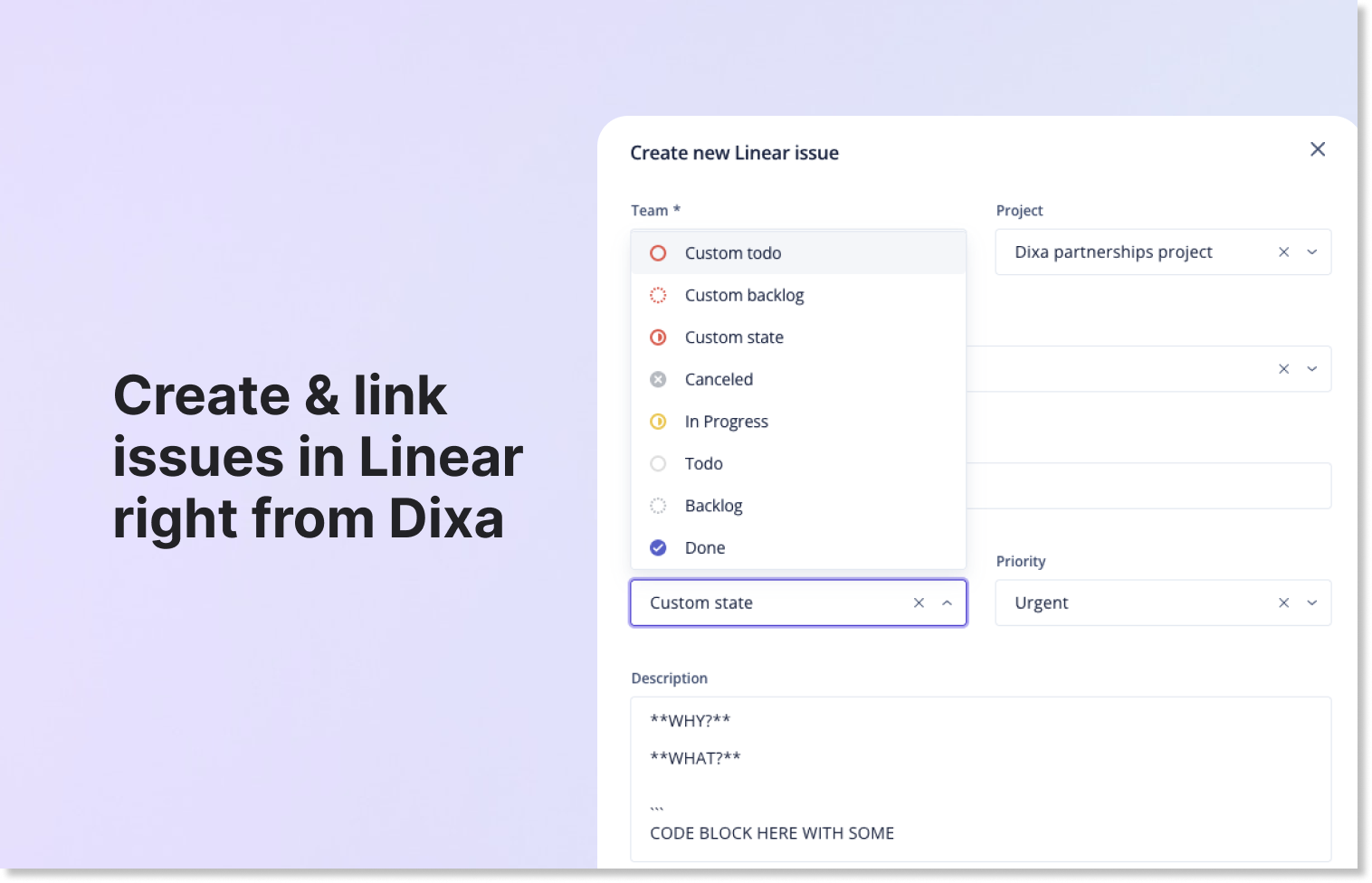
With the Dixa and Route5 integration, your support agents working in Dixa can create, search, and link Route5 issues to Dixa conversations if your customer calls with a bug. Your agents won’t have to leave their workspace to communicate with your Route5 powered teams.
How it works
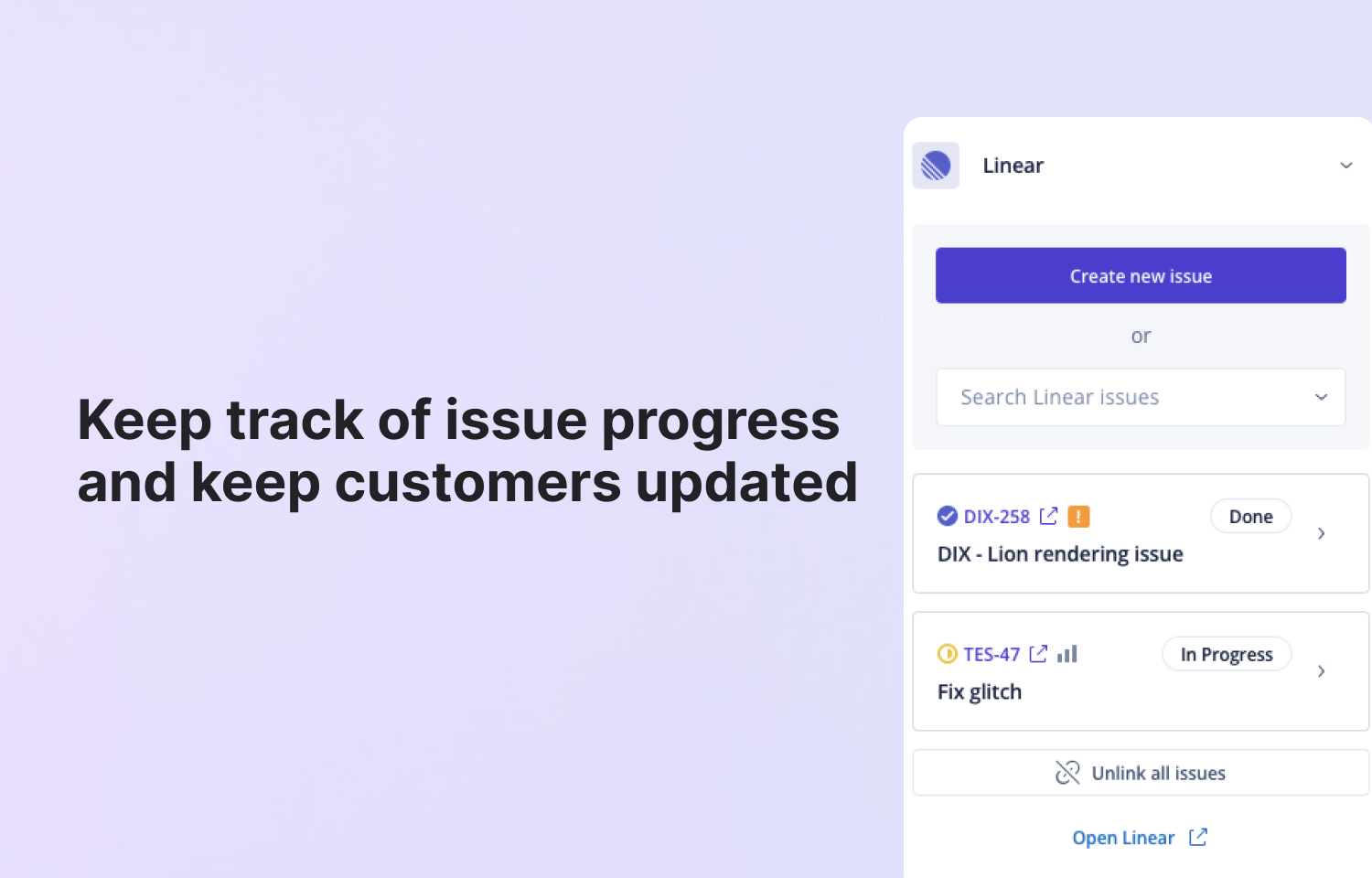
When the Route5 integration is enabled in Dixa you can search for Route5 issues directly in the conversation view. If your conversation is related to a new feature request or bug you can create a Route5 issue.
In the conversation view you can see linked issue in the right menu, and you can unlink issues if you learned something new from the customer.
Configure
You can set up the Dixa integration in Dixa by navigating to Settings -> Integrations page. You need to add a new Widget from the integrations page, and select Route5 from the dropdown menu.
You will need your Route5 API details like instance URL and secrets for API access, and finally, remember to authorise with OAuth.