- Integrations
- Plain
Create and link issues in Plain, and close the loop with your customers
Overview
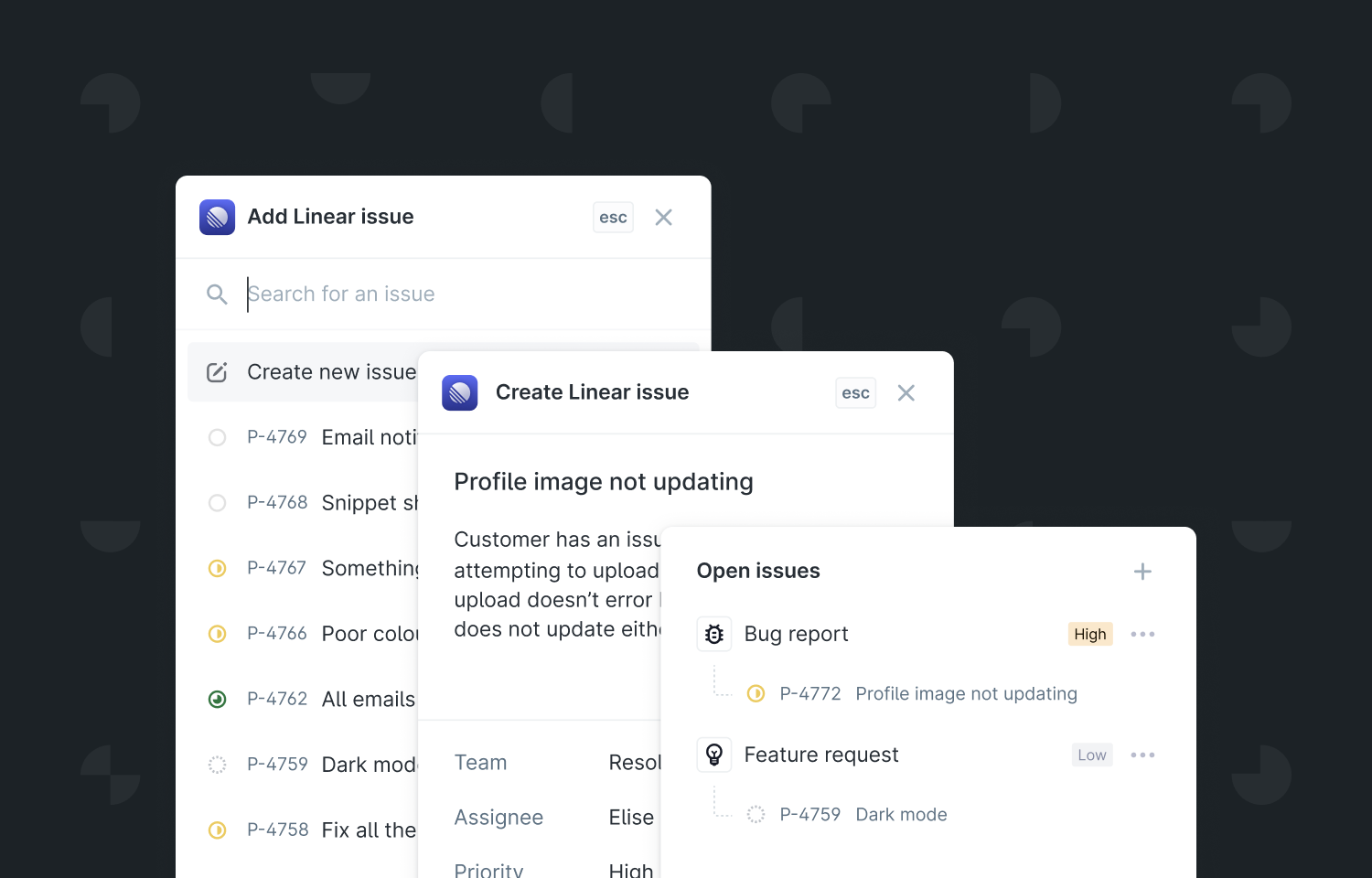
When helping customers in Plain, you can quickly create a new Route5 issue or link to existing Route5 issues. When a linked issue is complete in Route5, we also make it easy for you to circle back with the customer and close the loop.
How it works
Plain is a customer support platform for modern tools. As you help customers in Plain, you can add context to your conversations, such as linking to Route5 issues. You have the option to either search for existing issues or create a New commitment.
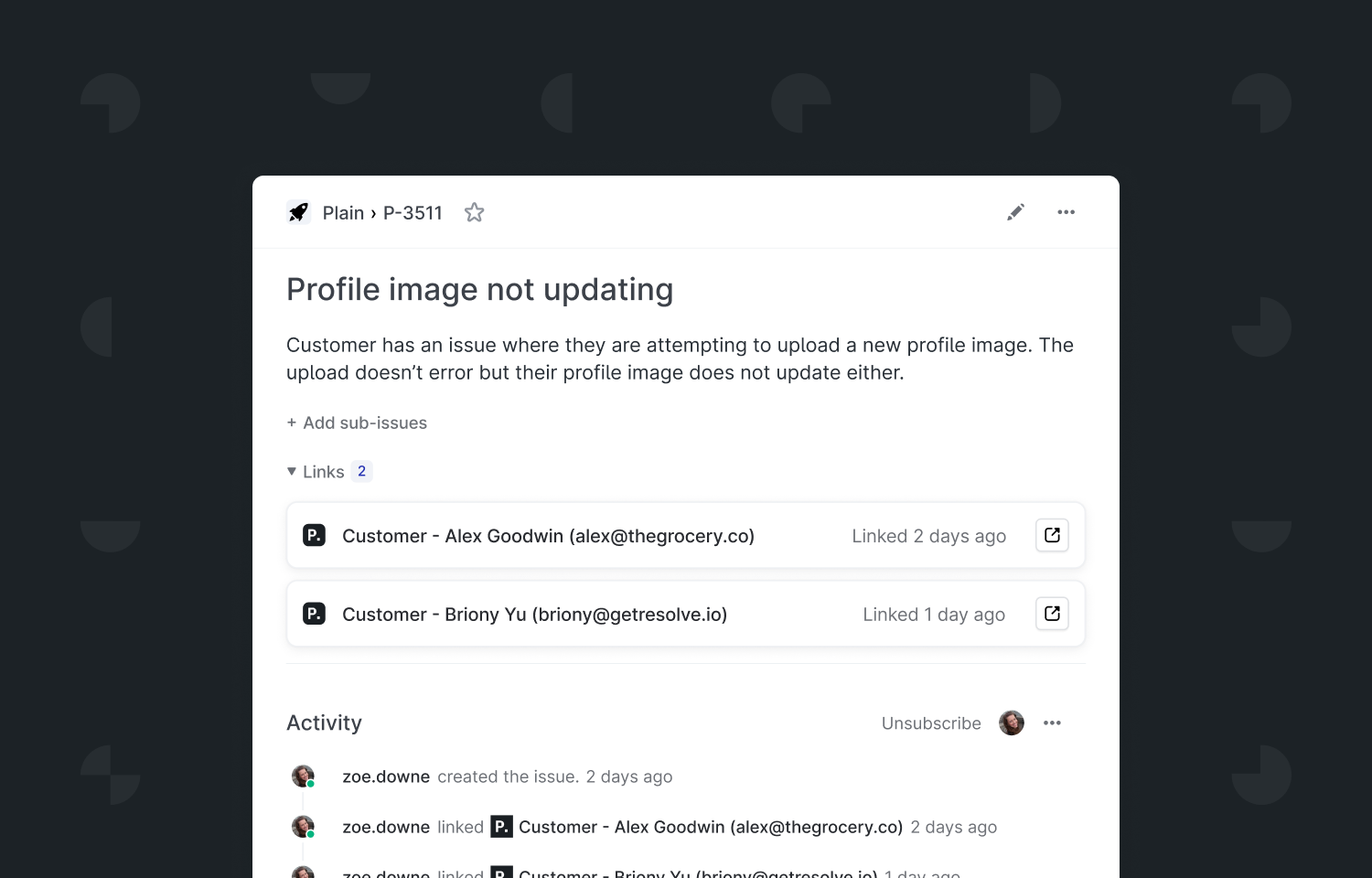
In Route5, you’ll see any customers that have been linked to an issue, with links back to their timeline in Plain. This is a great way to understand the customer context so far or reach out for additional information.
Once an issue is complete in Route5, the change is reflected in Plain, so you can let them know the good news.
To Configure
To enable the Route5 integration for your Plain workspace, just go to Settings > Route5 integration. Each team member who wants to use the Route5 integration will need to connect their account.