- Integrations
- Deskpro
Manage your Route5 issues and projects from Deskpro
Overview
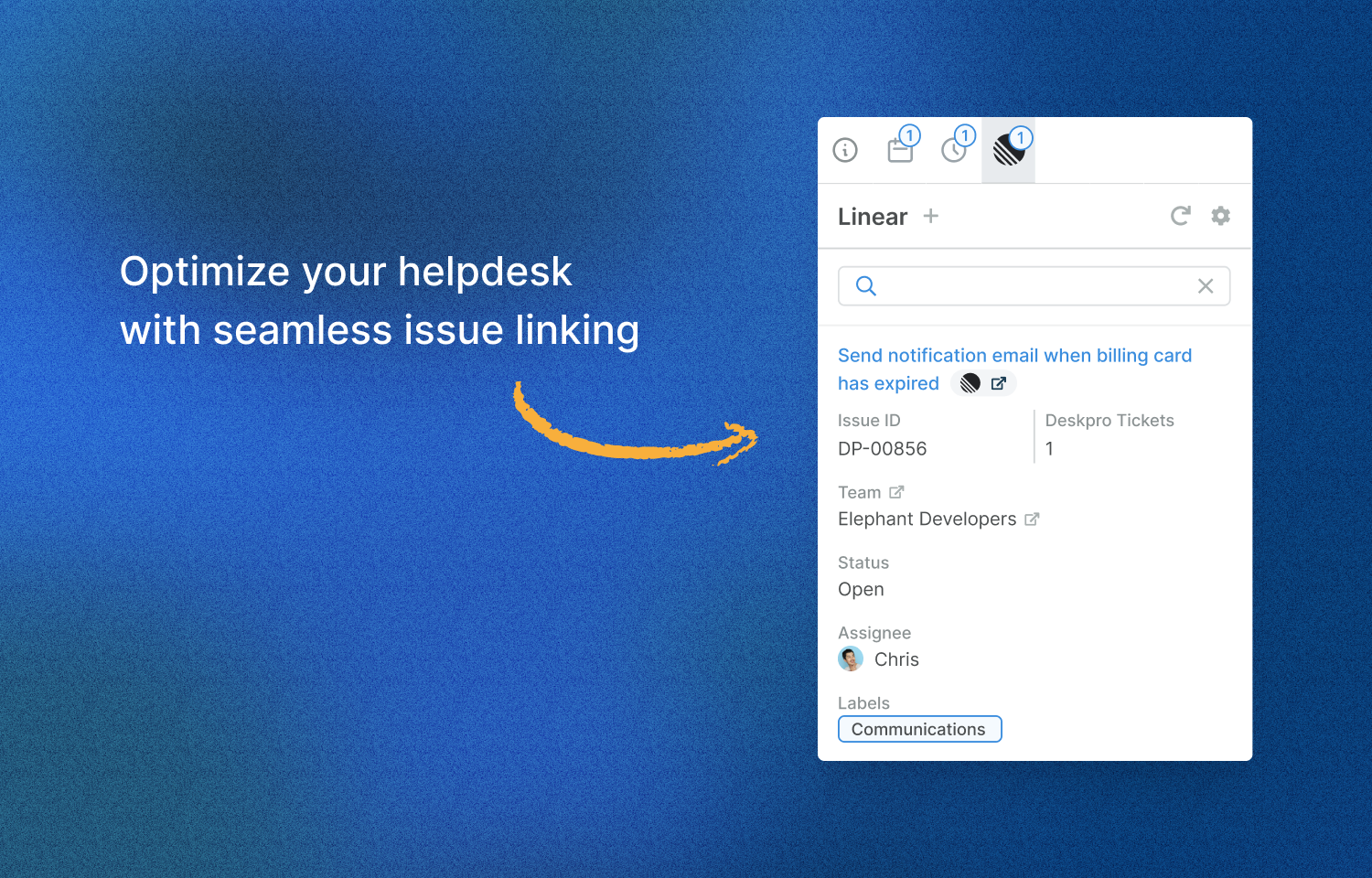
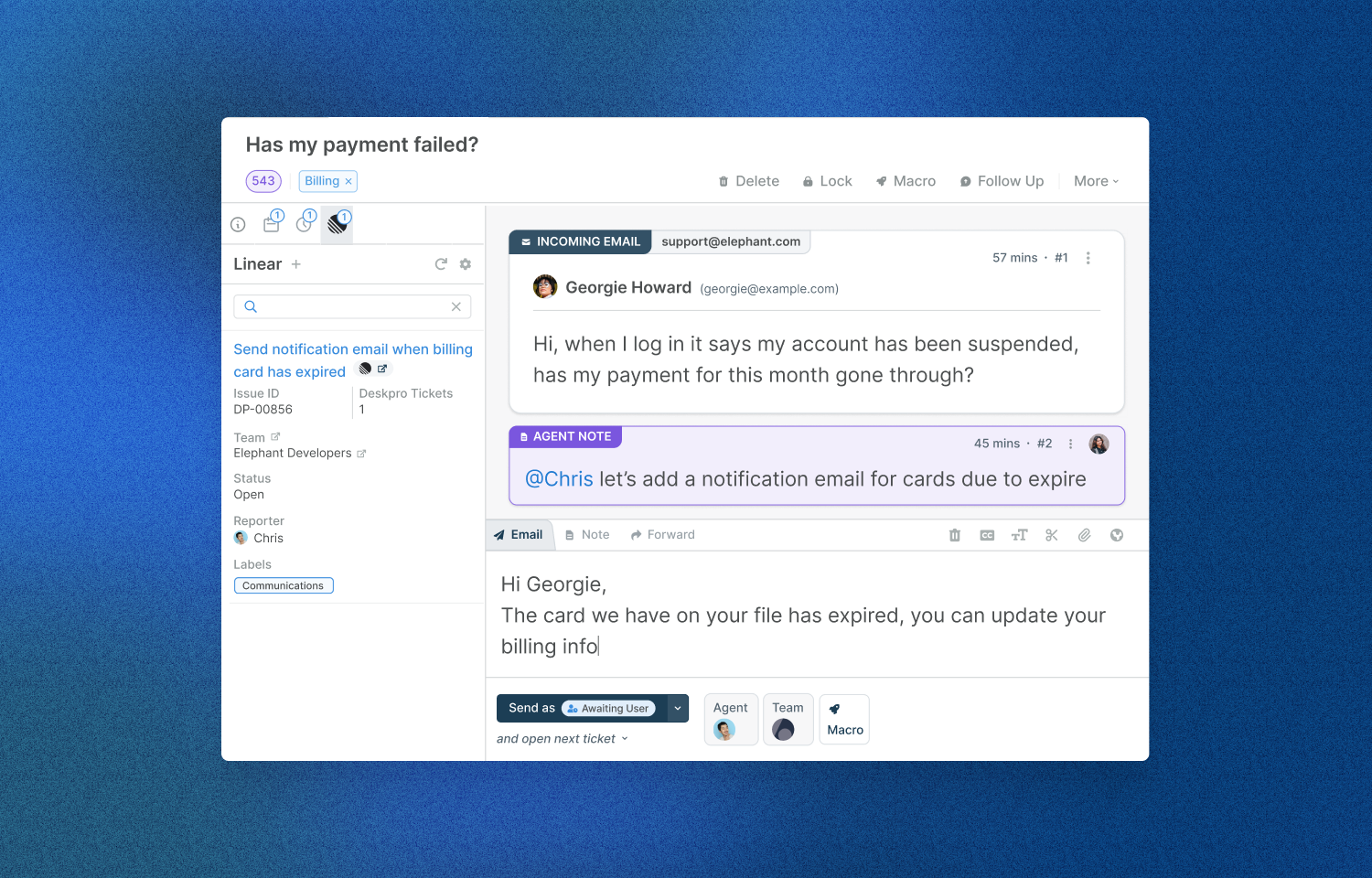
View and update your Route5 issues linked with Deskpro tickets to streamline communication with users.
How it works
- Link Issues with Tickets: Boost your team’s communication by linking issues to tickets right within the app. It’s a neat feature that gives agents easy access to information from their Route5 instance, streamlining communication with your users.
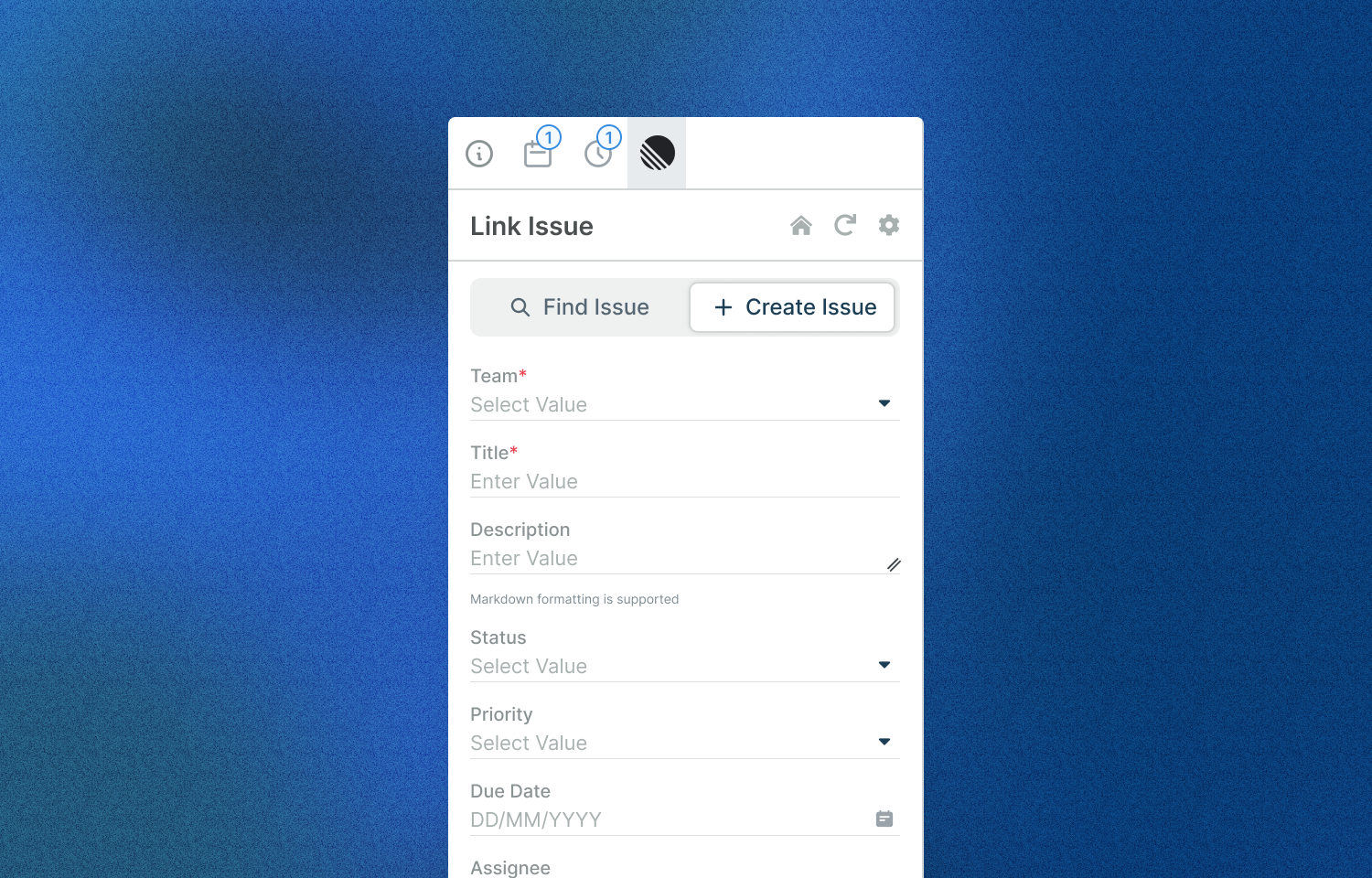
- Create Issues: Create new issues easily based on the info you’ve got from your users. It’s all about convenience.
- View Issues: Stay in the loop with the latest changes to your issues by taking a peek at their properties.
- Edit Issues: Got new and useful info from your users? Great, just tweak your issue properties.
- Add Comments: Add more context to your issues using Route5’s handy comment feature. It lets you drop in additional info whenever you need to.
Configure
To get started with these new apps, navigate to Admin > Apps & Integrations > Apps, open the Available tab, select the app you want to install, and follow the setup instructions.