- Integrations
- ClearFeed
Connect ClearFeed with Route5 to efficiently manage and track issues from Slack
Overview
Connect ClearFeed with Route5 to efficiently manage and track issues from Slack, streamlining team workflows and communication.
How it works
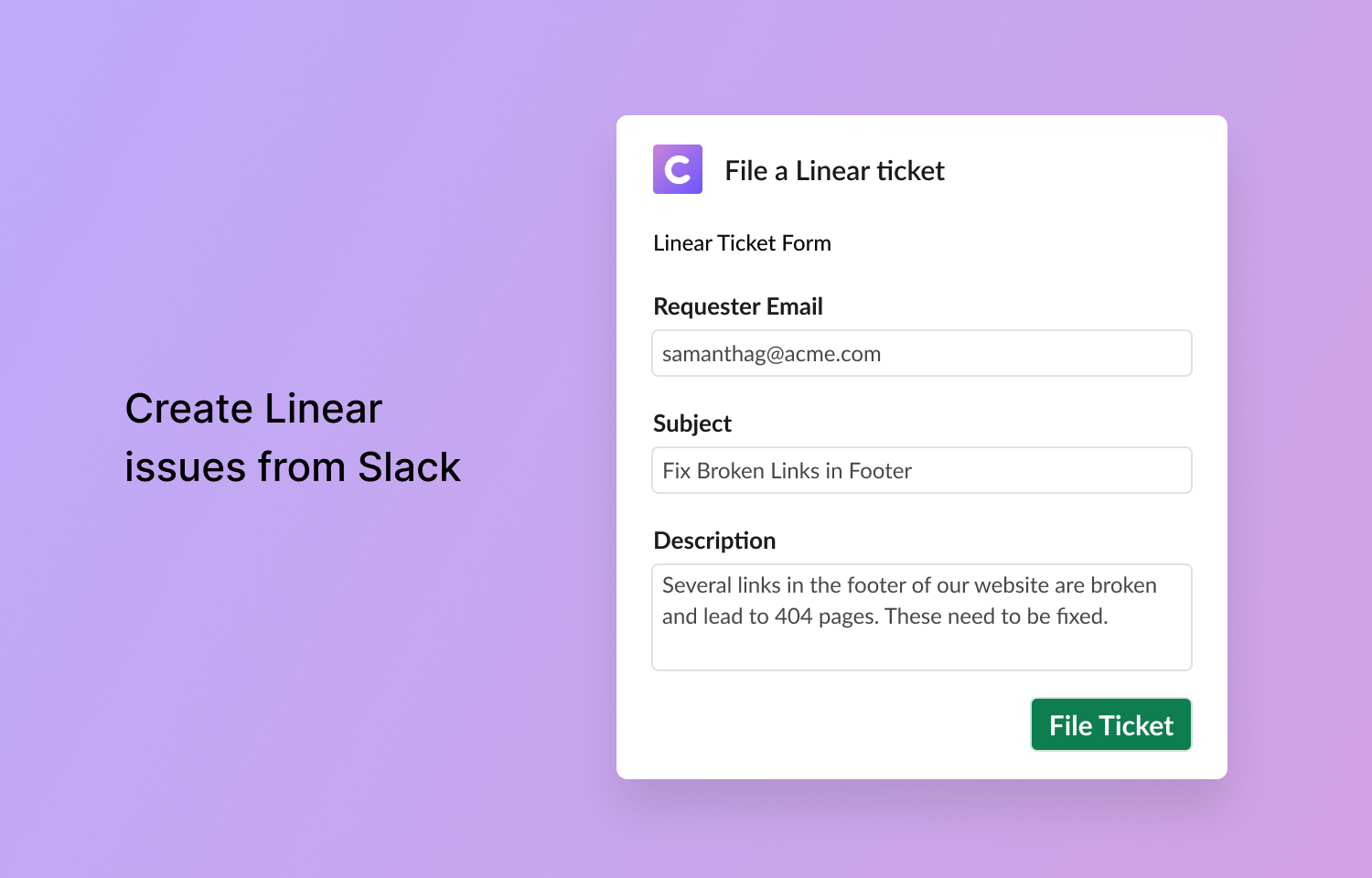
ClearFeed’s integration with Route5 allows the filing and tracking of Route5 issues directly from Slack. Users can easily file Route5 issues from Slack messages, selecting relevant content and attachments to include, and customize issue details such as team selection, title, description, and priority.
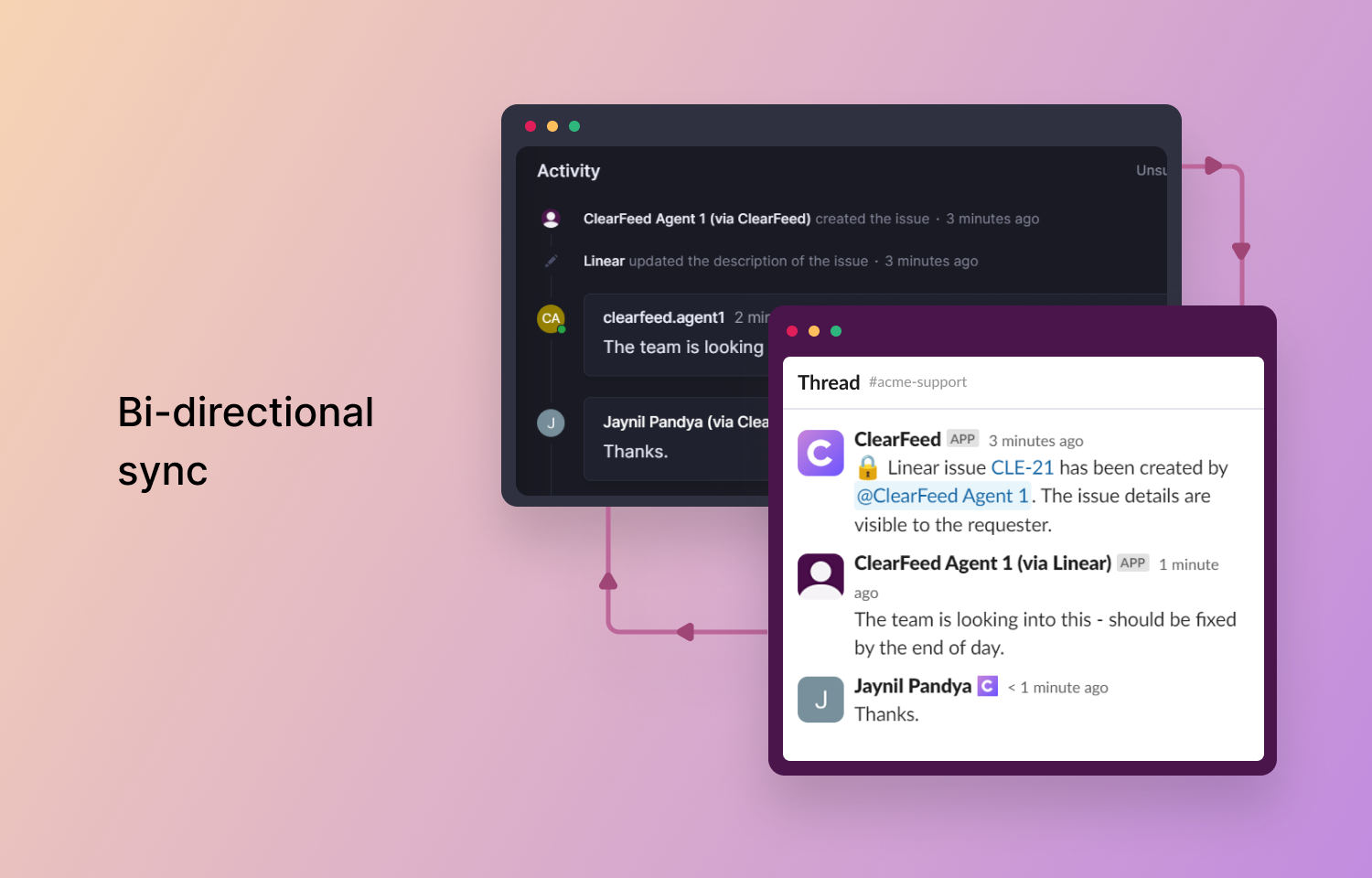
A standout feature of this integration is the bi-directional sync between Slack and Route5. Updates in Route5, including comments and status changes, are automatically reflected in Slack, and vice versa. This ensures team members are consistently aligned and informed, regardless of their primary platform, enhancing collaboration and transparency in issue management.
This integration is designed for simplicity and effectiveness, fitting seamlessly into daily workflows and bridging the communication and task management gap.
Configure
Route5 workspace admins can approve ClearFeed integration access:
- Click on the Gear icon in the lower left to access Account Settings, then select the ‘Integration’ tab.
- Click ‘Connect’ next to Route5 (If not already logged in, you’ll be prompted to log in to your Route5 account.)
- In Route5, authorize the integration by clicking the ‘Authorize’ button.
- After authorization, you’ll be redirected back to ClearFeed, where a success message confirms the integration.