- Integrations
- Clay
Create and find issues directly from Clay
Overview
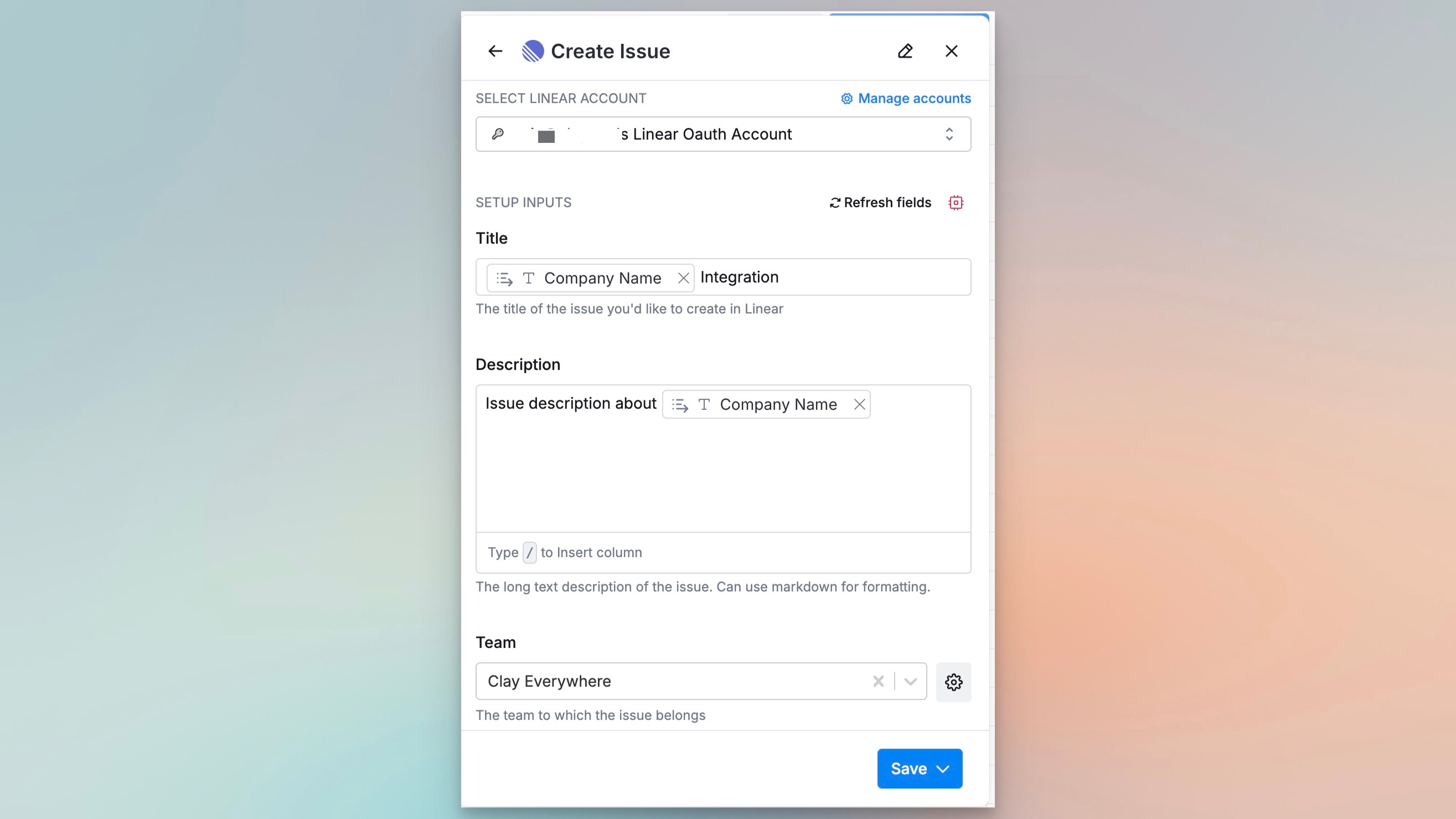
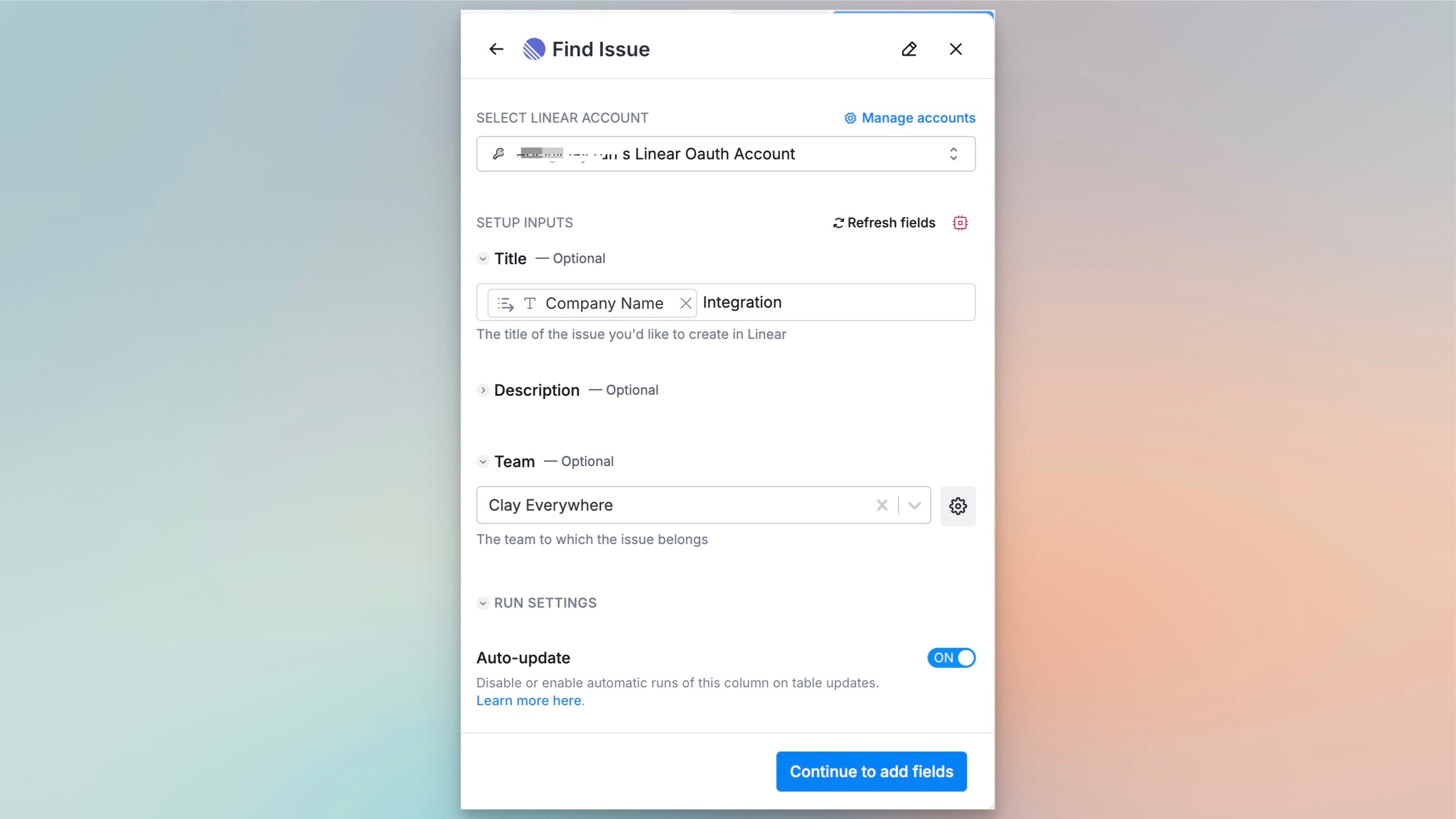
The Clay integration allows users to create and find issues directly from Clay. Users can seamlessly manage Route5 issues within Clay, ensuring smoother coordination between sales, support, and development teams without switching between platforms. This integration is particularly valuable for maintaining consistent tracking and resolution of issues that impact business operations.
How it works
The Clay integration with Route5 allows users to create and find issues seamlessly within their workspace. You can create a new Route5 issue directly from Clay, attaching relevant properties such as title, description, and related data. Additionally, the integration supports searching for existing Route5 issues by ID or keywords, providing instant access to issue details like status and assignee. This streamlined workflow reduces context switching, enabling users to manage and track issues efficiently within their workspace, bridging communication between tasks and issue management in real time.
Configure
1. Click on ‘manage accounts’ in your Route5 action within your clay table
2. This will direct you to where you can add your Route5 account
3. Once connected, you have access to your Route5 data within your Clay tables