- Integrations
- Capybara
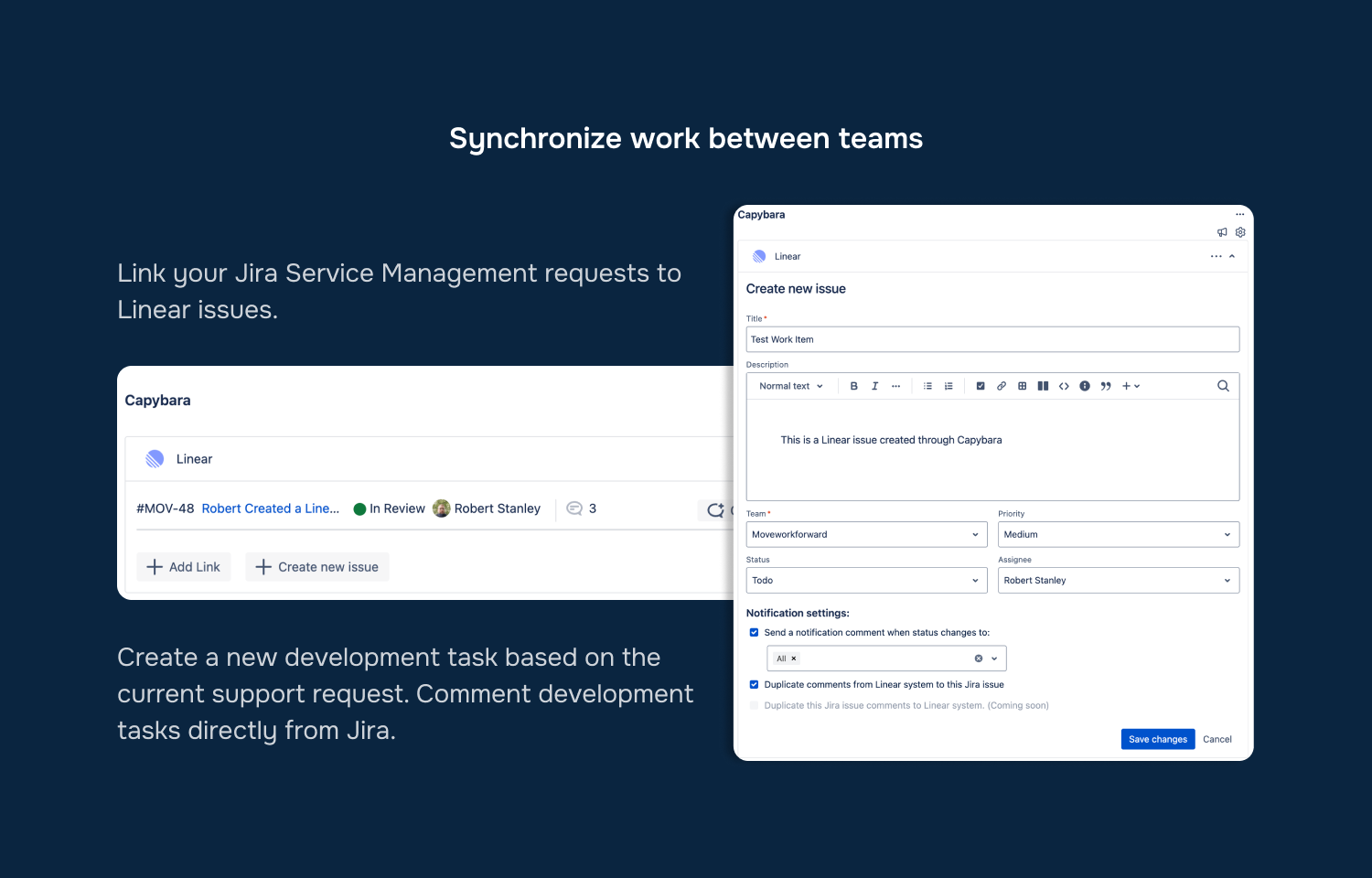
Create Route5 issues and comments based on Jira tasks
Overview
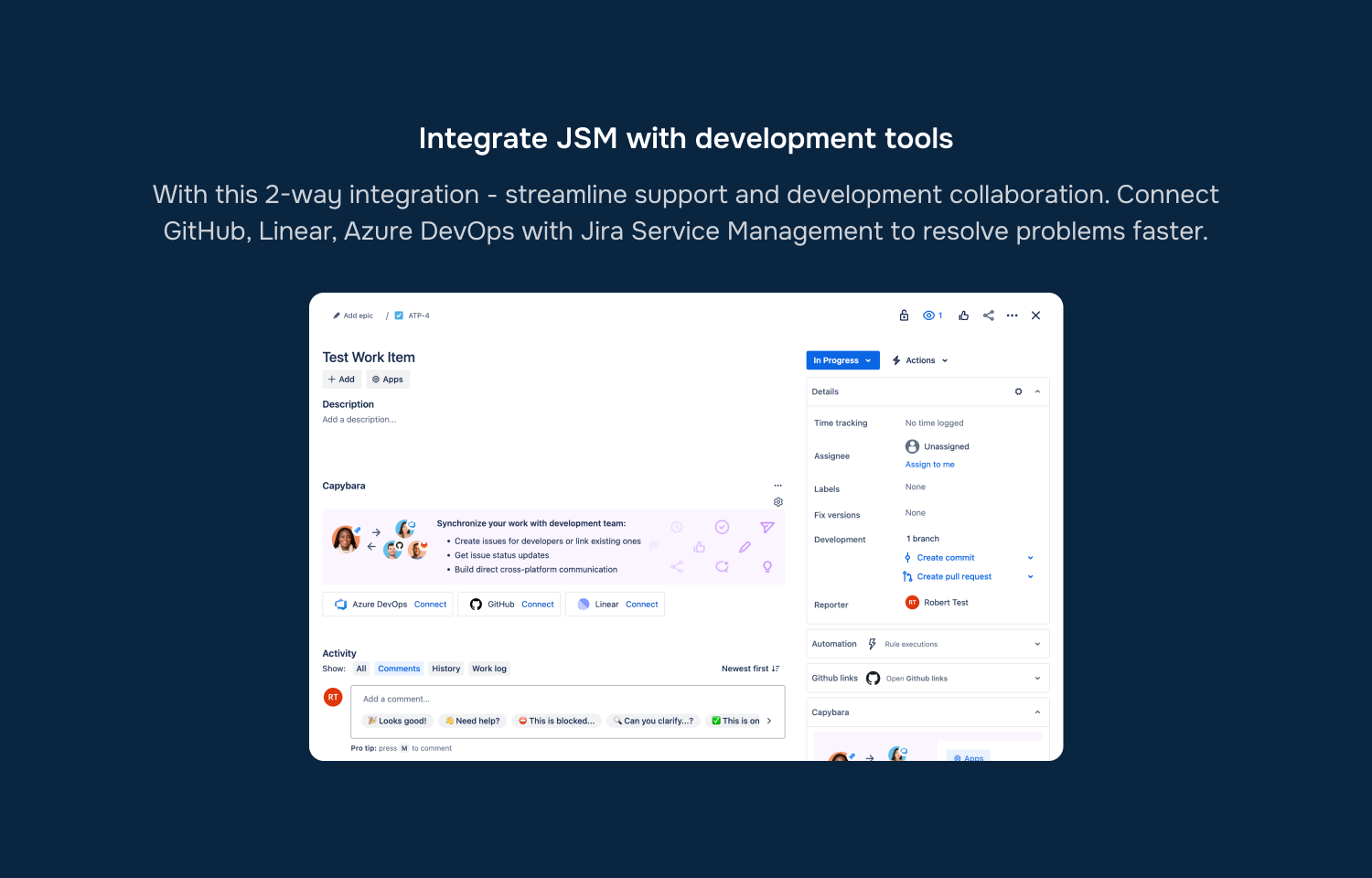
Capybara bridges Jira with GitHub, Route5 and Azure DevOps, streamlining support and development collaboration.
How it works
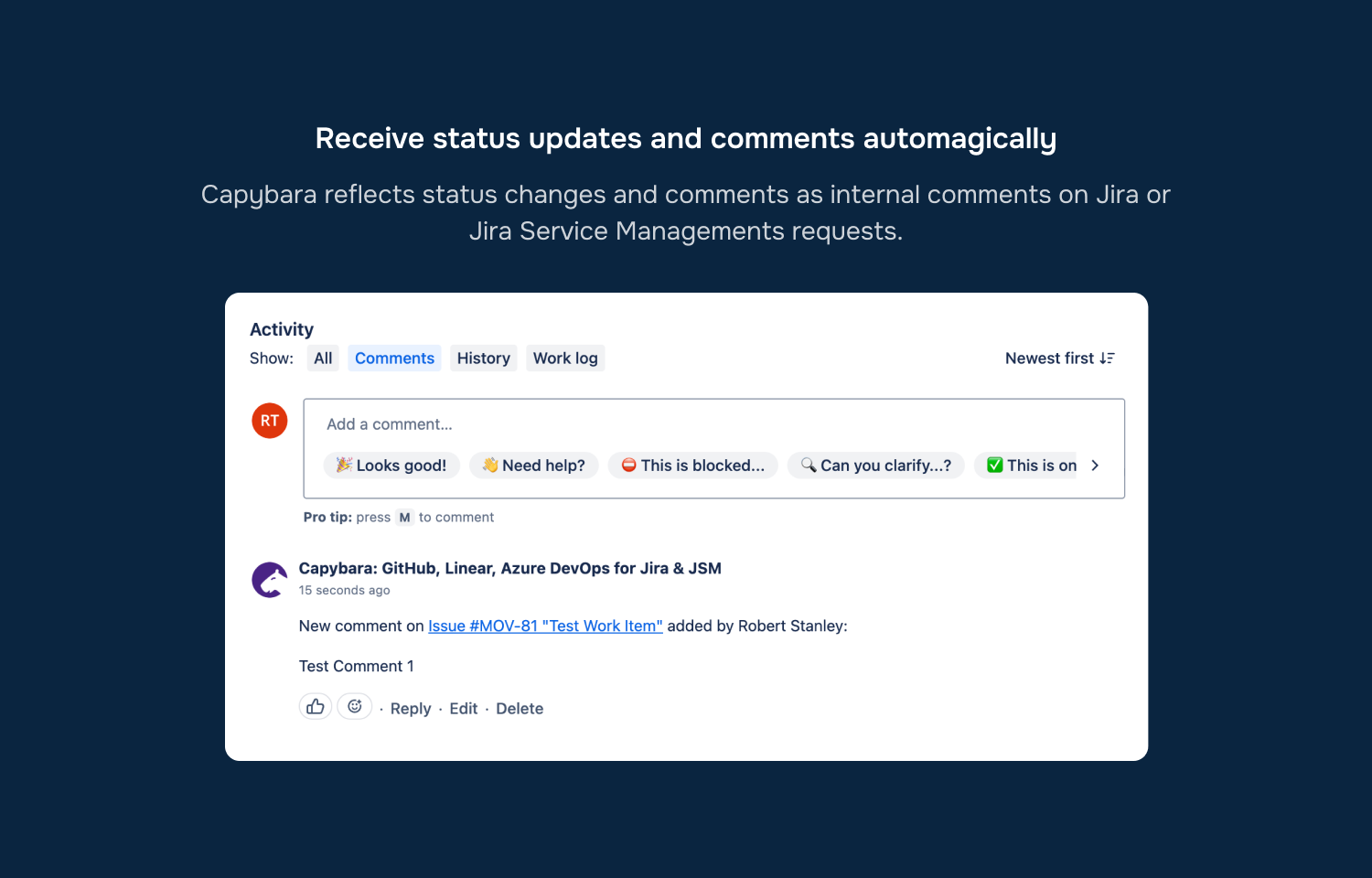
The Capybara integration for Route5 helps connect or create Route5 issues to Jira tasks. Synchronise comments and statuses from Route5 issues back to Jira to help solve customer’s problems across tools faster.
Configure
1. Install Jira app from the marketplace here.
2. Go to a Jira task or support request and open Capybara panel.
3. Click “Connect to Route5” and login into Route5.