- Integrations
- All Quiet
Create Route5 issues from incidents reported from your website's monitoring and observability stack
Overview
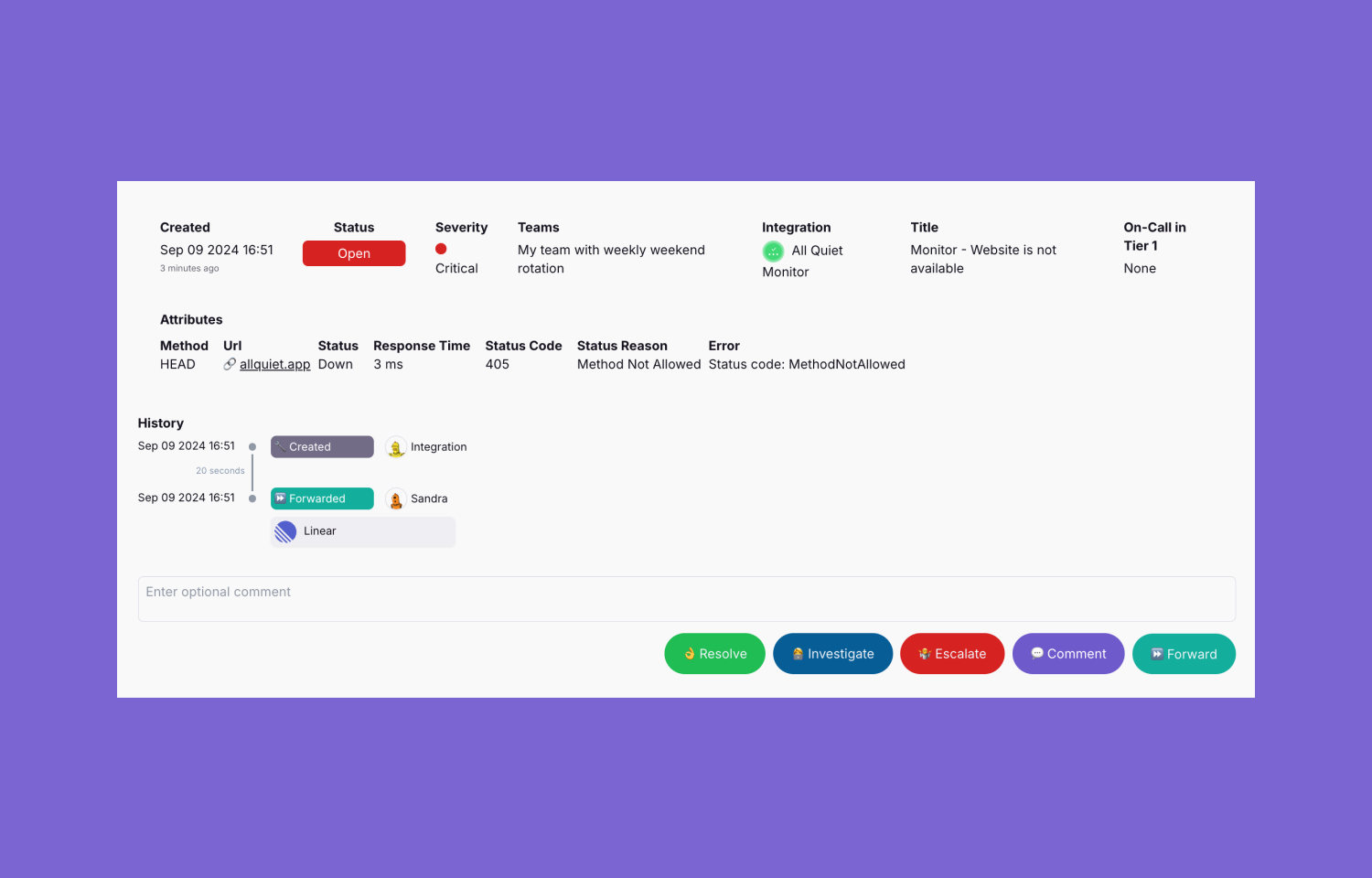
The All Quiet integration makes it easy to forward incidents detected by your monitoring and observability stack to Route5. Automatically create issues based on incident details and keep incident and issue state in sync. Don’t spend time on writing bug tickets. Spend it on fixing incidents.
How it works
All Quiet streamlines all alerts from your monitoring and observability stack in one plattform. Additionally, it supports an in-house monitoring software that creates incidents once your website is down.
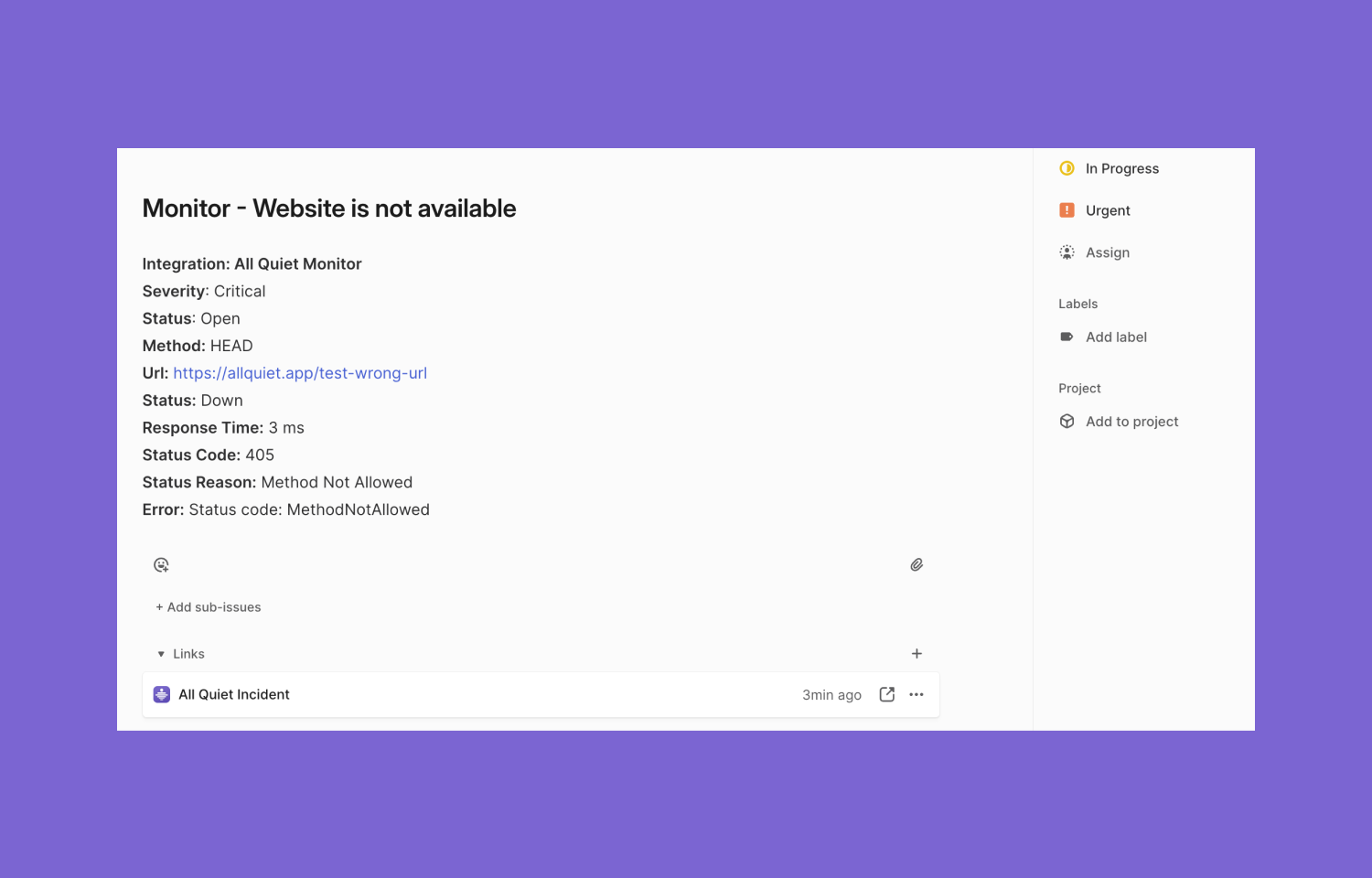
You can automatically create Route5 issues from these incidents, pre-filled with the incident’s details. You decide whether you want to automatically create issues for all incidents or whether you only want to forward specific incidents from All Quiet to Route5.
Moreover, you can configure a mapping and syncing between your Route5 workspace issue states and All Quiet incident states. This feature allows you to manage the whole incident from your Route5 workspace.
Configure
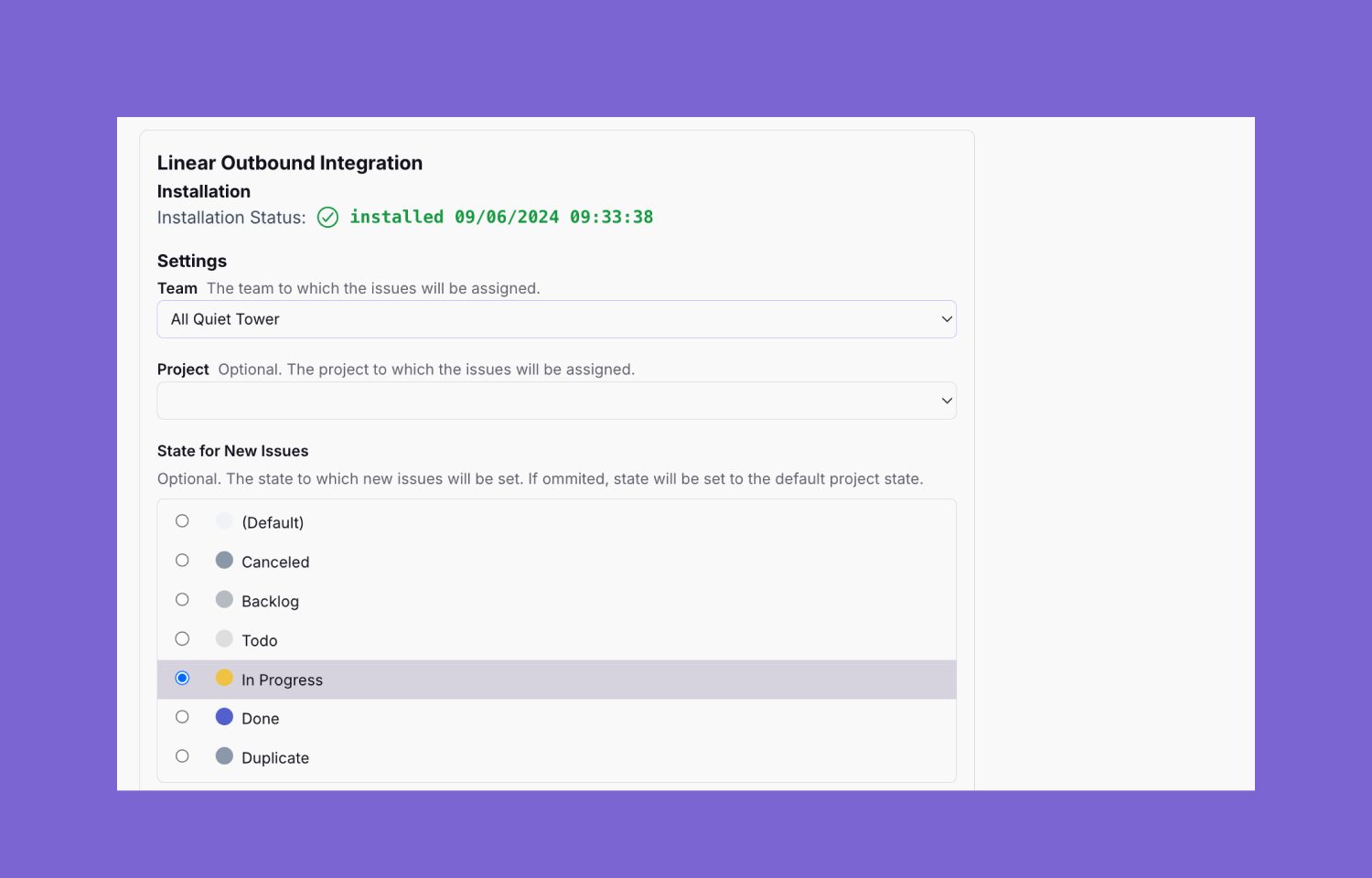
Route5 admins can configure this integration via their All Quiet team’s outbound integrations. Check out the All Quiet Website for a detailed integration guide.
Any member of your All Quiet team can forward incidents to Route5.