- Integrations
- Unthread
Automatically track & resolve support tickets right from Slack using AI
Overview
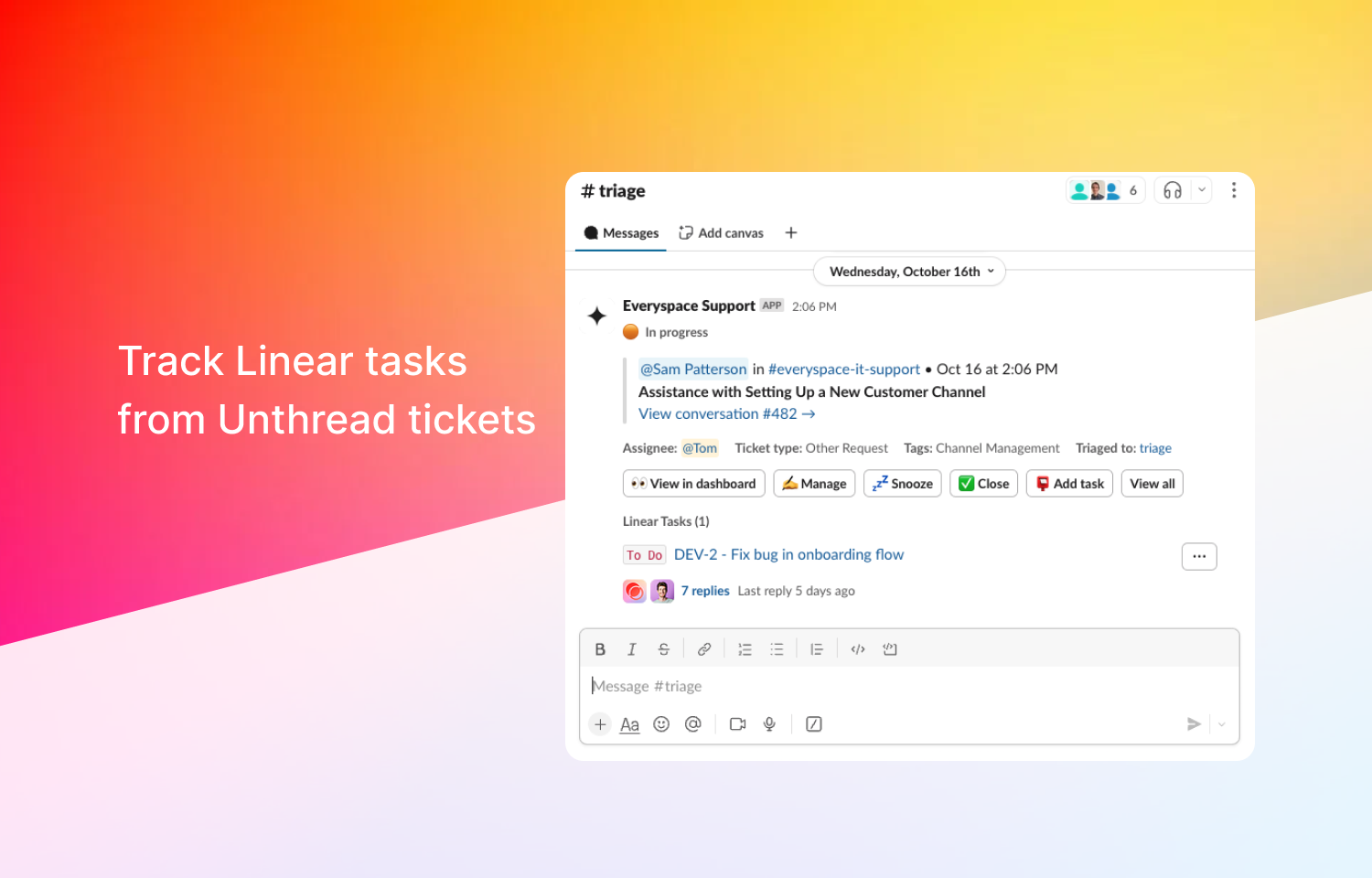
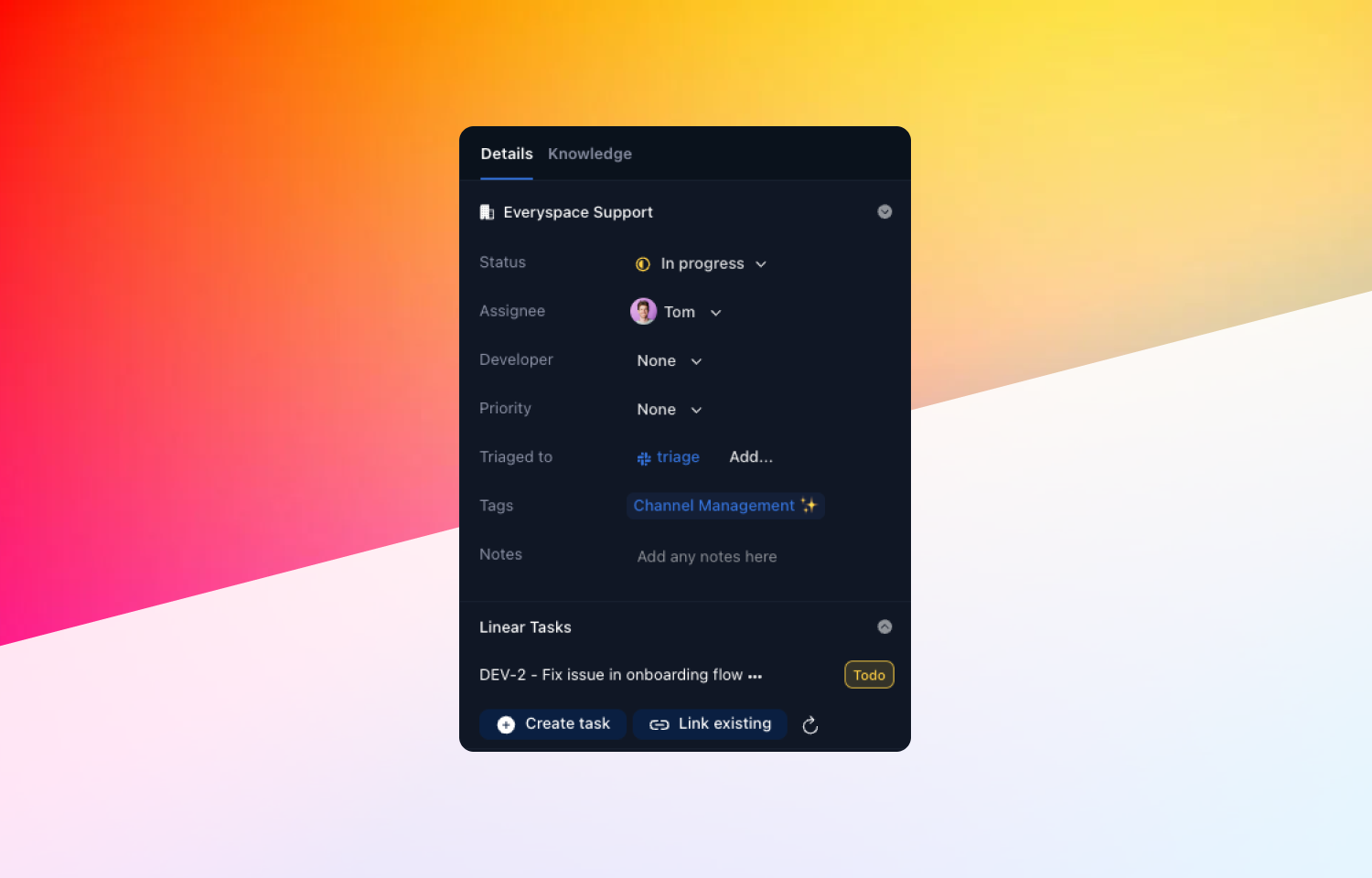
Unthread’s Route5 app helps you to easily sync issues to conversations happening in Slack. Support reps can create an issue in Route5, link it to their ticket, sync comments between Route5 and Slack, and get notifications when the linked tasks are completed so they can immediately let the end customer know that their issue is resolved.
How it works
Unthread’s Route5 integration keeps your Unthread tickets and Route5 issues in sync. You can easily create Route5 tasks from an Unthread-tracked conversation, where you can see task statuses and get notifications on task updates.
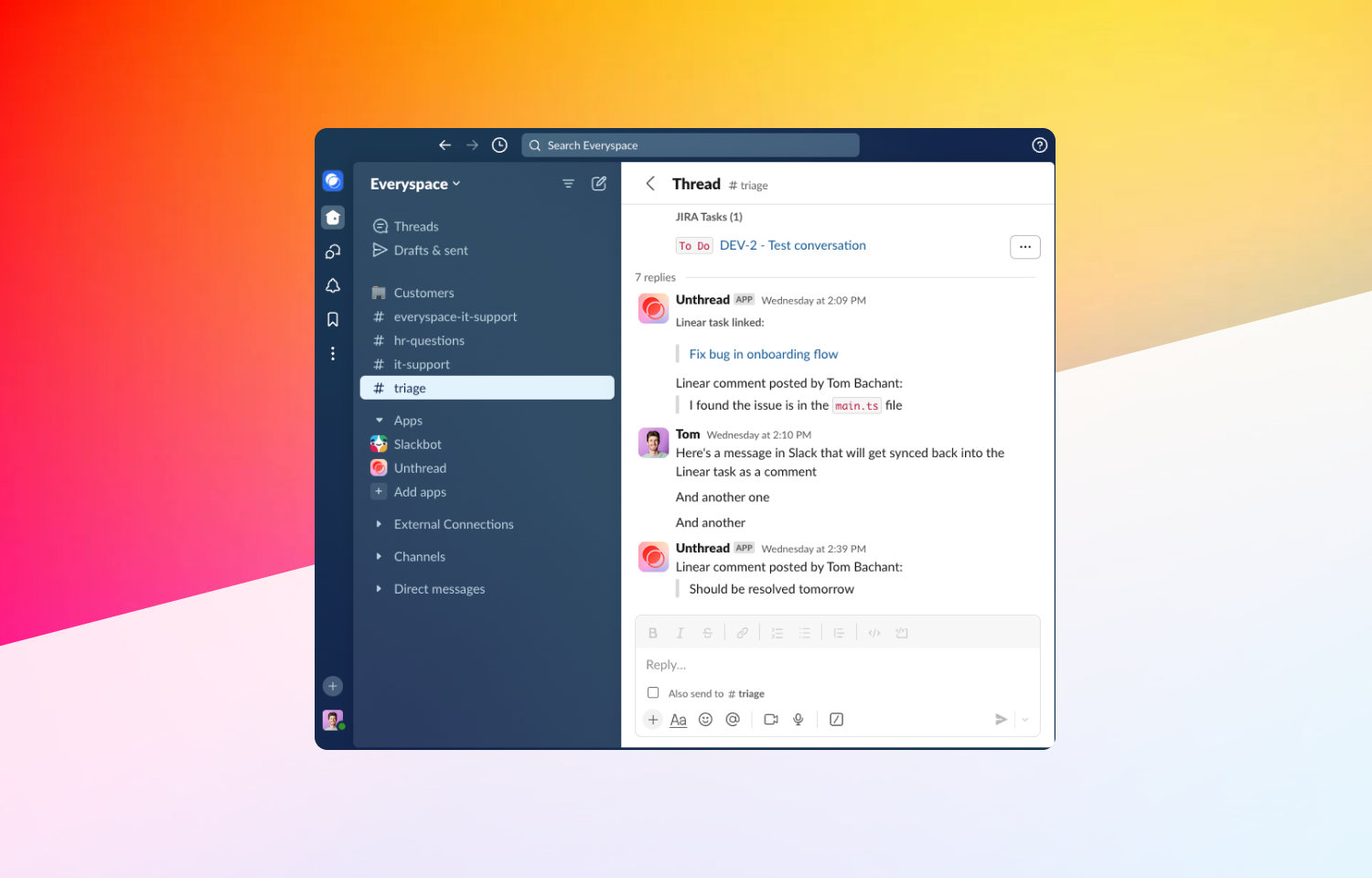
You can also set up message syncing, so messages sent from Slack or Unthread can be synced back into Route5, so every team is kept up-to-date on what’s happening. Similarly, Route5 comments can be sent back into Slack to be viewed by the support team.
Most importantly, you can set up notifications on task updates so the support rep talking to a customer will be notified when a blocking Route5 task is completed, and you can set up custom hooks to change ticket statuses or post messages to channels upon status changes.
Configure
You’ll need to be a platform admin. Head to the “Settings” > “Apps & Integrations” section, where you can install Route5 by filtering for “Task Managers”. From there, you can customize the integration settings of how you want to sync comments between Slack and Route5, and confirm.