- Integrations
- Truto
Build a customer-facing Route5 integration 100x faster
Overview
Truto helps build native integrations, fuss-free. Optimised for superior developer experience, operator teams can work with unified models across Route5 and other apps they use.
How it works
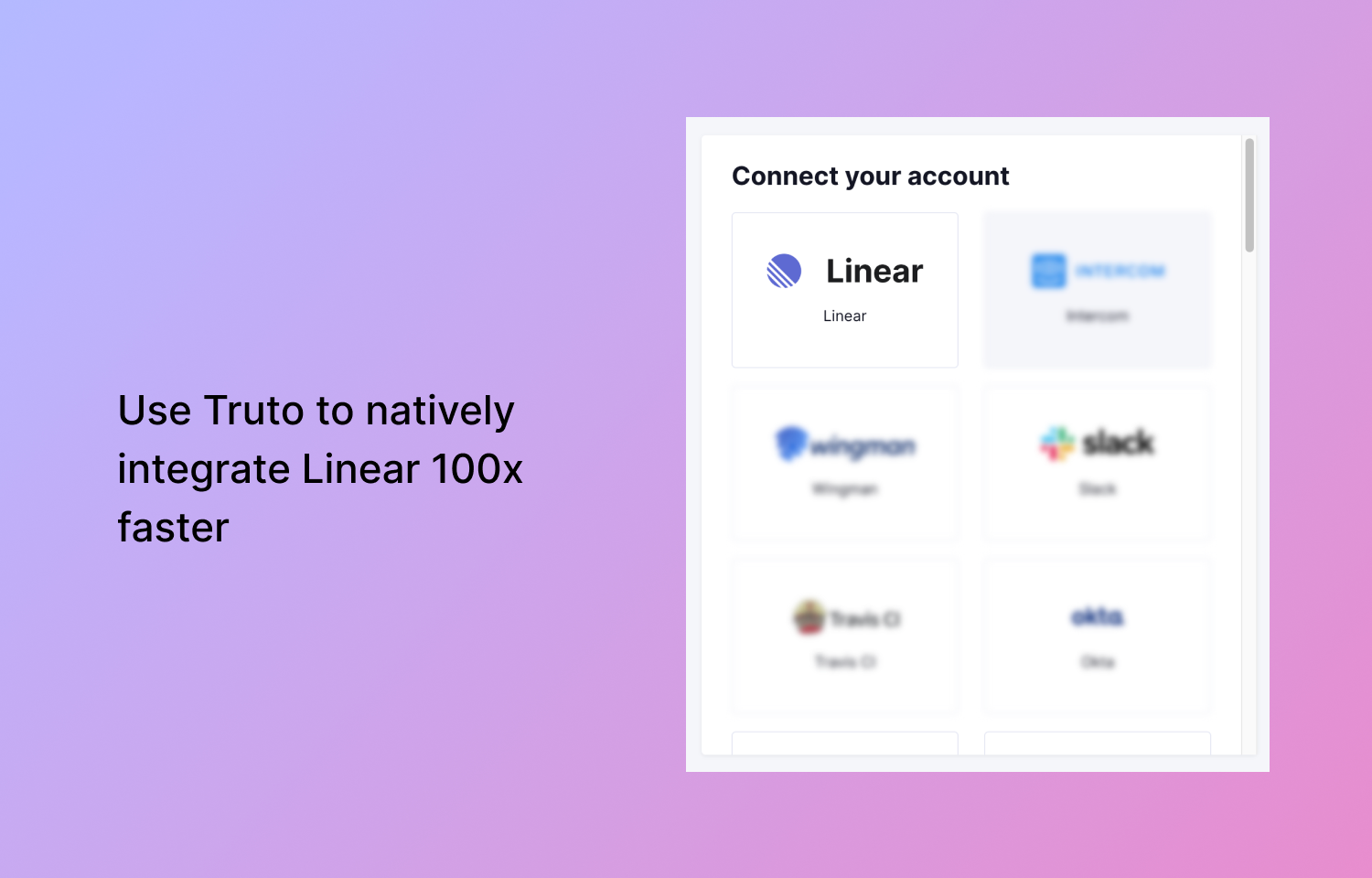
With the Truto <> Route5 integration, companies can natively integrate Route5 by simply enabling it on their Truto account. Once enabled, customers connect their Route5 accounts with your app using our drop-in UI. Additionally, you can use the frontend SDK from Truto to link accounts.
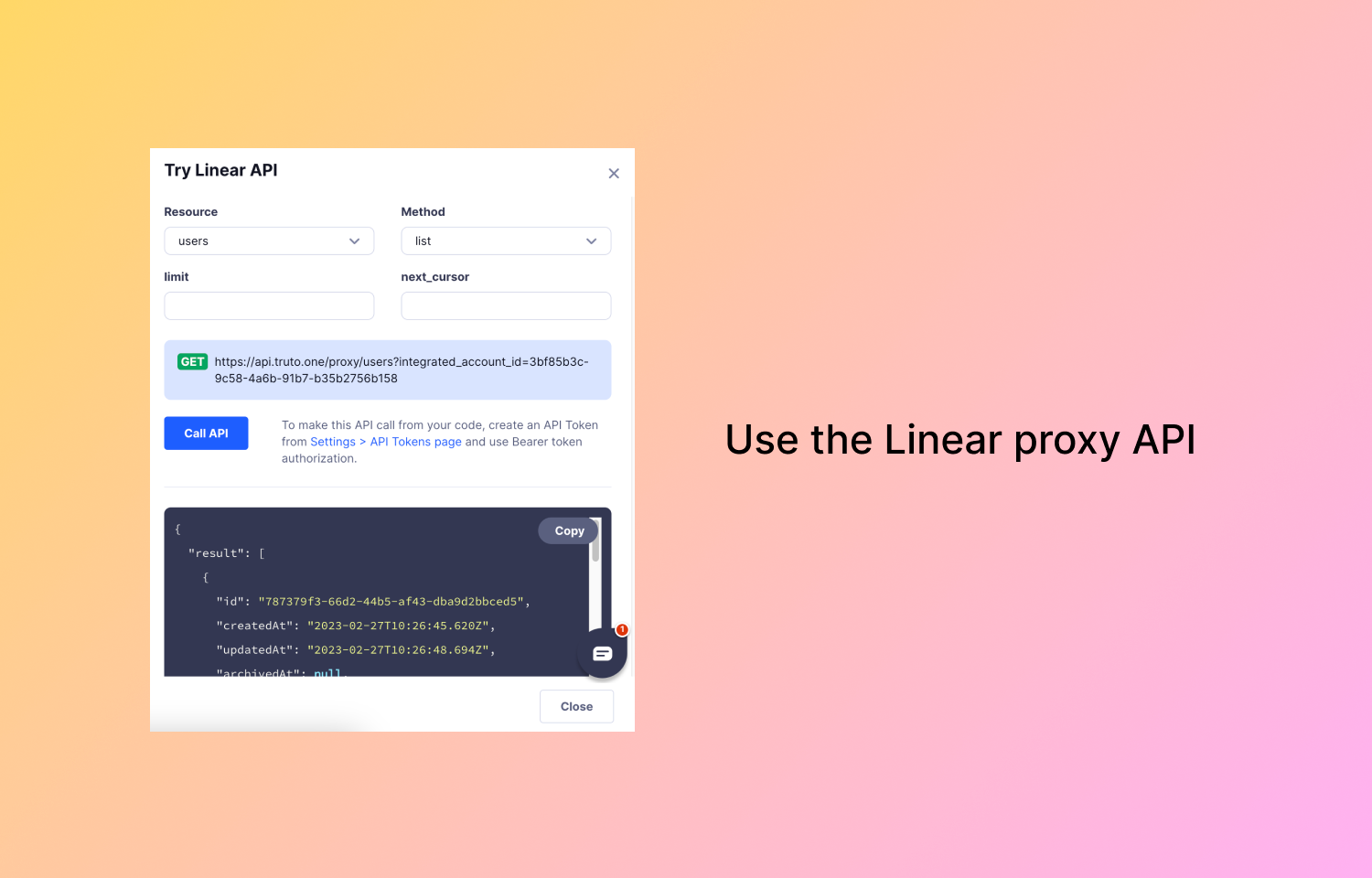
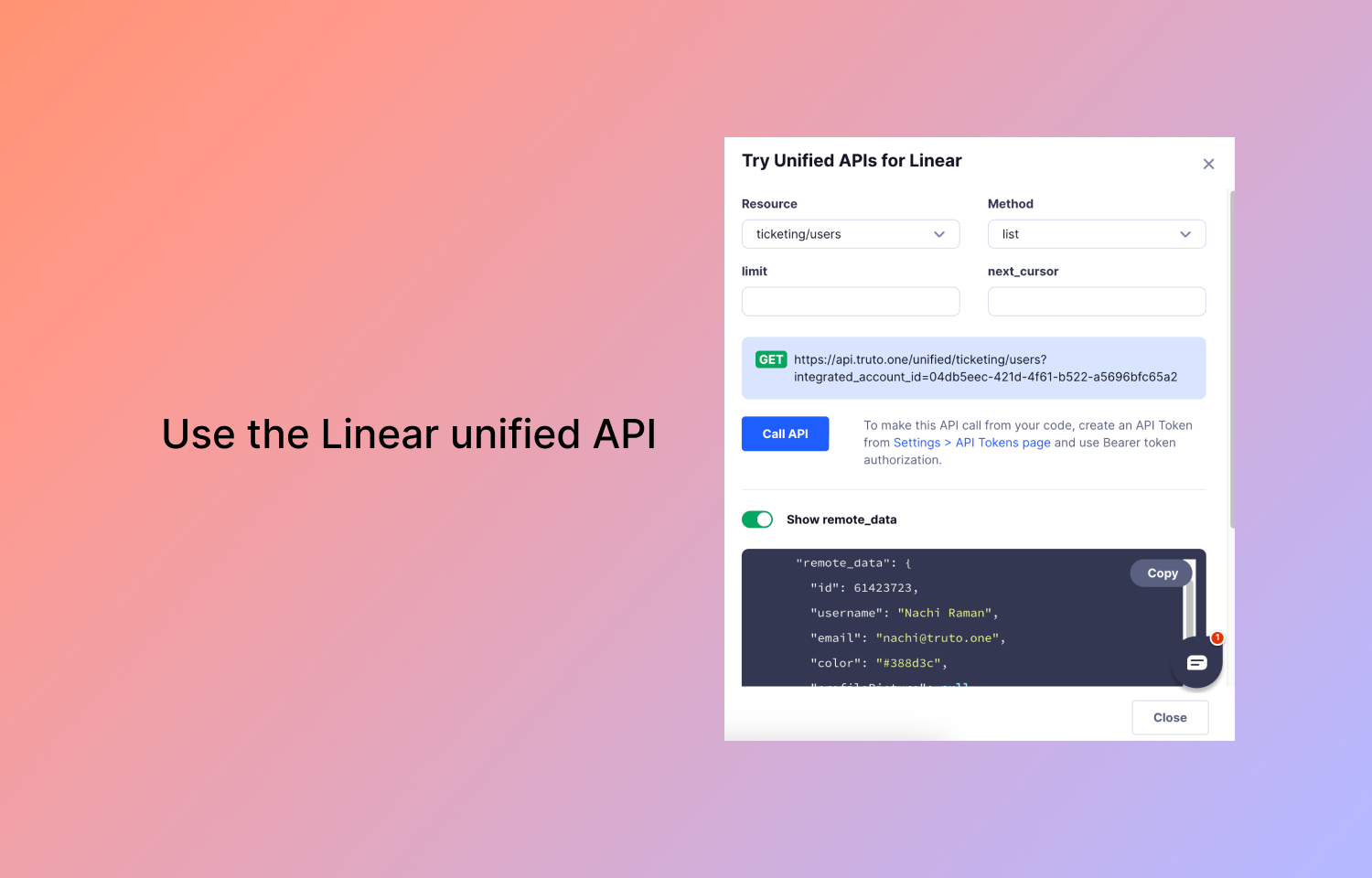
Once integrated, you can pull and push data to Route5 in real time using our proxy API or the unified API for Route5. Our unified APIs are built with developer experience in mind and you can work with the unified models across all other apps you use.
We take care of maintaining the integration — any changes in the Route5 API will be automatically reflected in your account so you are always on the latest version of the Route5 API.
Configure
Sign up for a Truto account, go to Integrations and click on Install. To use the unified models, go to unified APIs and install the unified ticketing API.