- Integrations
- Team O'clock
Estimate Route5 issues using planning poker, publish and sync Team O’clock retrospective action items in Route5
Overview
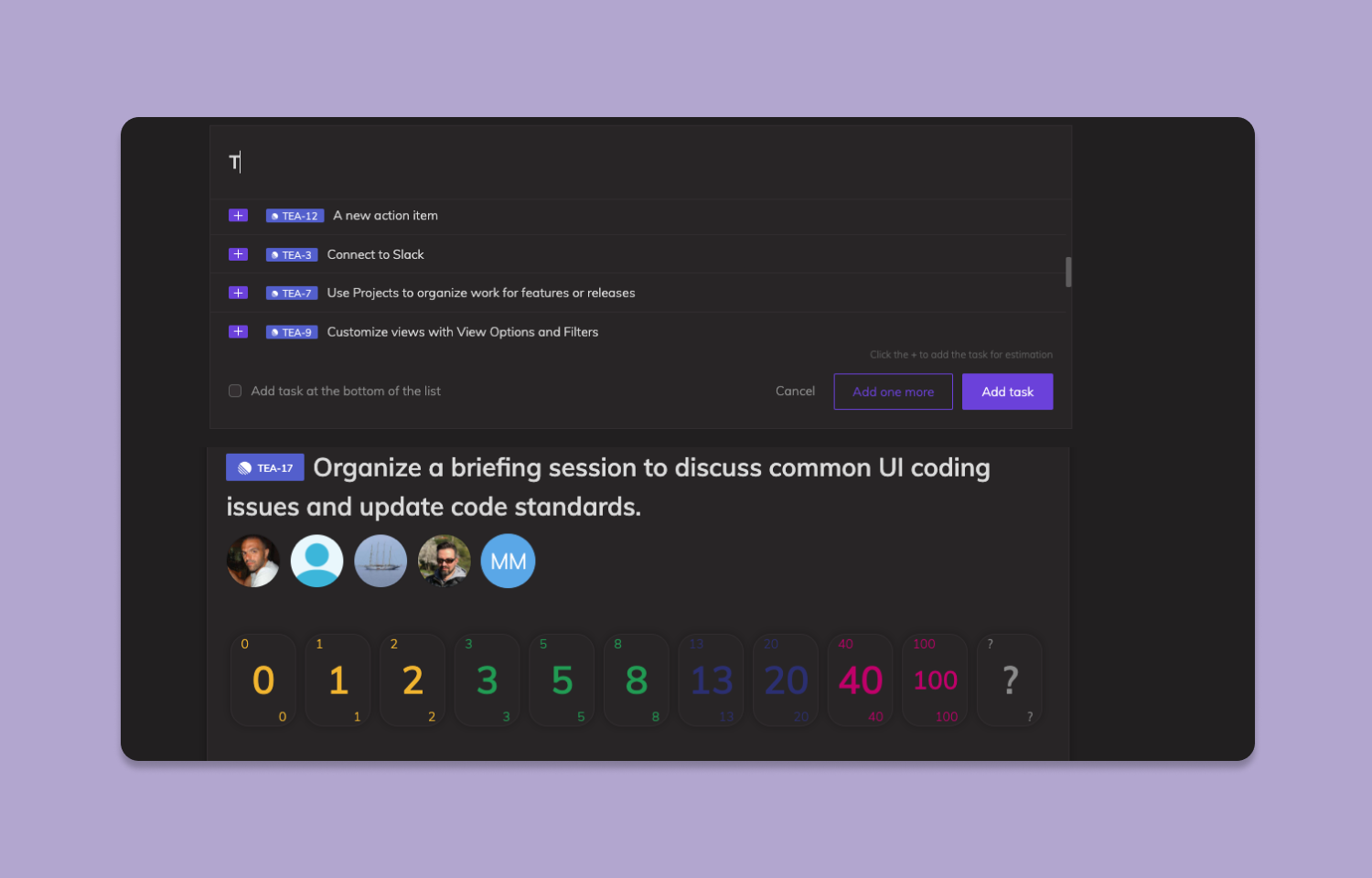
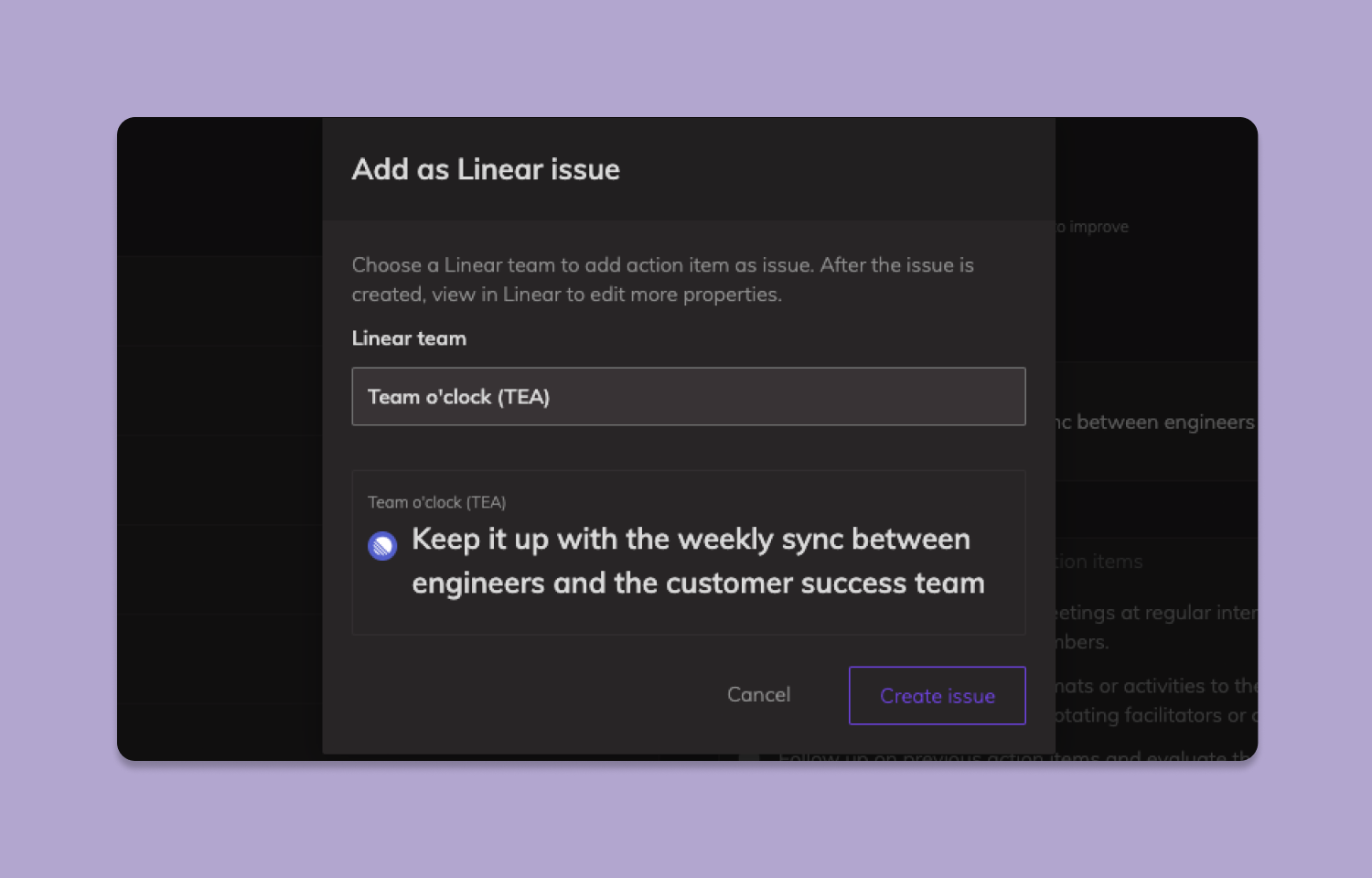
By integrating with Team O’clock, teams working remotely can utilize the planning poker technique to assign estimates to Route5 issues, reducing bias and leading to more precise estimations. Furthermore, if teams conduct retrospectives in Team O’clock, they can synchronize their action items with Route5 automatically and track their progress within the Route5 platform.
How it works
This integration connects Route5 with Team O’clock, a platform that facilitates agile ceremonies for remote teams. With the integration in place, teams performing planning poker estimation meetings in Team O’clock can easily retrieve Route5 issues and add them for estimation. The average voting result is automatically reflected in the corresponding Route5 issue.
Teams conducting retrospective meetings in Team O’clock, can generate action items directly in Route5, enabling them to monitor their workflows and track progress. If a relevant Route5 issue is resolved, the integration also updates the corresponding action item in Team O’clock via a bi-directional sync.
Configure
To configure the integration you must be a Team O’clock administrator.
1. Sign-in to your Team O’clock account.
2. Visit the integrations page and locate the Route5 integration.
3. Select Route5 > Connect to Route5 > Authorize Route5.
4. Follow the instructions on the authorization screen and accept the integration.
5. You will be redirected back to Team O’clock and the integration will appear as active.