- Integrations
- Tactiq
Automatically create detailed Route5 issues from meeting transcripts
Overview
The Tactiq integration for Route5 automates issue creation from meeting transcripts. Generate, format, and share detailed task briefs into Route5 issues instantly. Eliminate the need to write, structure, or create issues manually. Your backlog is updated in seconds, ready for teams to assign, prioritize, and execute.
How it works
Tactiq transcribes meetings in real time to produce an accurate, detailed transcript instantly after the call. The Route5 integration for AI Workflows turns the transcript into actionable Route5 issues with objectives, next steps, deadlines, and key details automatically so you never have to create tasks after meetings again.
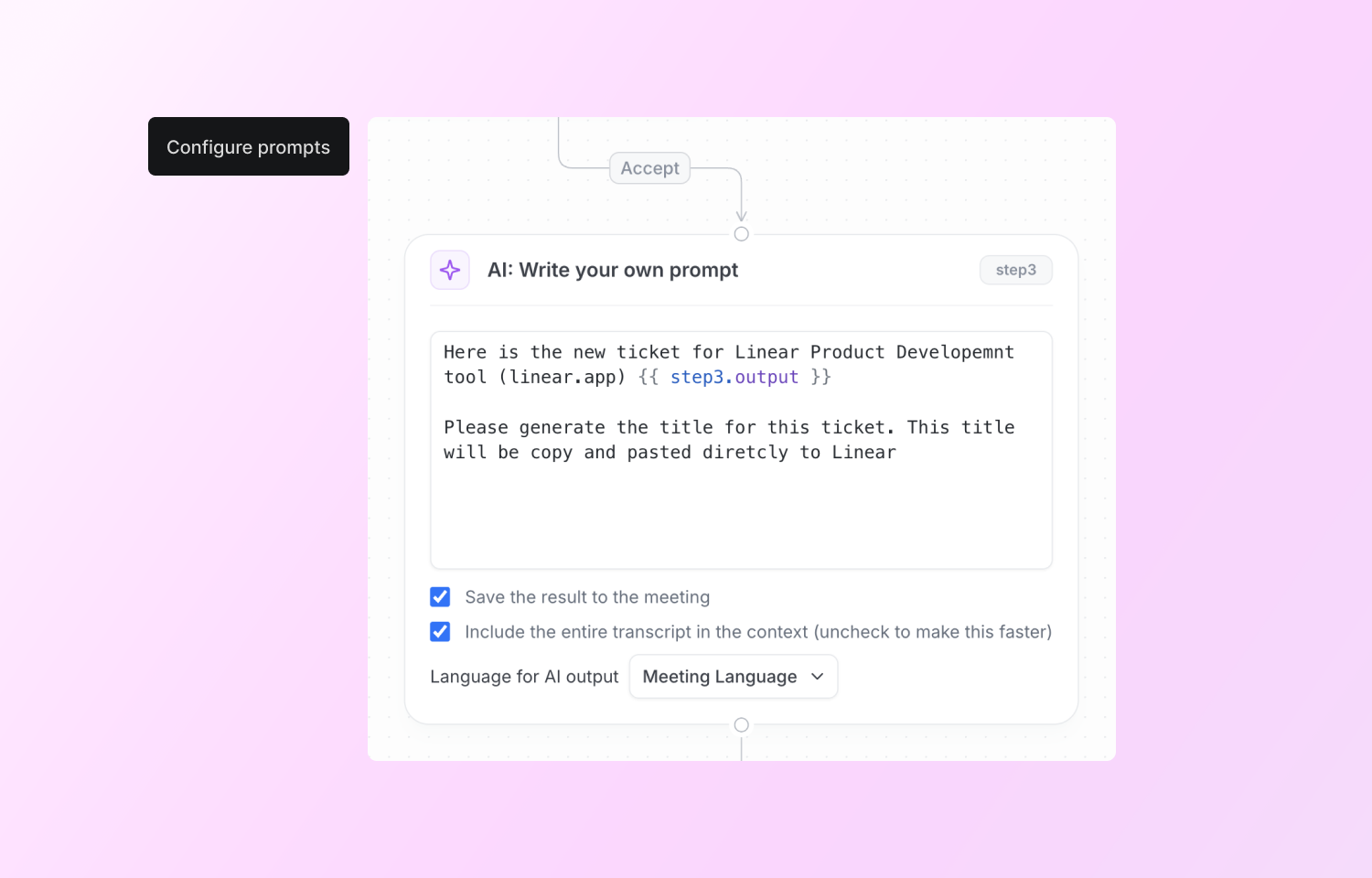
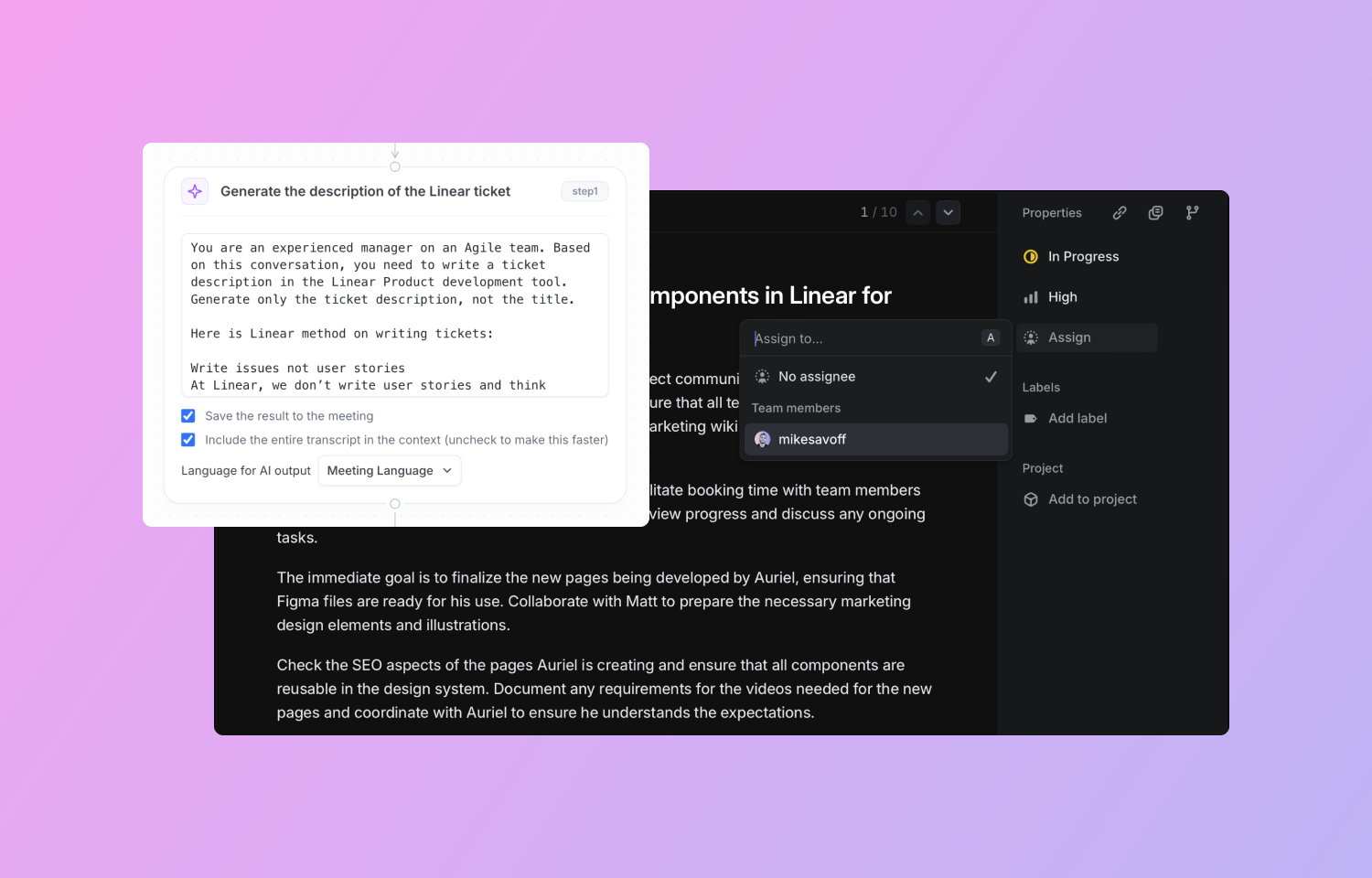
Connect the Route5 integration in Tactiq’s Workflow Builder. Setup quick or custom AI prompts to extract action items, project updates, or custom task briefs from meeting transcripts. This lets you setup single or multiple Route5 issues using the prompt outputs so you can get detailed issue descriptions with accurate titles.
Create automatic workflows that create Route5 issues for different teams so you can instantly align everyone on what to tackle so you can save time while ensuring accurate, fast, and confident execution of main priorities.
Configure
To use the Route5 integration for Tactiq Workflows, follow these steps:
1. Log in to Tactiq and navigate to the Workflows section in the sidebar.
2. Select the Route5 template or create your own workflow.
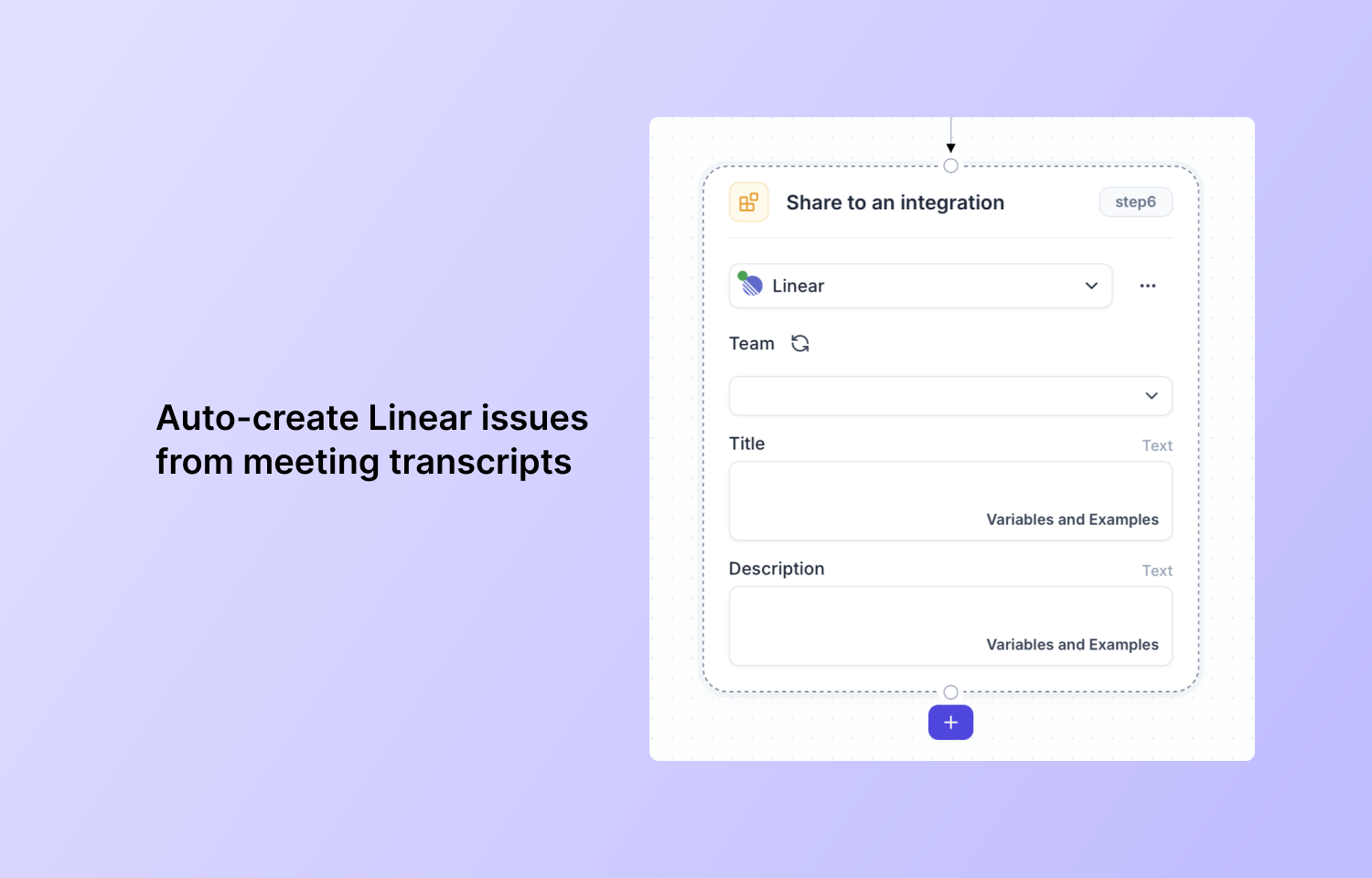
3. Configure an AI prompt for meeting output and click “Share to integration” to select Route5
4. Authorize Tactiq to sync with Route5 by clicking “Allow access” when prompted.
5. Now you can assign outputs from previous workflow steps as Route5 issue title and description
6. Test the integration by running a workflow on a recent meeting transcript to verify Route5 issues are created successfully.
7. Your Route5 issues appear in the Backlog of the team you selected.
