- Integrations
- Superlist
See assigned issues from Route5 in Superlist, get updates and see comments
Overview
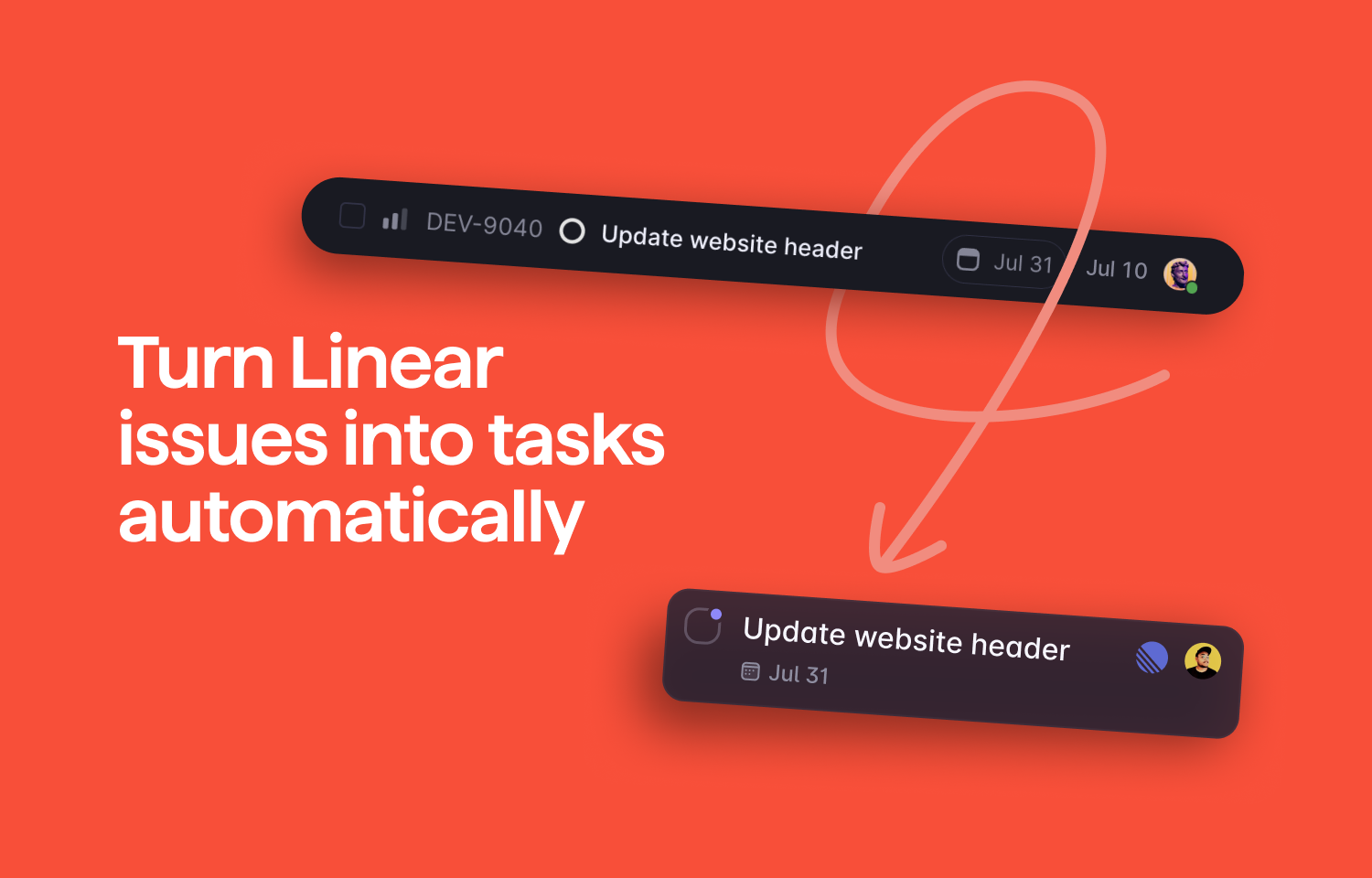
With the Superlist x Route5 integration, you can keep track of issues as tasks in Superlist.
How it works
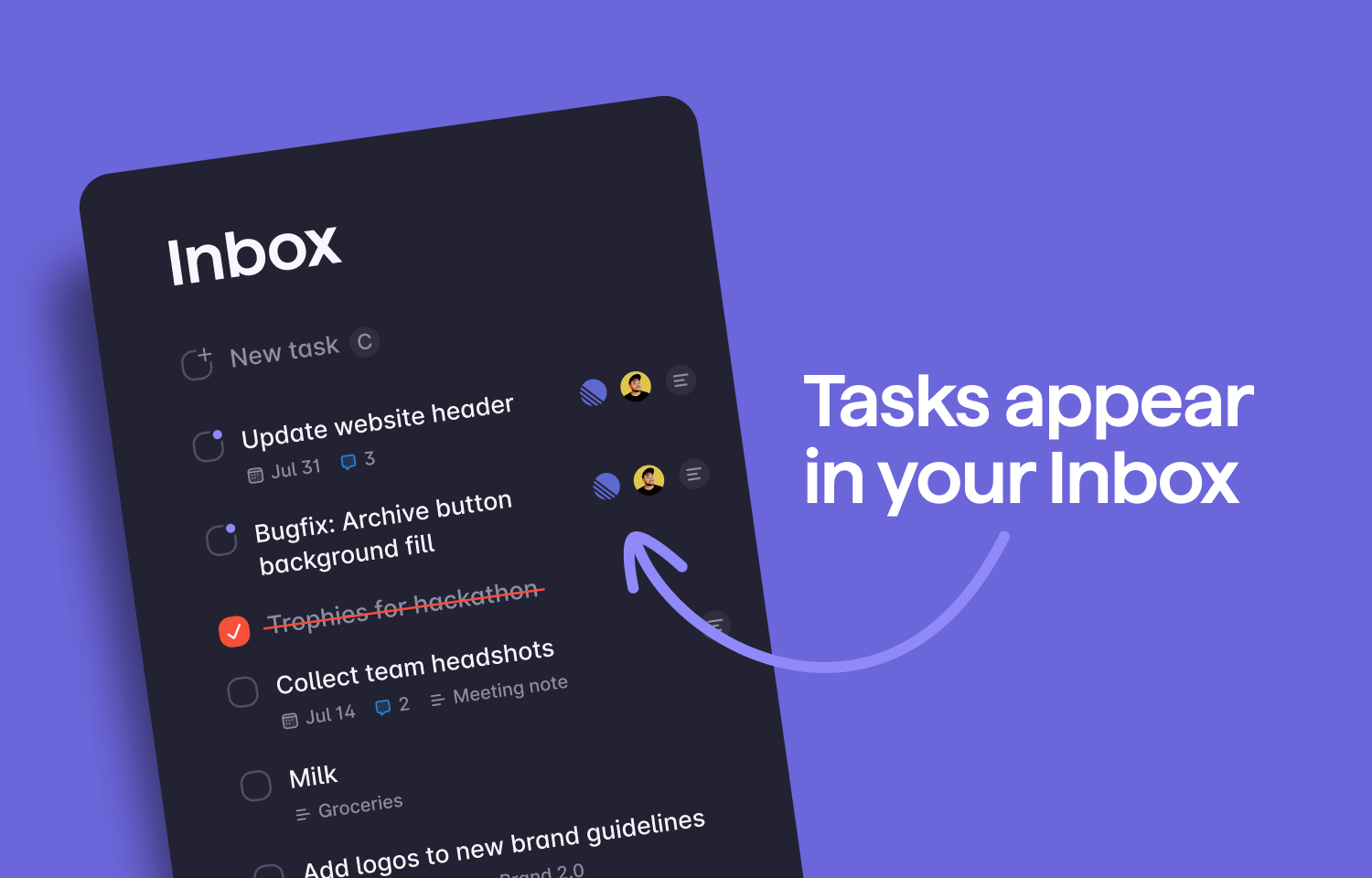
The Superlist integration for Route5 will automatically create Superlist tasks in your Inbox when a Route5 issue is assigned to you.
Additionally, it will synchronize the status of issues (opened - closed) and you can configure it in settings.
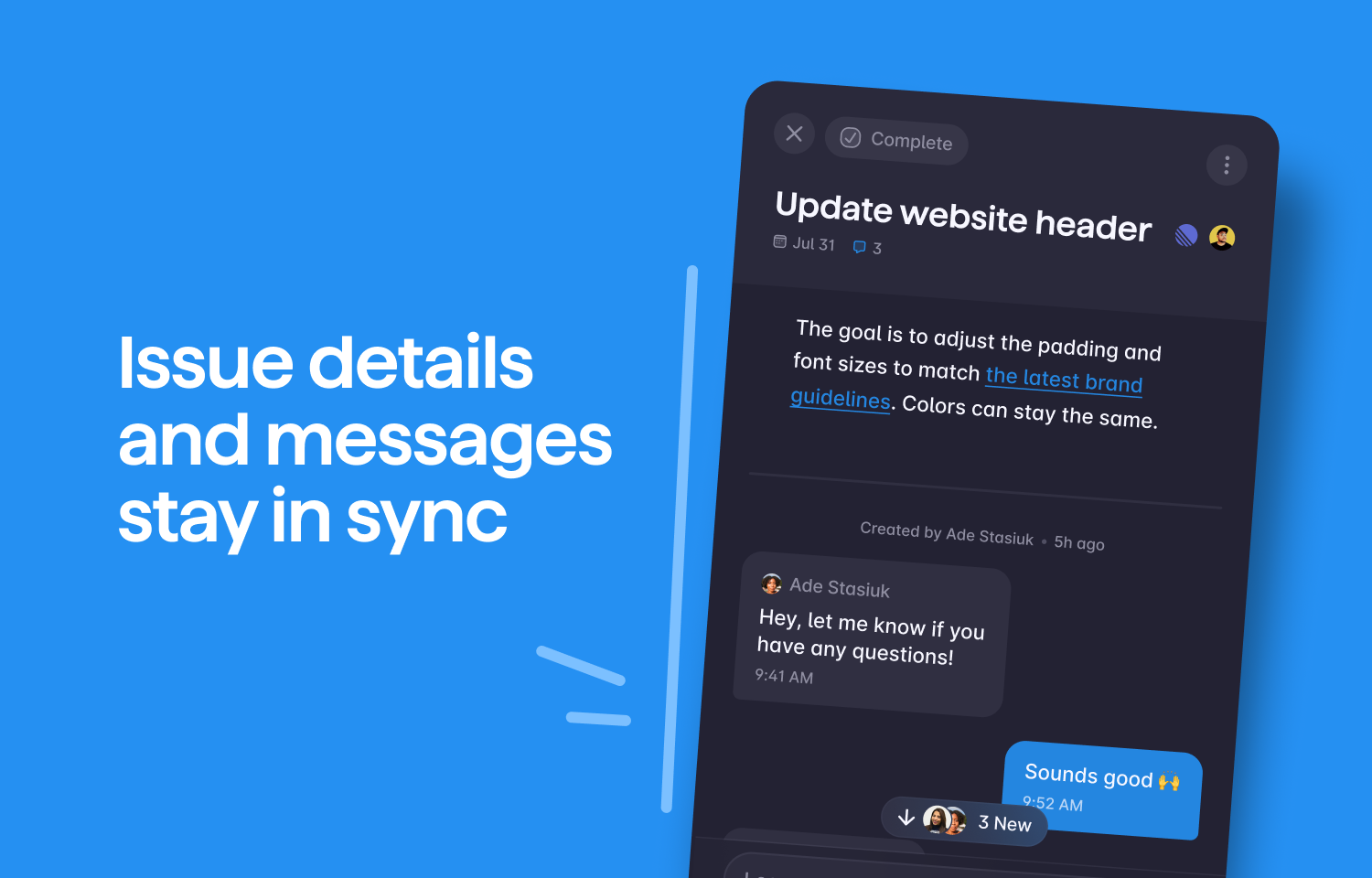
Comments from Route5 issues will appear in the connected Superlist task and there will be a link back to the Route5 issue from within Superlist.
Configure
You can connect multiple Route5 accounts to Superlist. Here’s how:
- Click on Settings and navigate to Integrations.
- Locate Route5 in the list and click Configure.
- Select Connect account and a new window will open.
- Click Authorize Superlist.