- Integrations
- Secoda
Sync data requests bi-directionally between Secoda and Route5
Overview
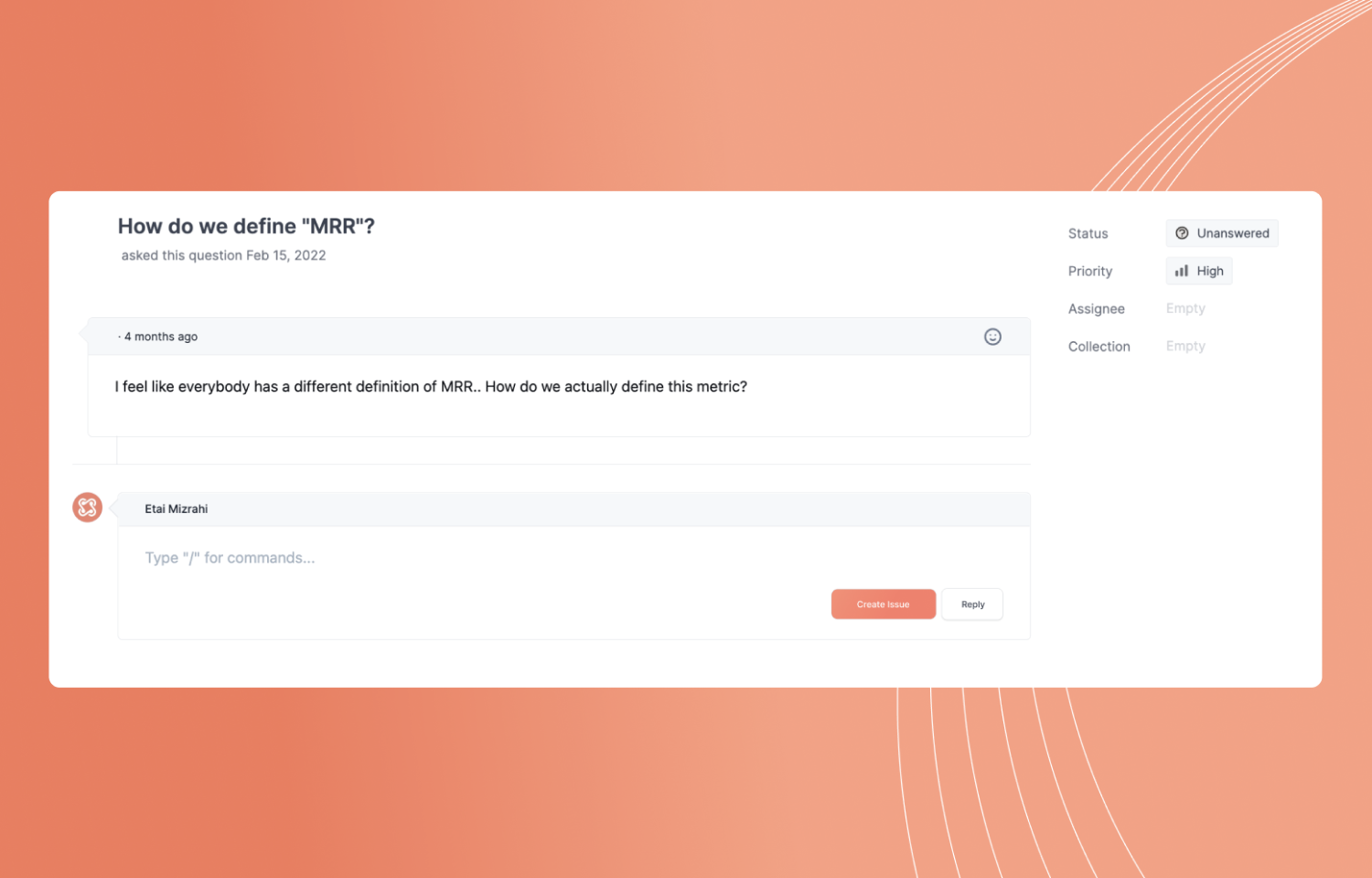
Secoda syncs data requests with Route5 to help data teams create a central knowledge repository for all employees to search. That way, employees trying to use data can get the insights they need to ship better product up to 10x faster.
How it works
As the data team scales, managing data requests can become difficult. With Secoda and Route5, data teams can ensure that they never answer the same question twice while sending all escalations to route5.
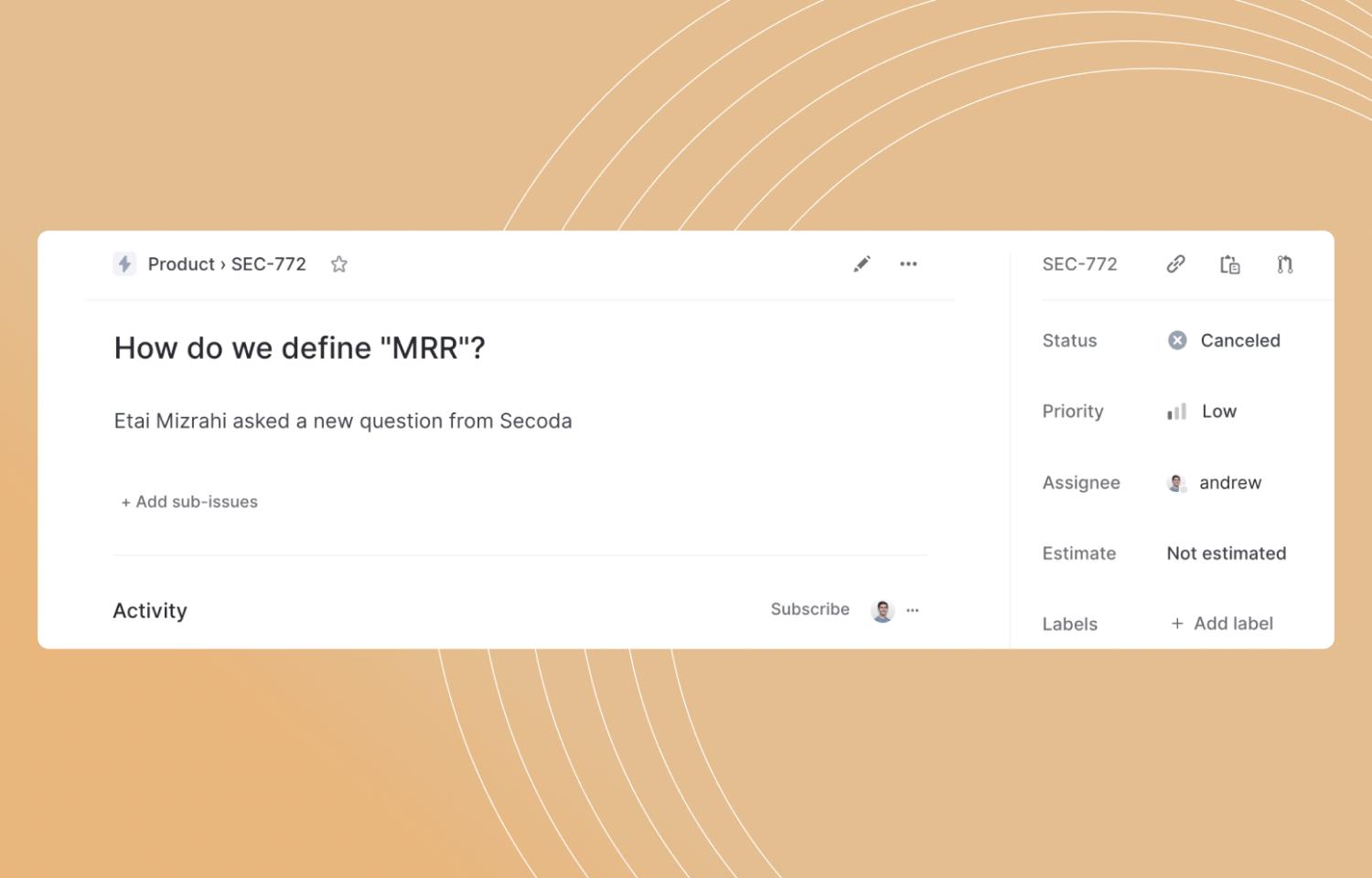
As a data team, you can assign a member of your team to a question through Secoda, which is automatically synced based on the email address of the assignee existing in both Secoda and Route5.
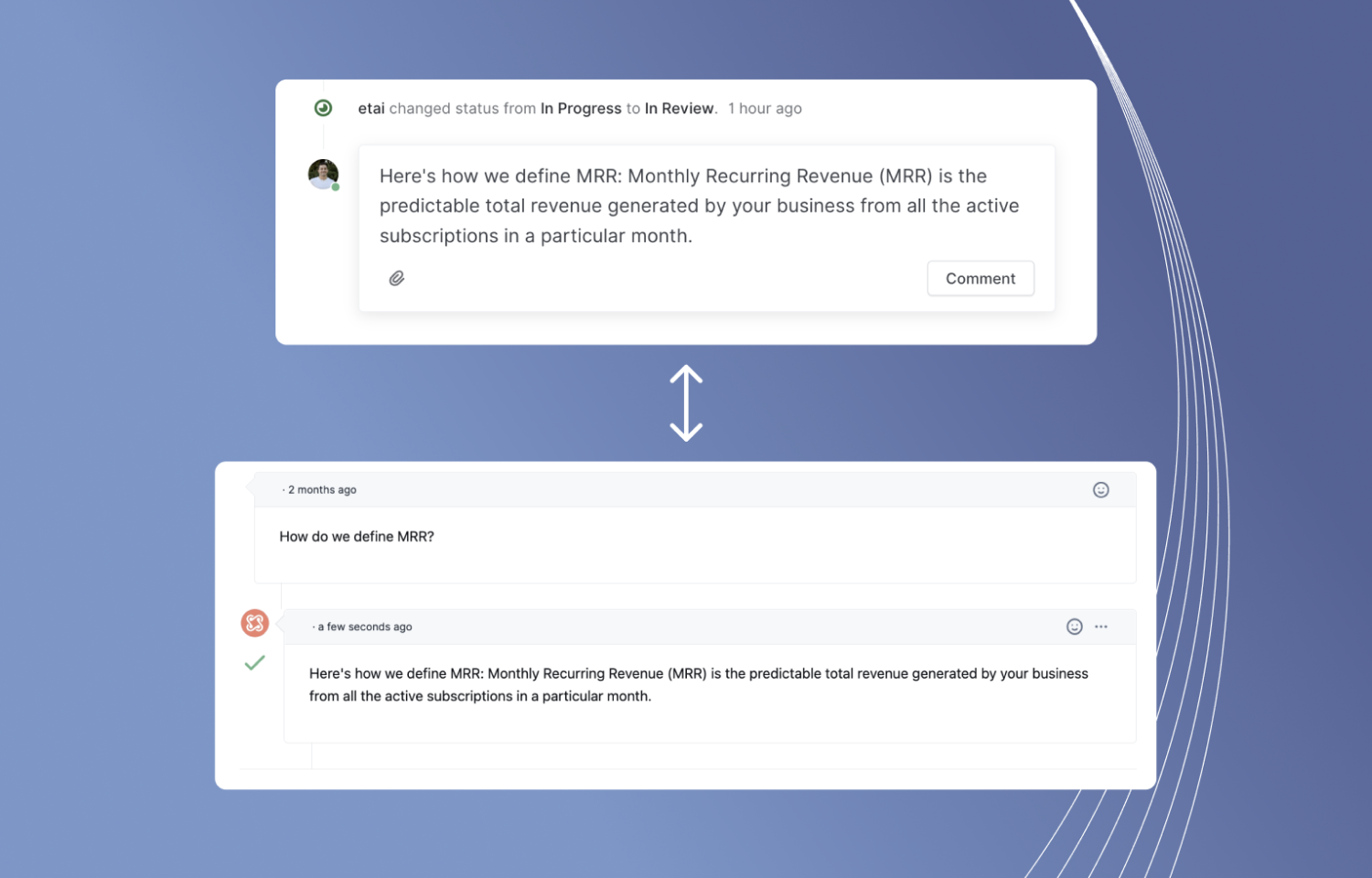
Additionally, data teams can update the status of the question on Route5 and automatically update it on Secoda. This allows data teams to receive questions using the Secoda data portal and respond to them in their method of choice without missing out on any any scattered knowledge.
Configure
Create an admin account on Secoda and follow the instructions at the install link.