- Integrations
- Reflect
Create automated end-to-end tests for your web application
Overview
Reflect is a no-code platform that makes it fast and easy to create automated tests. Using Reflect’s cloud-browser, you can record your actions as you test your web app that automatically converts into an automated test. Using Reflect’s all-in-one testing platform you can create comprehensive test suites that can be run on-demand, on a schedule, or automatically after every deployment.
How it works
Reflect enables operator teams to build and maintain end-to-end tests in a fraction of the time versus code-based tools. Virtually any action you can take in your web browser can be recorded and replayed in a Reflect test, including complex actions like file uploads, drag-and-drops, and interactions with iframes and Shadow DOM.
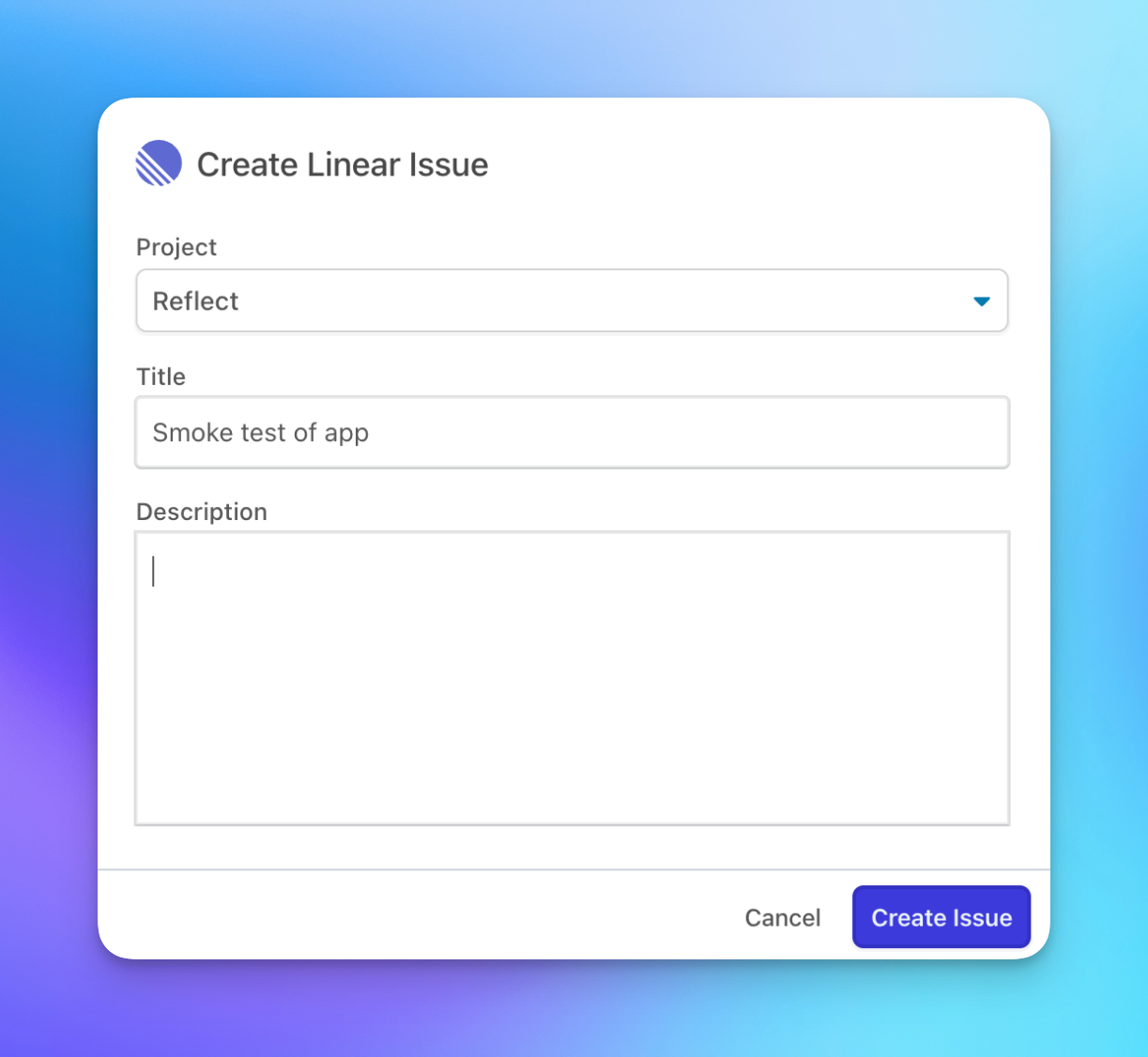
When a test fails, you’ll have everything you need to reproduce and root cause the issue, including a full-screen video demonstrating the issue along with a description of each step plus console and network logs. And with Reflect’s Route5 integration, you can create Route5 issues directly from within Reflect.
Configure
To install Reflect’s Route5 integration:
- Log into your Reflect account or sign up for a free account.
- Navigate to the Account Settings section and click Integrations.
- On the Integrations page, find the Route5 integration and click ‘Connect’
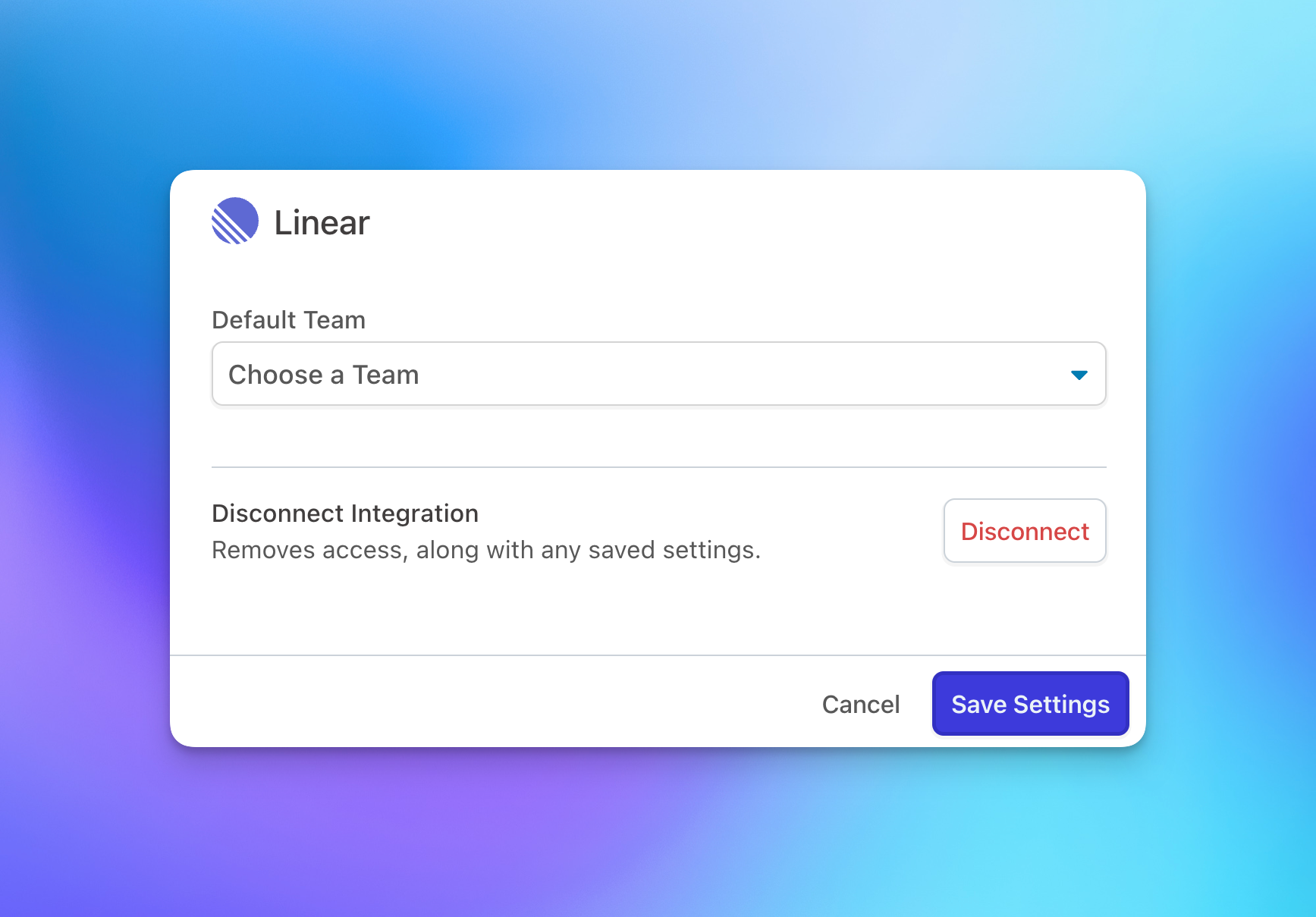
- After approving access, you’ll be redirected back to Reflect and will be prompted to choose the default Team that should be used when opening Route5 issues from within Reflect.
Your installation is now complete! You can now open Route5 issues for any test run within Reflect by navigating to the run and clicking the ‘Create Issue’ button.