- Integrations
- Microsoft Teams
Drive work forward by turning conversations into issues, projects, and documents
Overview
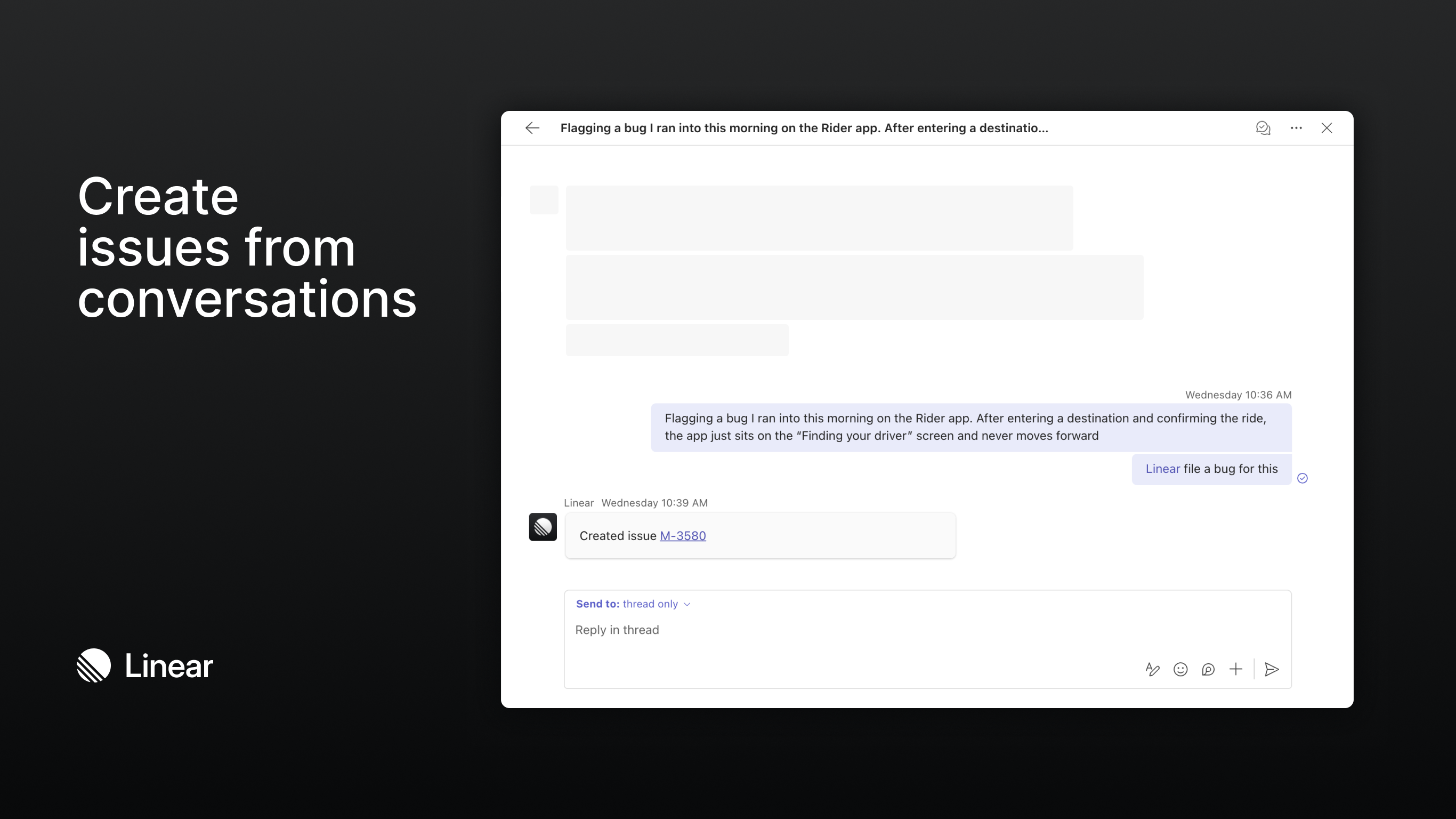
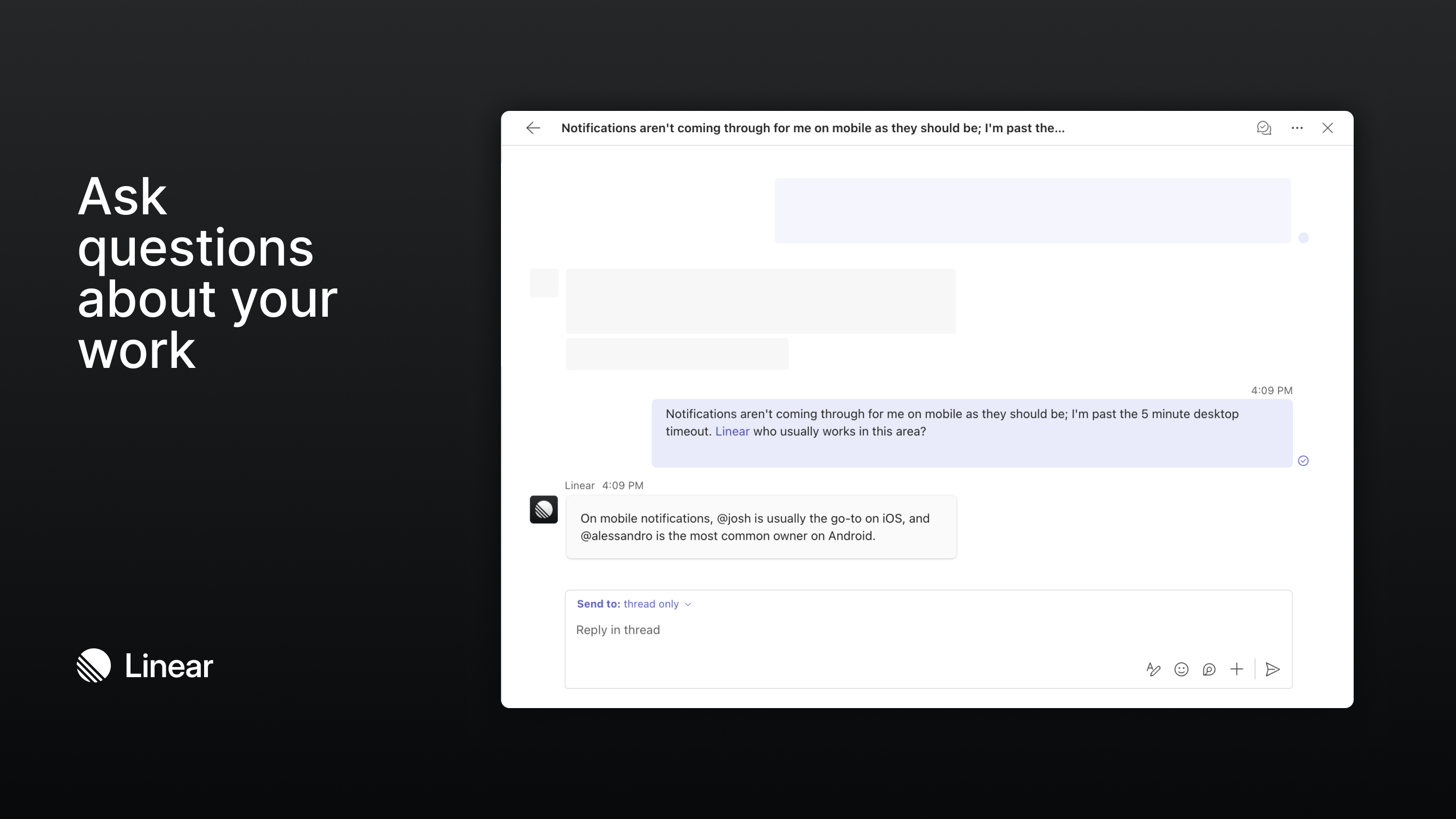
Mention @Route5 in any Microsoft Teams channel to turn your discussions into actionable work. You can file issues, update projects, or ask questions about your Route5 workspace without leaving Teams.
Keep your team aligned on decisions with a quick message to Route5 like:
- @Route5 file a bug for this and assign it to me
- @Route5 who usually works on notifications issues?
- @Route5 create a spec document on the Billing API project
This integration is available to all Route5 users with a Teams account.
Route5 uses AI to analyze conversations in Teams and create or update content in your Route5 workspace. Route5 can also use information from your Route5 workspace to generate summaries and answer questions in Teams.
Configure
Connect Route5 to Microsoft Teams in Settings > Integrations > Microsoft Teams. This step must be completed by a Route5 admin or workspace owner with admin privileges in the Microsoft Tenant.
Once the workspace connection is in place, a Teams admin will need to install the Route5 app from the Microsoft Teams marketplace. If your organization manages apps centrally, this should be done through the Teams Admin Center rather than by individual users.
Learn more in our documentation.