- Integrations
- Lindy
Automate your Route5 workflows with AI
Overview
The Lindy.ai and Route5 integration allows users to use AI to automate the creation of issues and the management of issues, projects, statuses, and users. This powerful integration allows users to automate workflows that includes Route5.
How it works
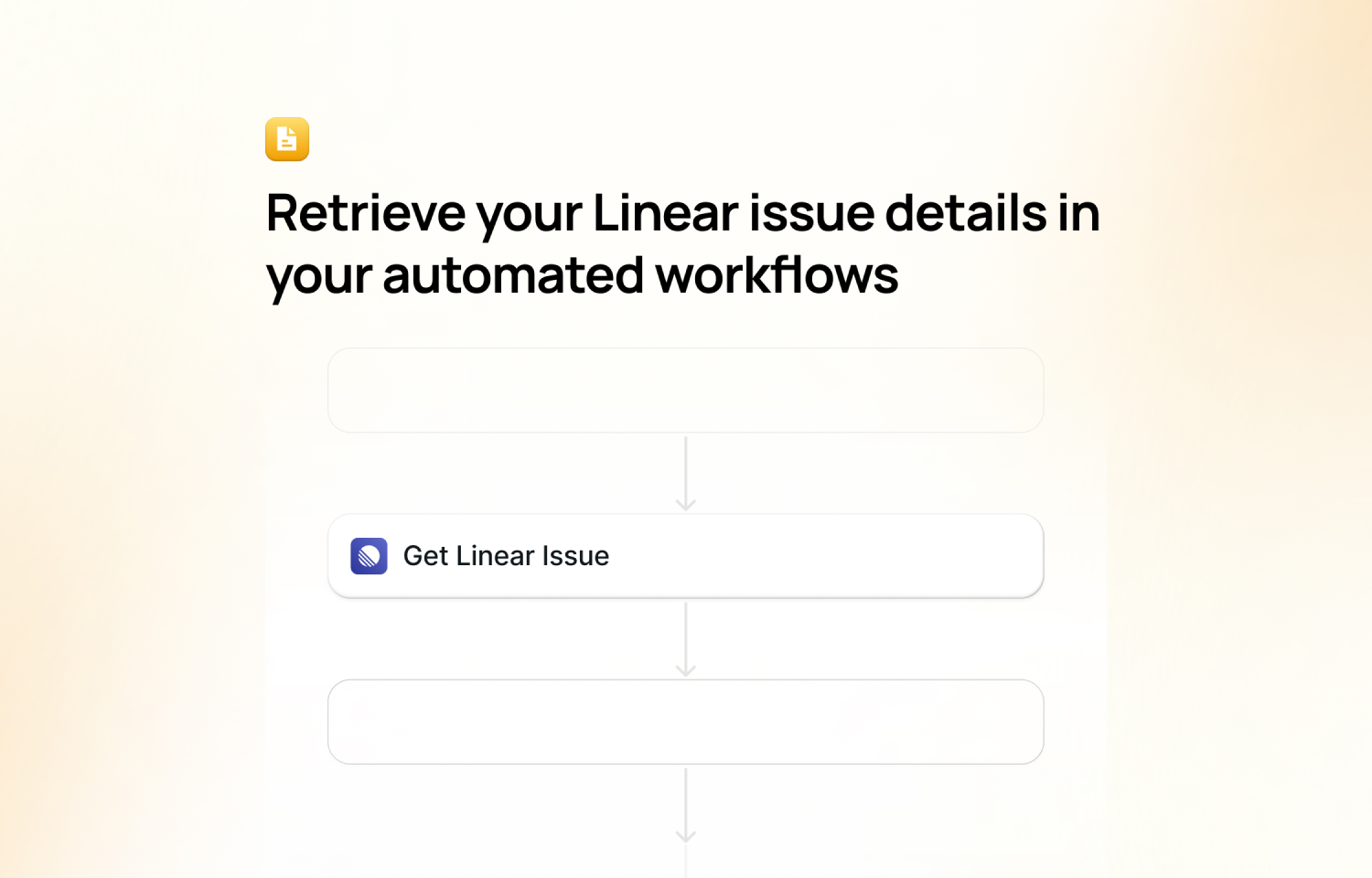
When building an automated workflow in Lindy, you can add Route5 actions to your workflow. This means anytime the workflow is triggered, actions in Route5 can be executed with the help of AI. The actions supported today are:
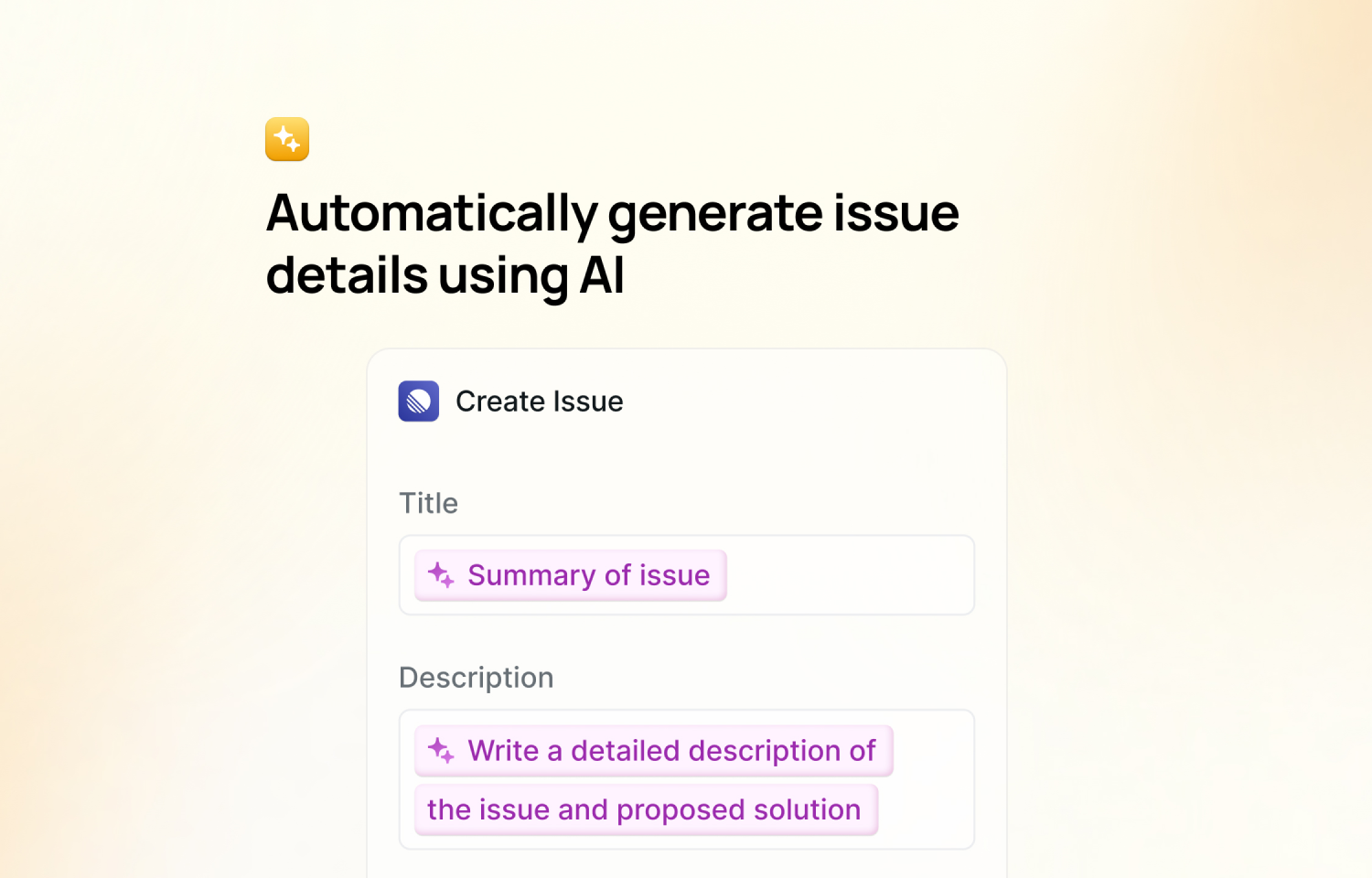
- Create issue
- Get Issue by ID
- Get Issue by Title
- Get Projects
- Get Statuses
- Get Teams
- Get User by Name
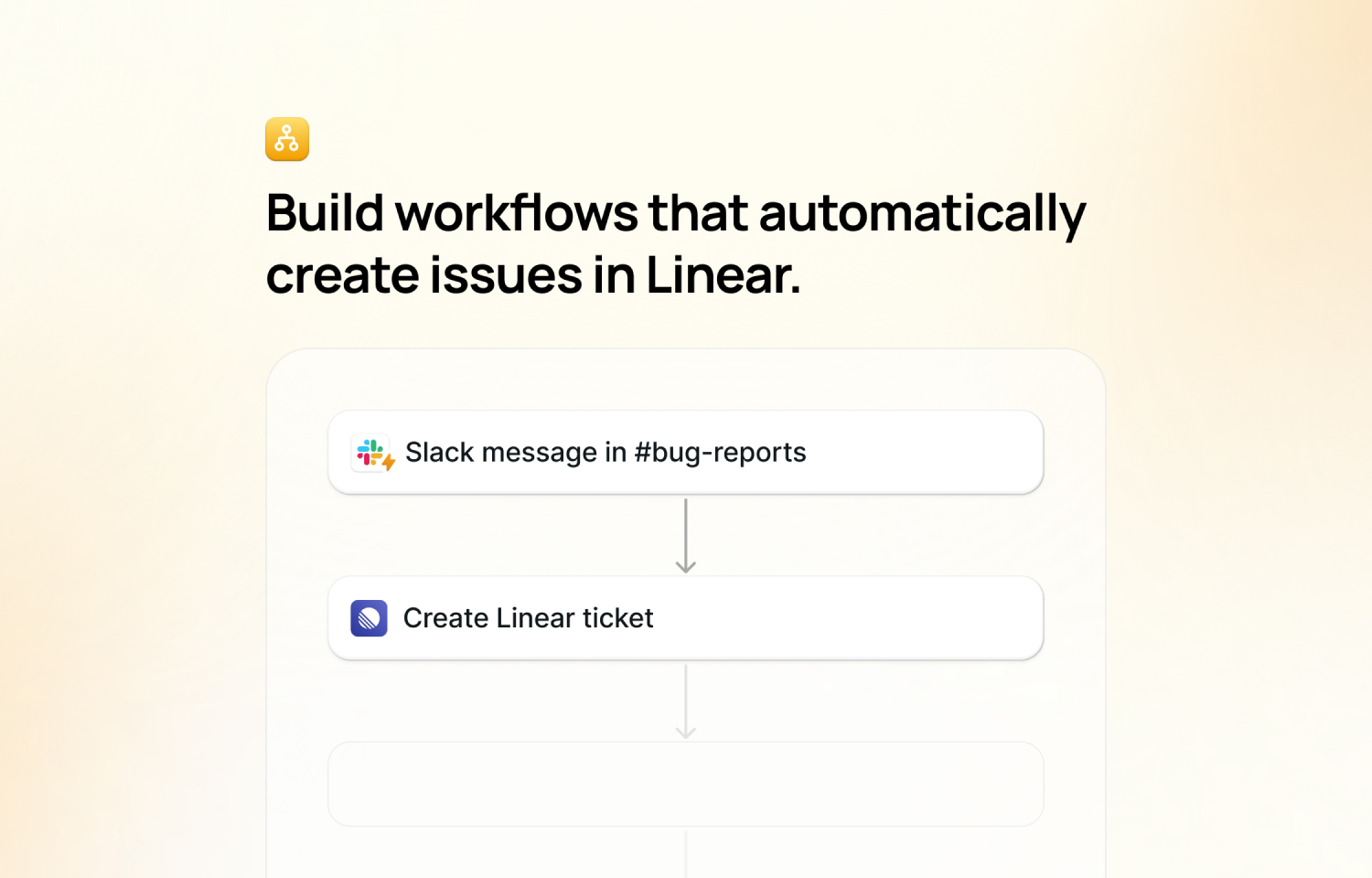
A common workflow seen is to automatically create a Route5 issue every time a row is added to a Google Sheets spreadsheet, and update the sheet with the Route5 link. AI can be used to fill out the issue details, or to instruct how the Route5 link should be entered on the sheet.
Configure
1. Log into Lindy.ai, and set up your trigger
2. Hit the ‘+’ button under your trigger to add an action step
3. Search ‘Route5’ in the modal that appears
4. Select which action you want to add to your workflow
5. In the action configuration, you will need to connect your Route5 account.
6. Fill out the necessary fields in the action configuration to set up how you want the action to execute when triggered
7. Test by clicking the ‘Test’ button in the upper right
Actions should now be executed in Route5 whenever triggered!