- Integrations
- Lay
Collect feedback on any UI element and create Route5 issues from it
Overview
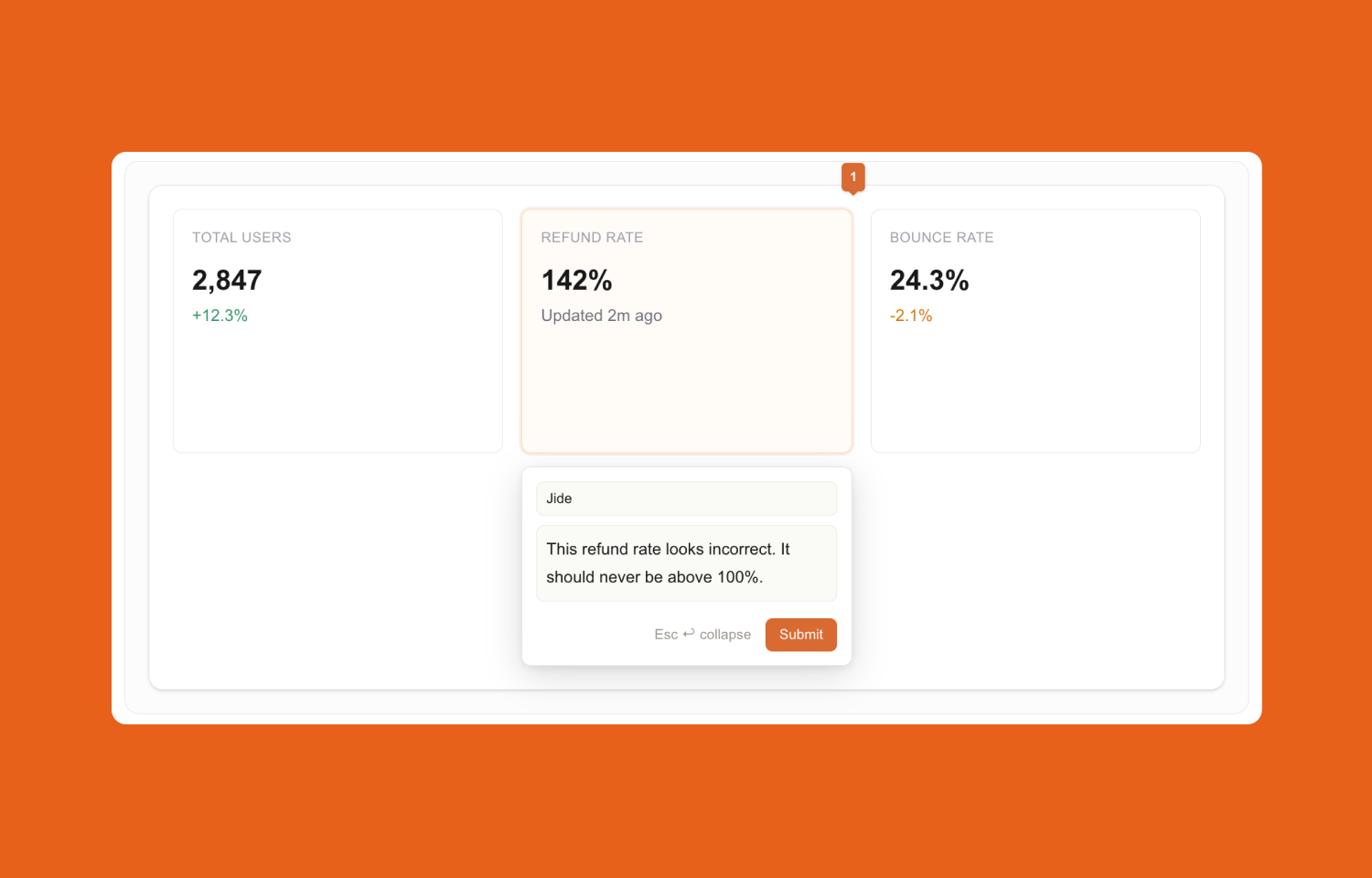
Lay turns in-app feedback into tracked work in Route5. New root comments create Route5 issues, replies sync as Route5 comments, and status stays aligned in both directions so teams can triage and resolve feedback without copying details by hand.
How it works
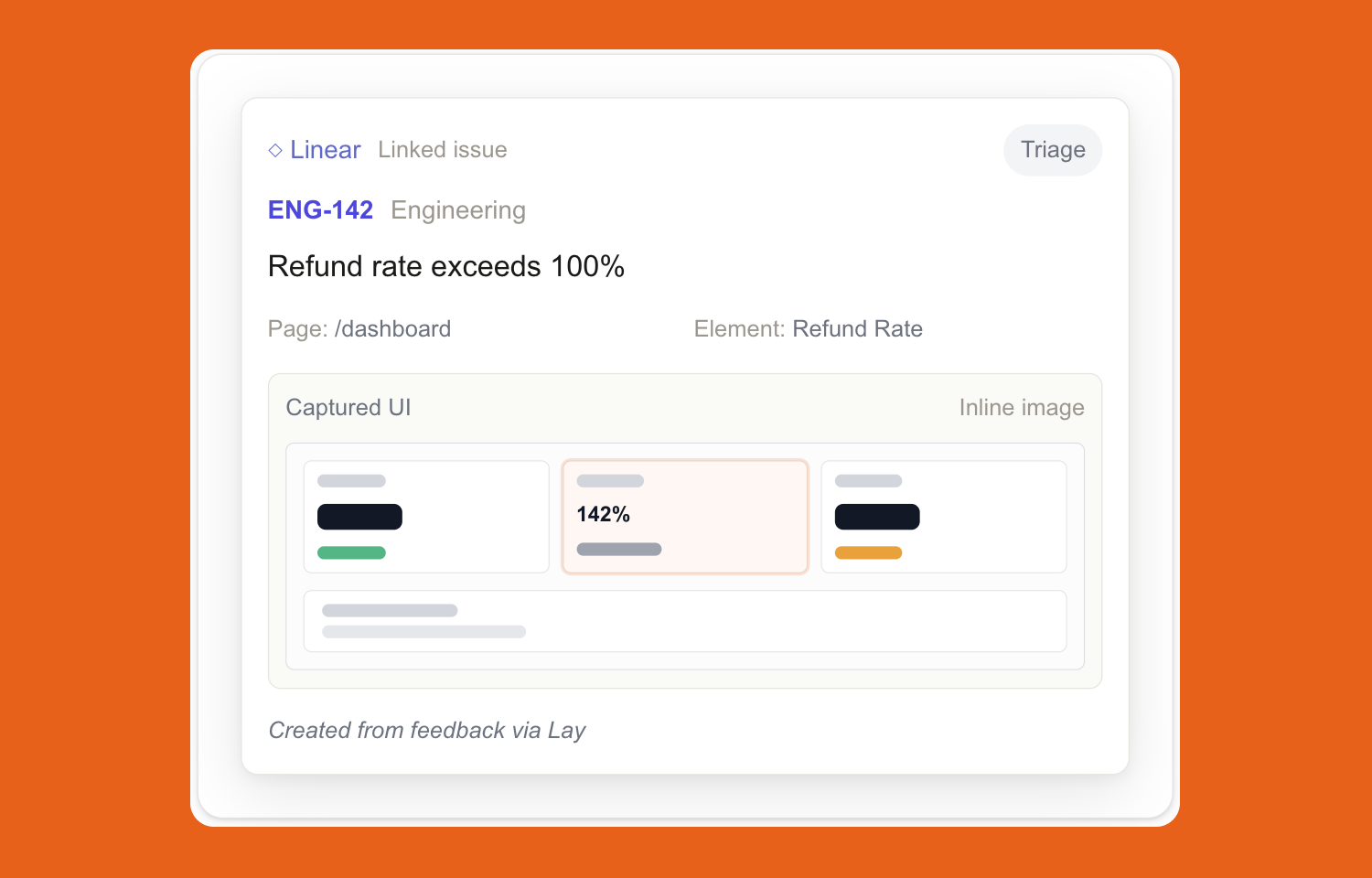
Lay connects visual, element-level feedback from your product to your team’s Route5 workflow. When someone leaves feedback in Lay, each new root comment can automatically create a Route5 issue in the team you select for that project. The issue includes the feedback text, author, page path, element context, device and viewport metadata, and a captured UI image so the assignee can see exactly what was reported.
Follow-up conversation stays connected. Replies in the Lay thread are added to the linked Route5 issue as comments, so discussion can continue without losing the original UI context. This keeps the issue in Route5 up to date while preserving the exact element-level thread in Lay.
The integration also syncs status both ways. Resolving or reopening a comment in Lay updates the Route5 issue state, and completing or reopening the issue in Route5 updates the Lay comment thread. The result is one workflow: feedback is captured in context inside Lay, then tracked and closed out in Route5 without manual triage copy-paste.
Configure
A user first connects Route5 at the account level in the Lay dashboard by going to the dashboard Settings page and clicking Connect Route5. This starts a Route5 OAuth flow and stores one shared workspace connection for that Lay account. After that, the user opens an individual project’s Settings tab, enables Route5 for that project, and selects the Route5 team that should receive new issues. Once enabled, new root comments on that project create Route5 issues automatically.
Requirements: the user must be signed into Lay, have access to the relevant Lay project settings, and be able to authorize the Route5 workspace connection.