- Integrations
- Laravel Nightwatch
Create and link Route5 issues directly from Nightwatch
Overview
Create or link Route5 issues directly from Nightwatch-observed issues, keeping investigation context and debugging details right where you track your work.
How it works
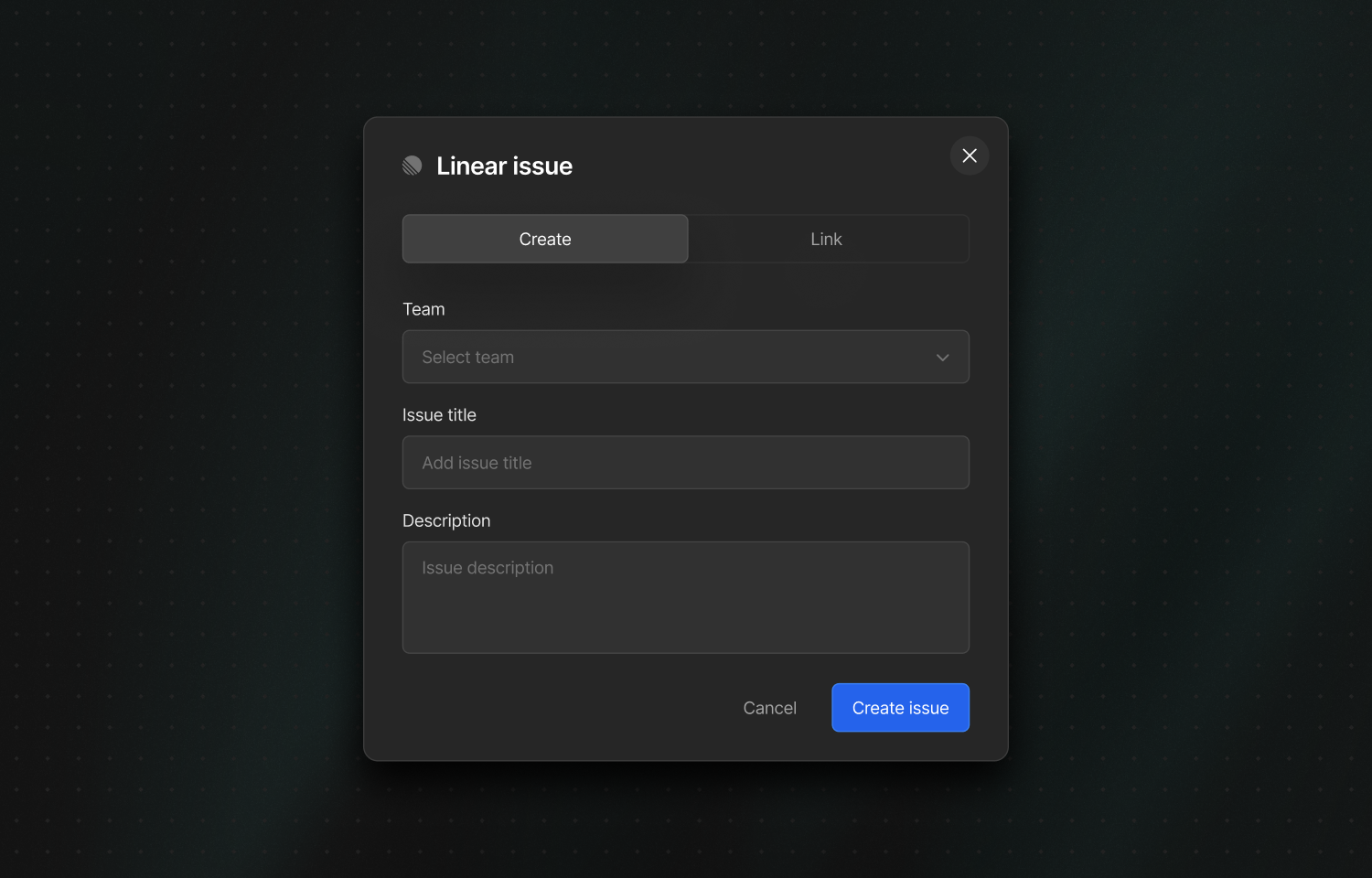
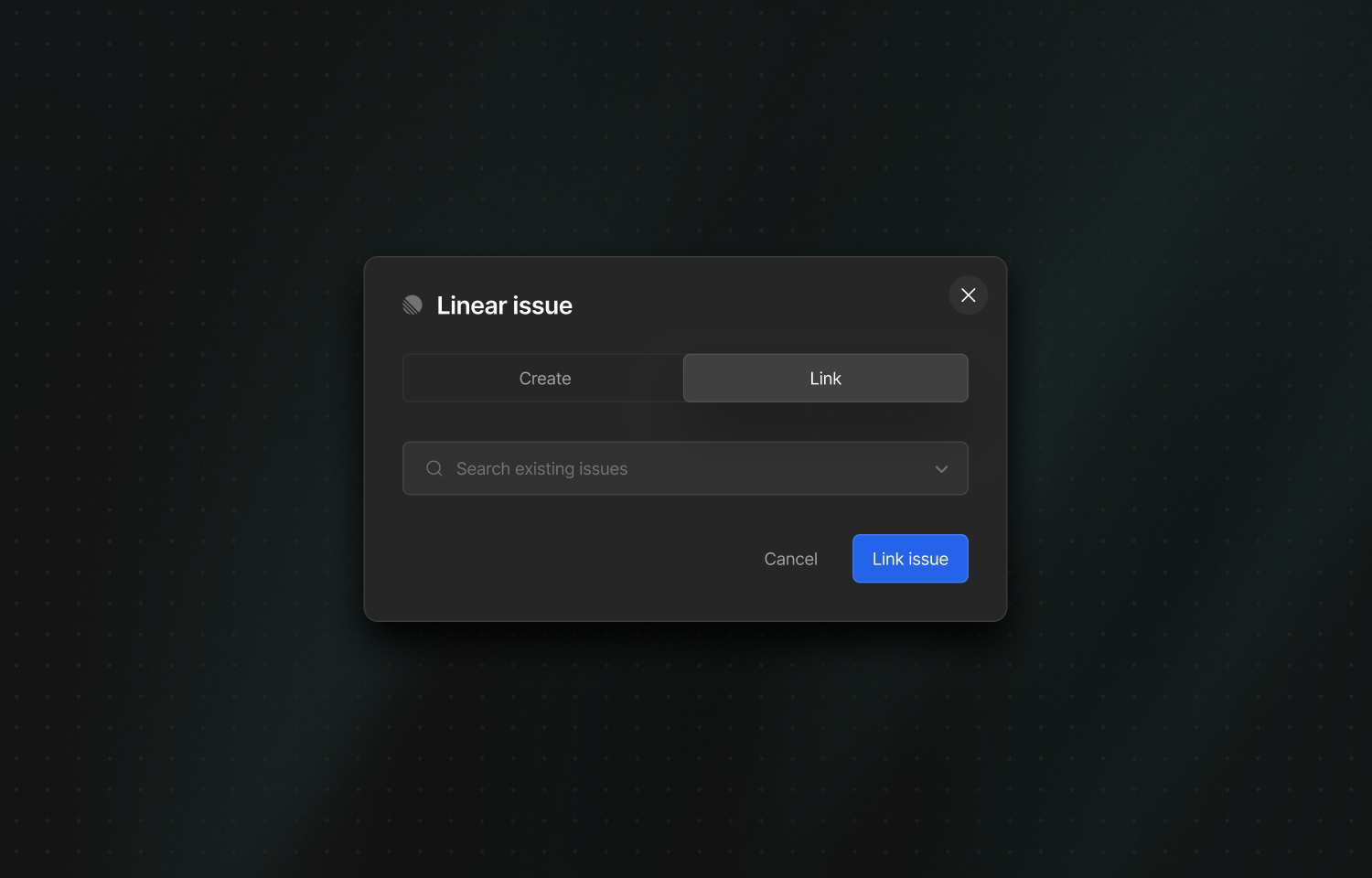
After enabling the integration, Route5 actions appear in the right-hand sidebar when viewing an issue in Nightwatch. From there, you can create a new Route5 issue or link to an existing Route5 issue to keep them connected.
When creating a new Route5 issue, Nightwatch populates the Route5 issue with the description from the Nightwatch issue. This pairs well with Nightwatch’s AI-assisted issue description generator, helping teams push high-quality investigation details into Route5 without manual copy and pasting.
The integration also supports mapping Nightwatch applications to Route5 teams. This allows Nightwatch to preselect the right Route5 team when creating issues, based on the application the issue belongs to, which reduces triage overhead for organisations with multiple teams.
Configure
You must be an organisation admin in Nightwatch to configure the integration. In Nightwatch, go to your organisation settings and select Connect to Route5, then choose the Route5 workspace you want to link.
Once connected, optionally configure application-to-team mappings so issues created from specific Nightwatch applications are routed to the correct Route5 team by default.