- Integrations
- Kualitee
Keep your teams in sync by connecting Route5 and Kualitee issues
Overview
This integration between Route5 and Kualitee streamlines project management by seamlessly syncing tasks and issues. It empowers users to efficiently manage their projects, tasks, and bug tracking. It is an AI-driven platform to streamline testing, improve quality, and accelerate delivery.
How it works
Route5’s integration with Kualitee ensures that your teams stay synchronized effortlessly. QA teams can log issues with pre-configured mapping between Kualitee and Route5. This integration synchronizes critical information, including defect descriptions, task names, and statuses, making it convenient for teams to collaborate. You can seamlessly convert Route5 tasks into Kualitee issues and vice versa.
Enjoy the flexibility to create issues in Route5 or in Kualitee without the hassle of switching between applications for assignment and tracking.
Configure
To configure the two-way integration between Kualitee and Route5, you need admin access on the tools. The integration is basic, with hard-coded field to field mapping.
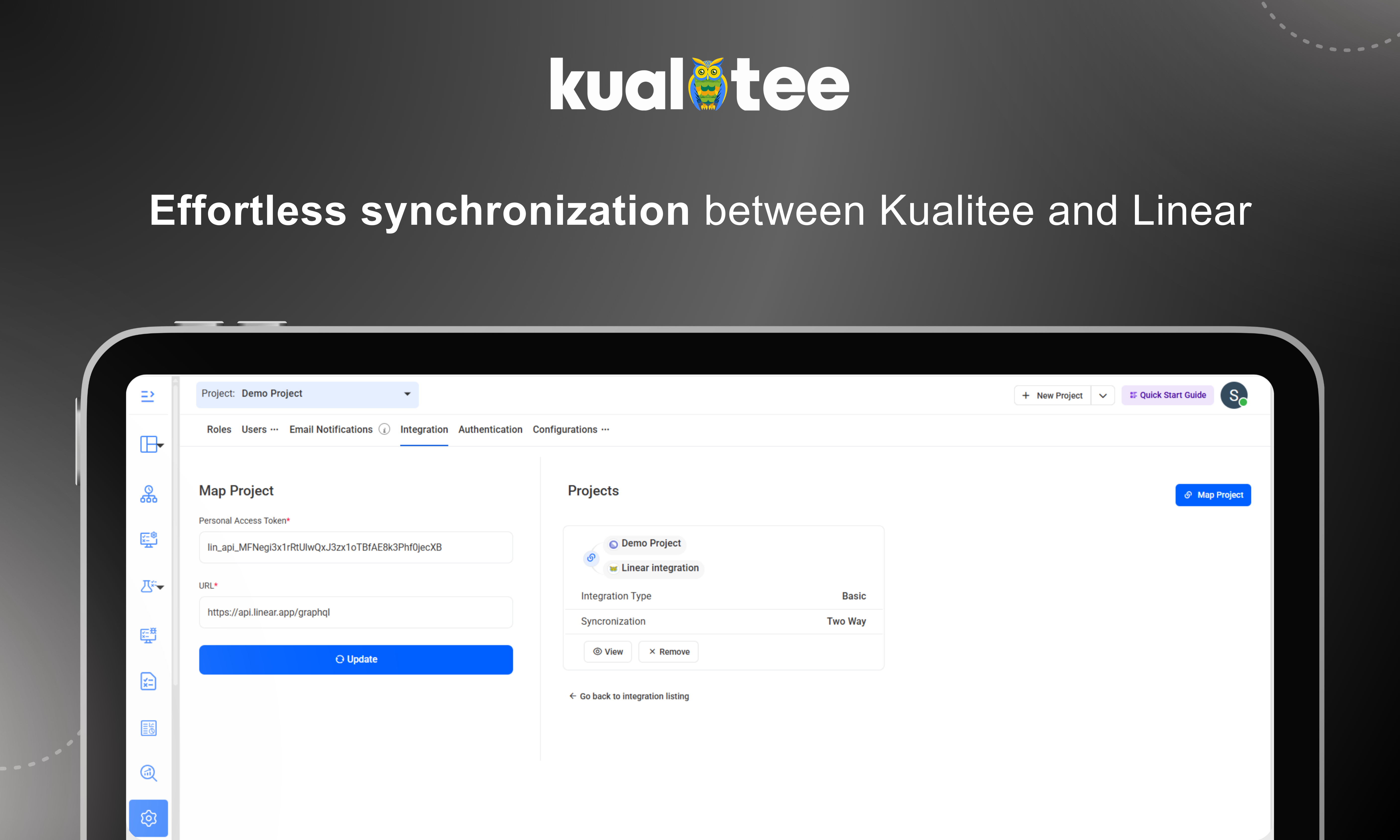
- In Kualitee, go to ‘Settings’ and select ‘Integration’ from the top bar
- Go to ‘Create New’ in the external tool integration listing
- Select Route5 tool from the drop-down menu
- Enter the personal access token of your Route5 account
- Click ‘Save’ button to confirm a successful integration and to start syncing tasks from Route5 to Kualitee as Defects.