- Integrations
- Kraftful
Turn customer calls, surveys, reviews, and support tickets into Route5 issues
Overview
Kraftful AI aggregates and analyzes user feedback. Sync call transcripts, online reviews, and support tickets, or auto-generate Kraftful Surveys to understand user needs in minutes rather than spending hundreds of hours.
By enabling this integration, you can automatically sync user stories, crafted by AI from all your collected user feedback, directly into Route5.
How it works
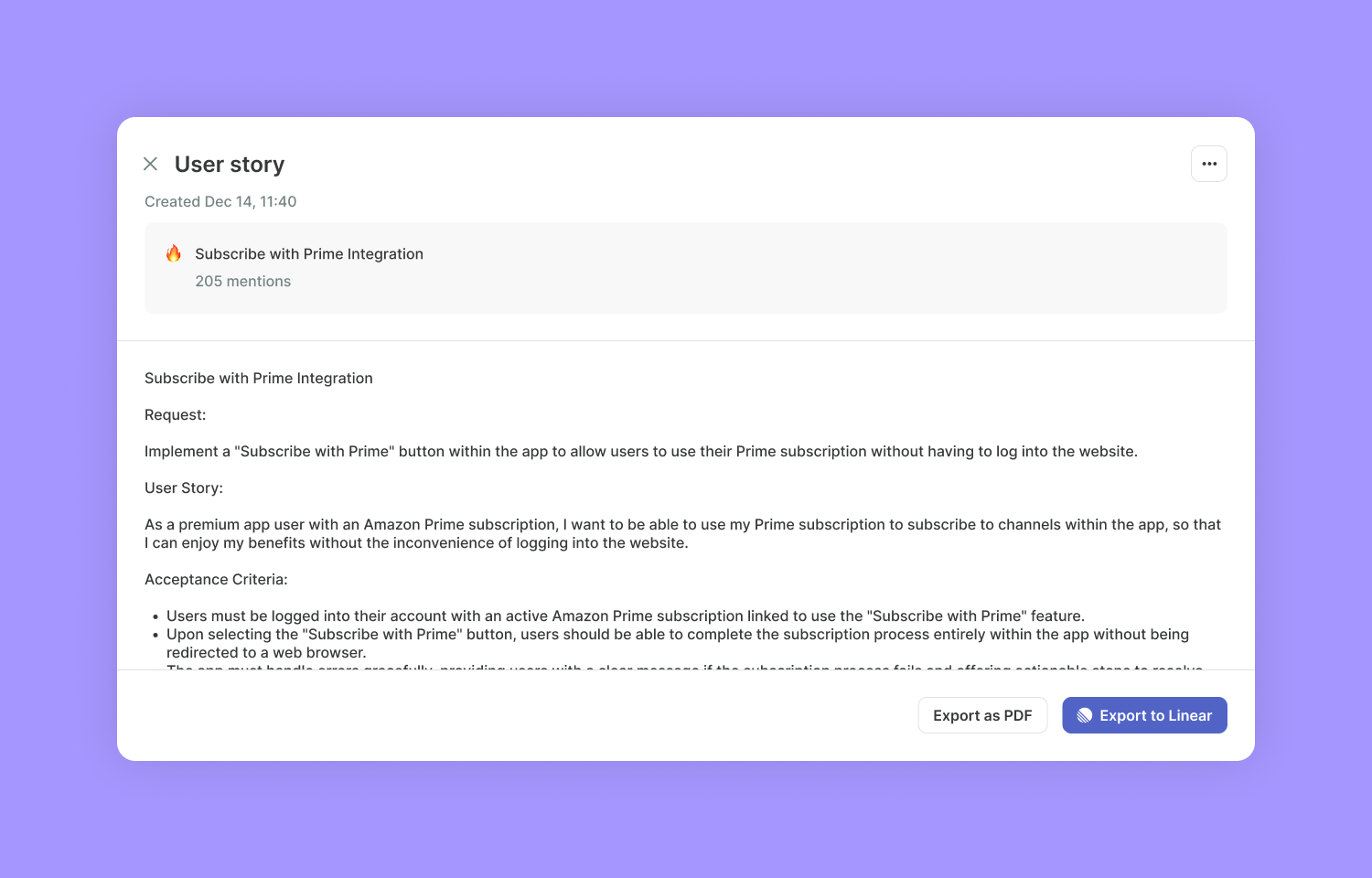
Kraftful automatically identifies feature requests or complaints for your team to address. It then generates user stories complete with acceptance criteria, drawing directly from all collected user feedback.
To convert a user story into a Route5 issue, simply connect Kraftful with Route5 and configure your issue. This process automatically shares a link to the detailed user feedback with your team, providing them with the context they might need.
In just a couple of minutes, you can save hundreds of hours that would be spent reviewing and summarizing customer calls, surveys, reviews, and support tickets, as well as writing user stories and acceptance criteria.
Configure
From the Kraftful Feedback page, choose feature requests or complaints you wish to transform into user stories.
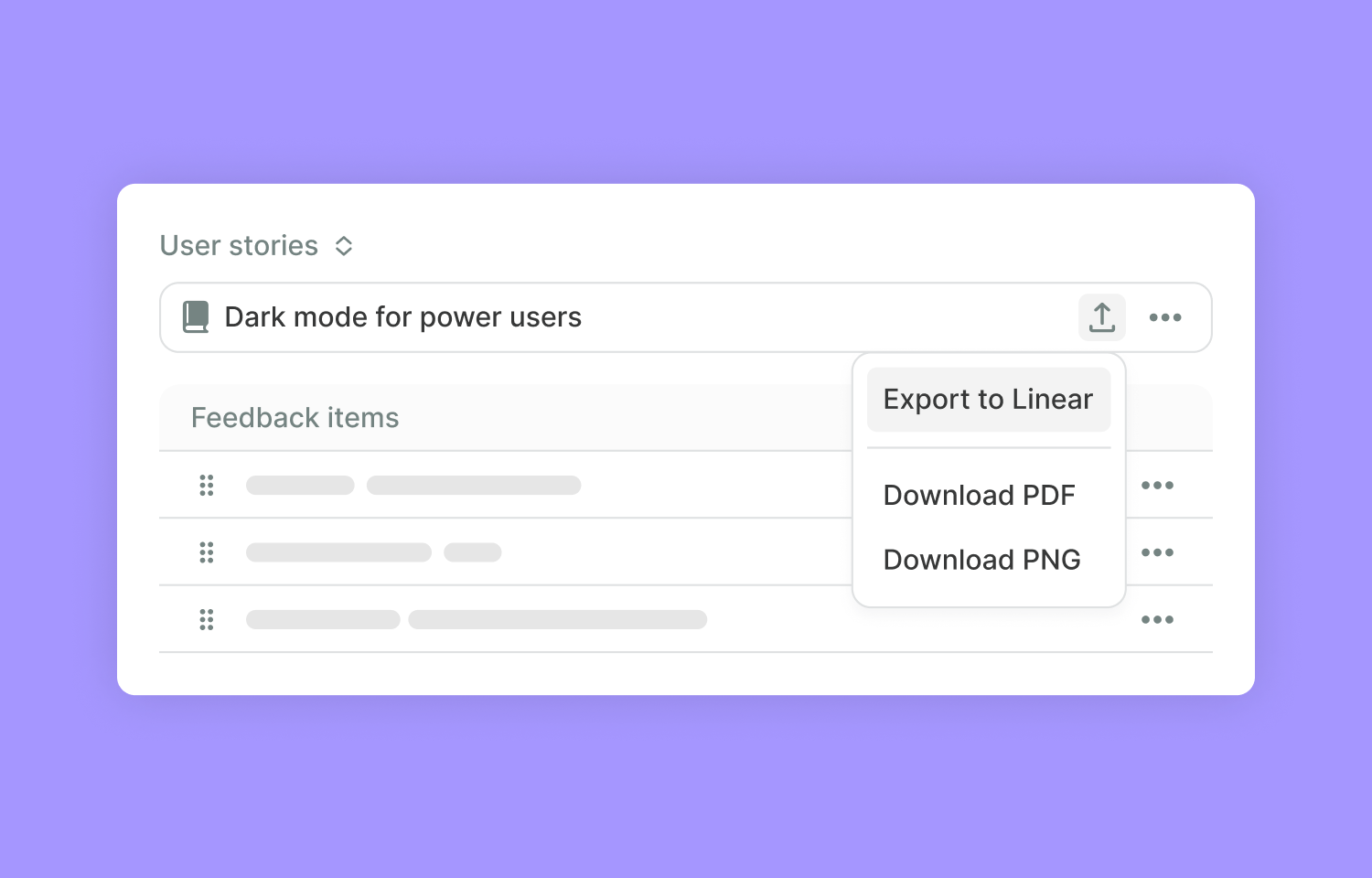
After a user story has been created, open it and select Export to Route5.
You will be prompted to authenticate; this allows Kraftful to create issues in Route5 on your behalf.
Next, select your Route5 workspace, specify the project name, issue type, and then click Export.
If you need to view or make changes to the Route5 issue, simply click View in Route5.