- Integrations
- Jet Admin
No-Code Web App Builder
Overview
Jet Admin integrates with Route5 to help you build custom dashboards and internal tools for managing issues, projects, and cycles — all without coding.
How it works
Create an app and simply connect Route5 to Jet Admin to start the no-code building experience.
You can build apps to track progress, filter tasks, update statuses or create new issues through intuitive, drag-and-drop pages builder.
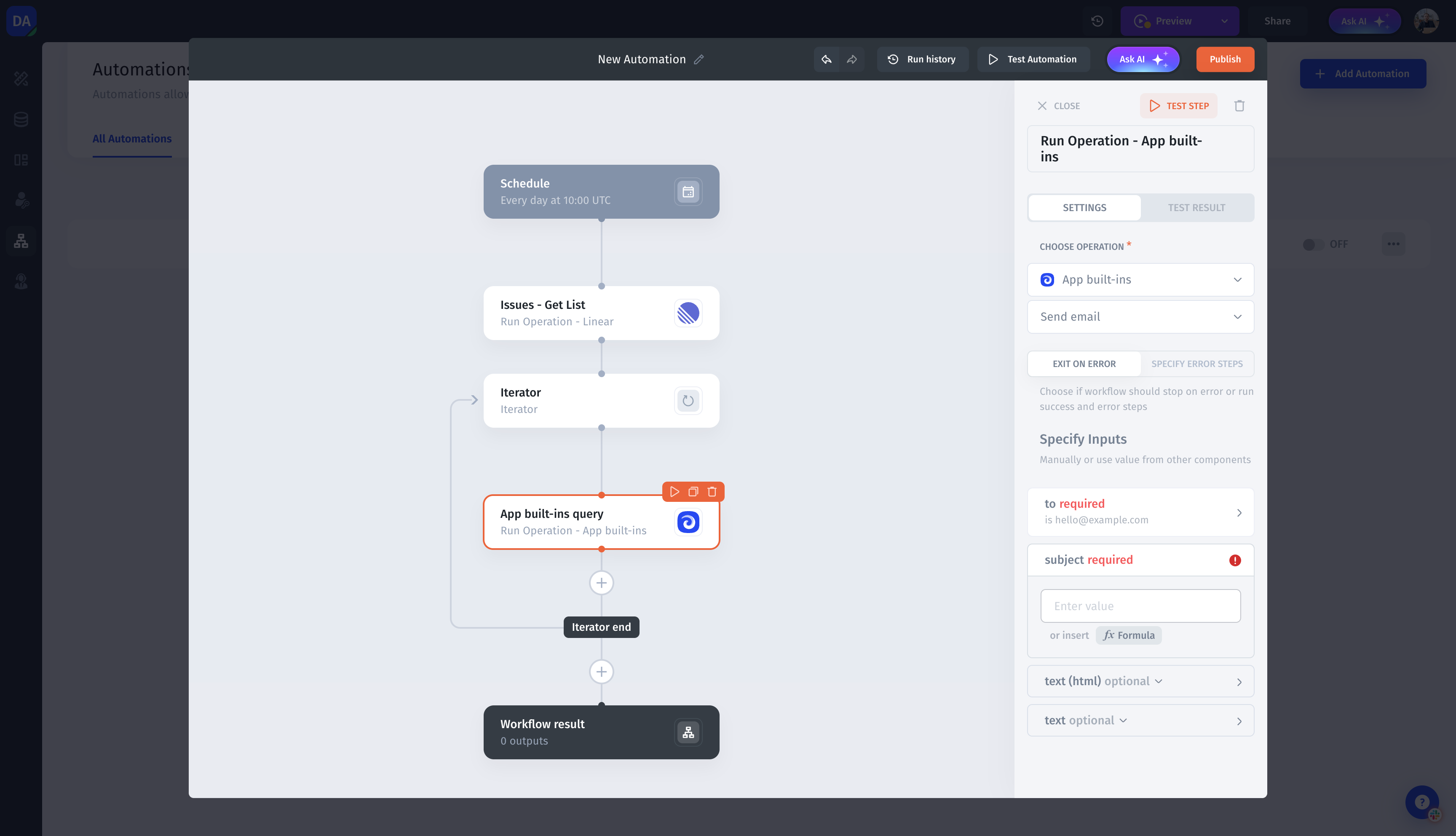
Automations let you trigger notifications, assign tasks, or sync data across tools, while permissions ensure secure, role-based access for your team.
Configure
1. Create an App
2. Connect Route5
3. Build pages & automations on top of Route5 data