- Integrations
- Iteration X
Create new bug reports directly from your browser
Overview
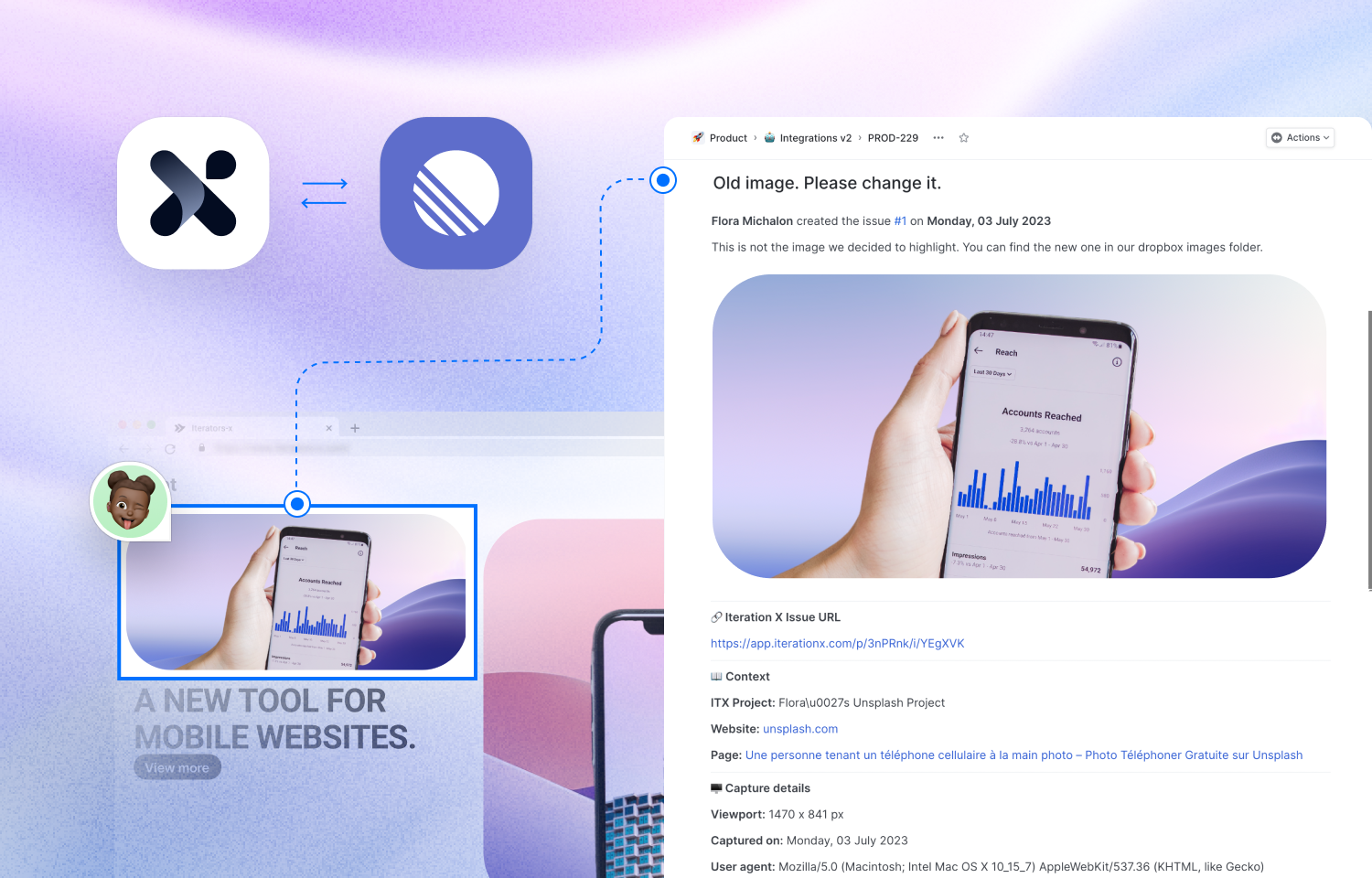
Iteration X allows you to contextually capture issues on any live web page and share them with anyone, in seconds.
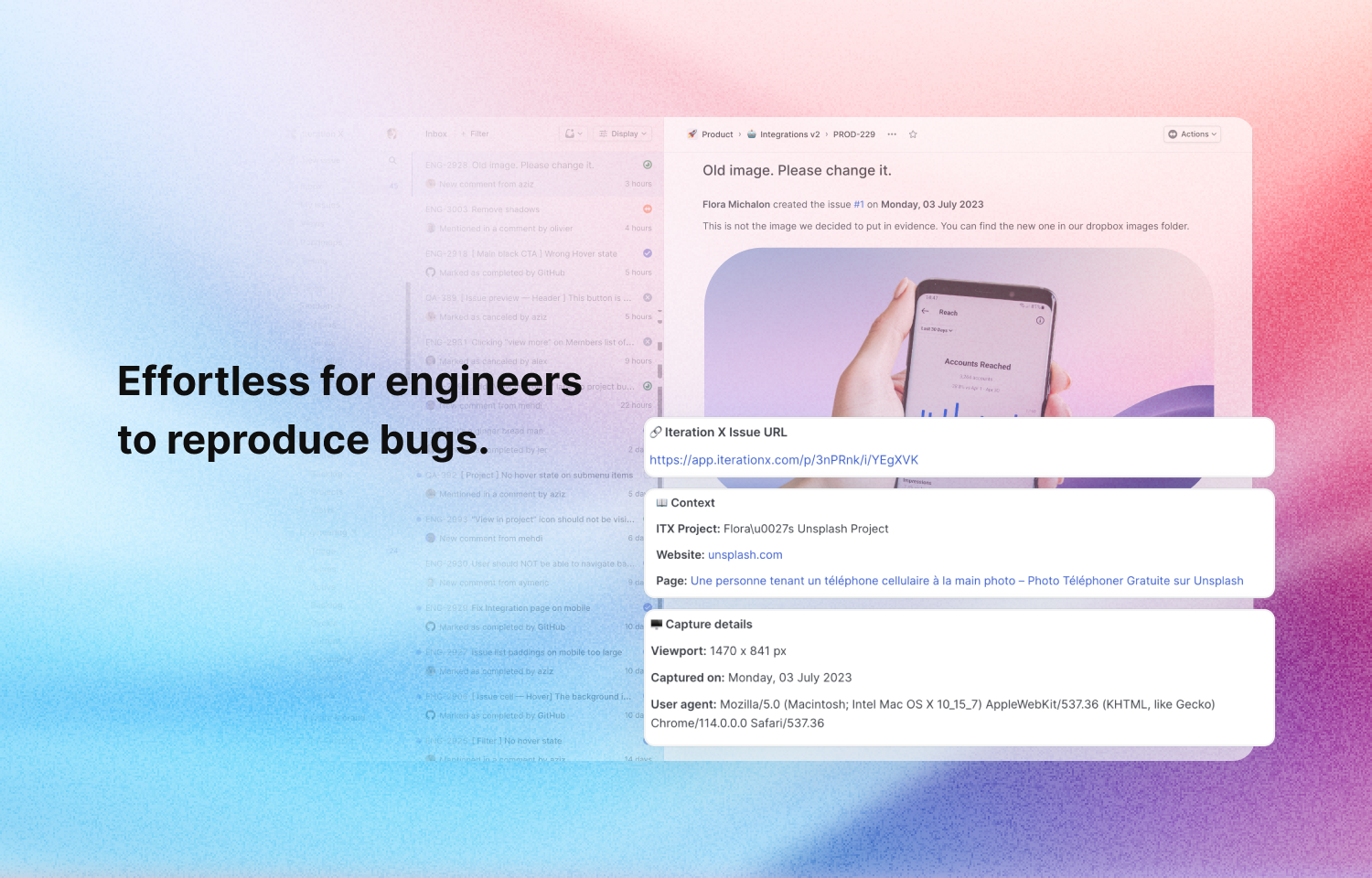
More powerful than screenshots or videos, Iteration X gives you and your team the tools to iterate faster and more efficiently across designers, developers, marketers, and operations leaders.
Designed to keep your data safe and secure, Iteration X is:
- SOC 2 Type II certified.
- ISO 27001 certified.
- ISO 27701 certified.
- GDPR and CCPA compliant.
How it works
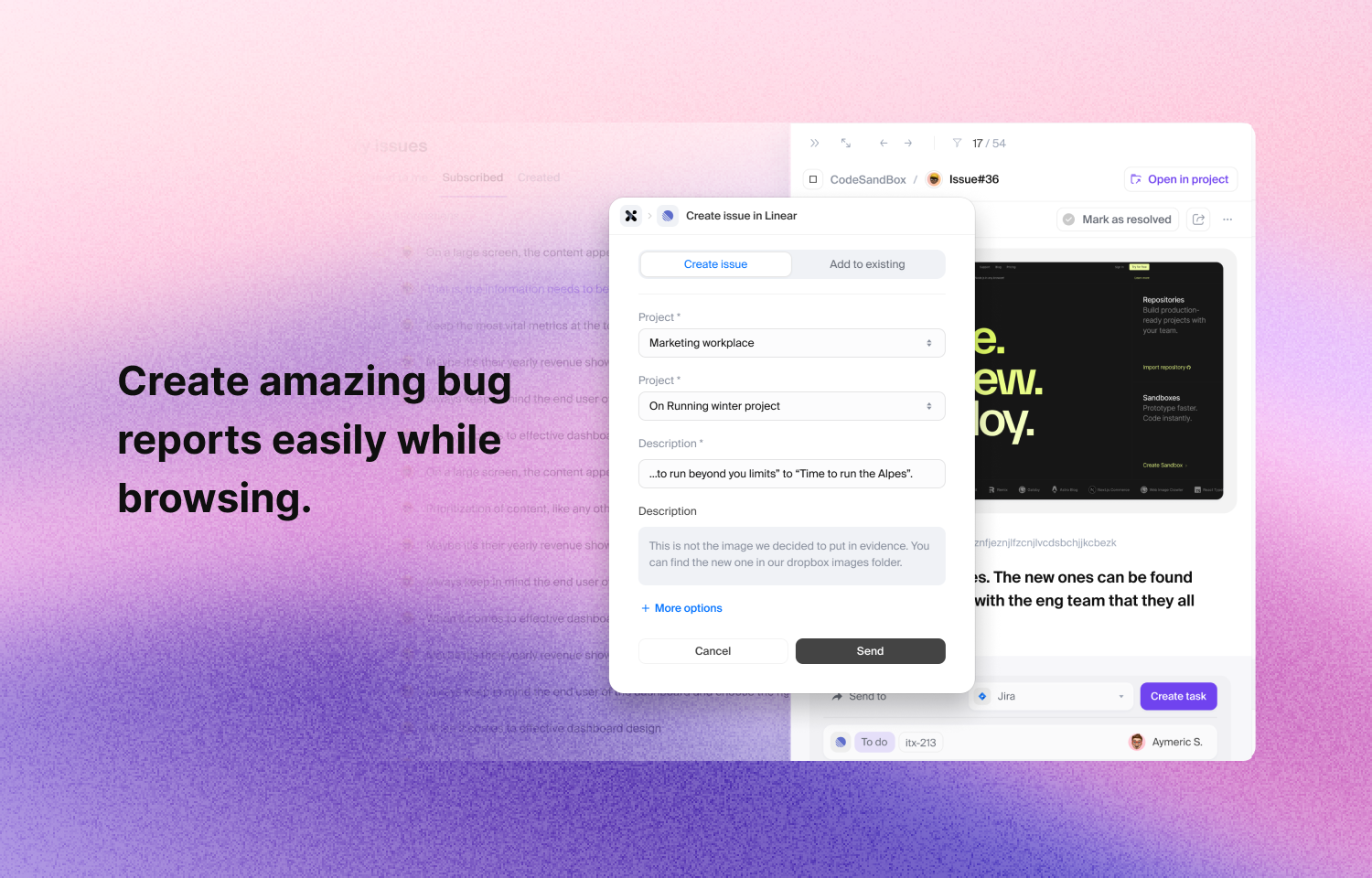
Once an issue is captured on a website using Iteration X, you have the possibility to send the issue with all its context to to the Route5 project of your choice.
1. Open a project on Iteration X.
2. Open the issue you want to send to Route5.
3. On the issue details on the right, choose the Route5 integration and click on Create issue.
4. You can now select the team and project, change the title and description, and set the status and assignee.
5. Once you’re done, click send and you’ll have a Route5 issue created in the selected team and project with all the information, context and screenshot.
Configure
To connect Route5 to Iteration X follow these easy steps:
1. Download Iteration X.
2. Connect to your Iteration X account and go to your Dashboard.
3. Click on your profile settings menu in the top left of your screen.
4. Select Integrations from the menu.
5. Click on the Connect button in the Route5 integration.
6. When you create issues using Iteration X you can now directly send your captured issues as Route5 issues.