- Integrations
- Hill Charts by Curious Lab
Easily create hill charts for your Route5 issues, projects, or initiatives
Overview
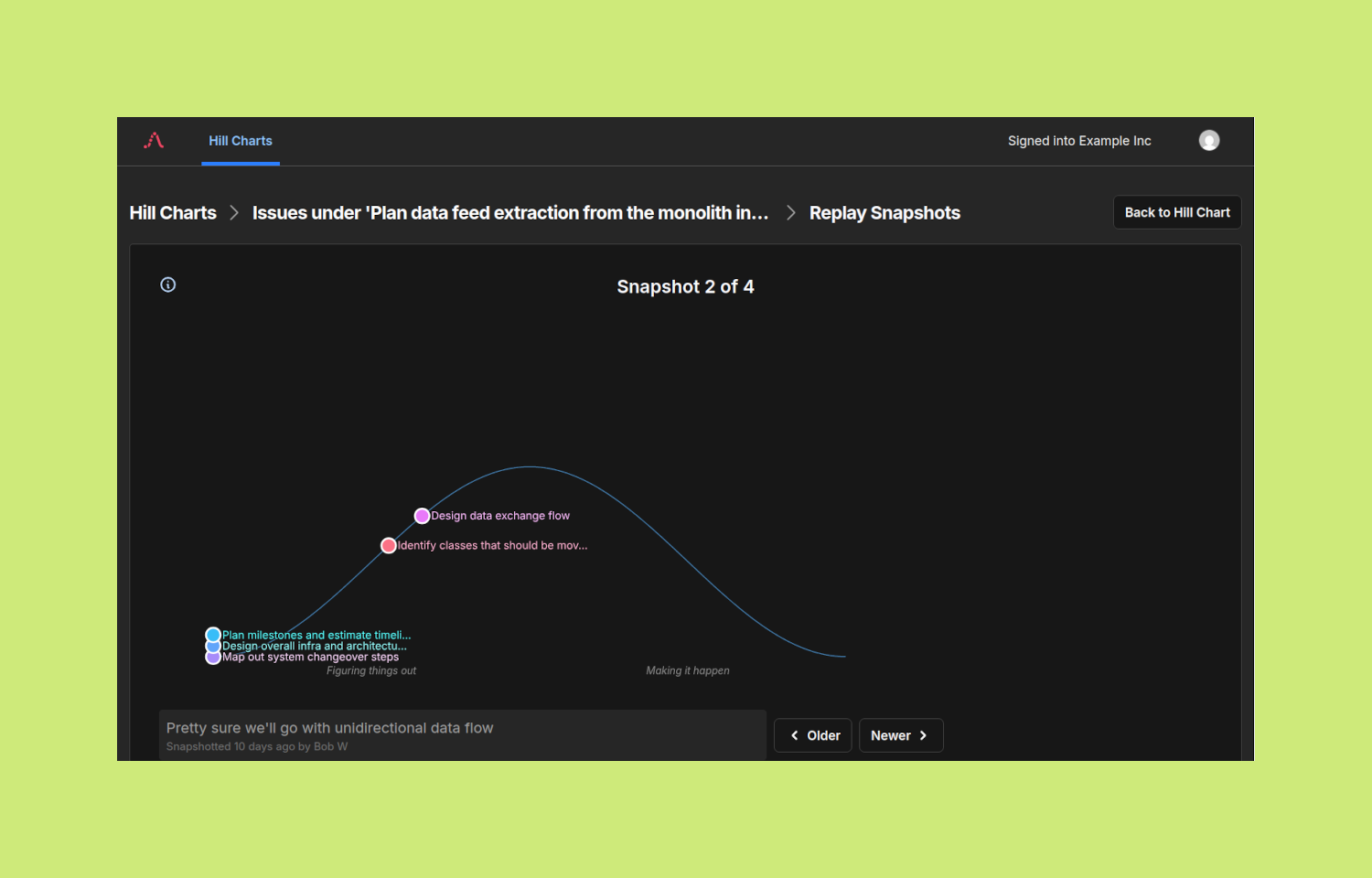
This integration allows you to create hill charts on curiouslab.io and easily populate them with issues, milestones, projects, or initiatives from Route5.
Apply your Shape Up workflow without resorting to other project management tools just for their hill chart feature.
How it works
With this Hill Chart integration, you no longer need to manually copy item names to an external hill chart solution.
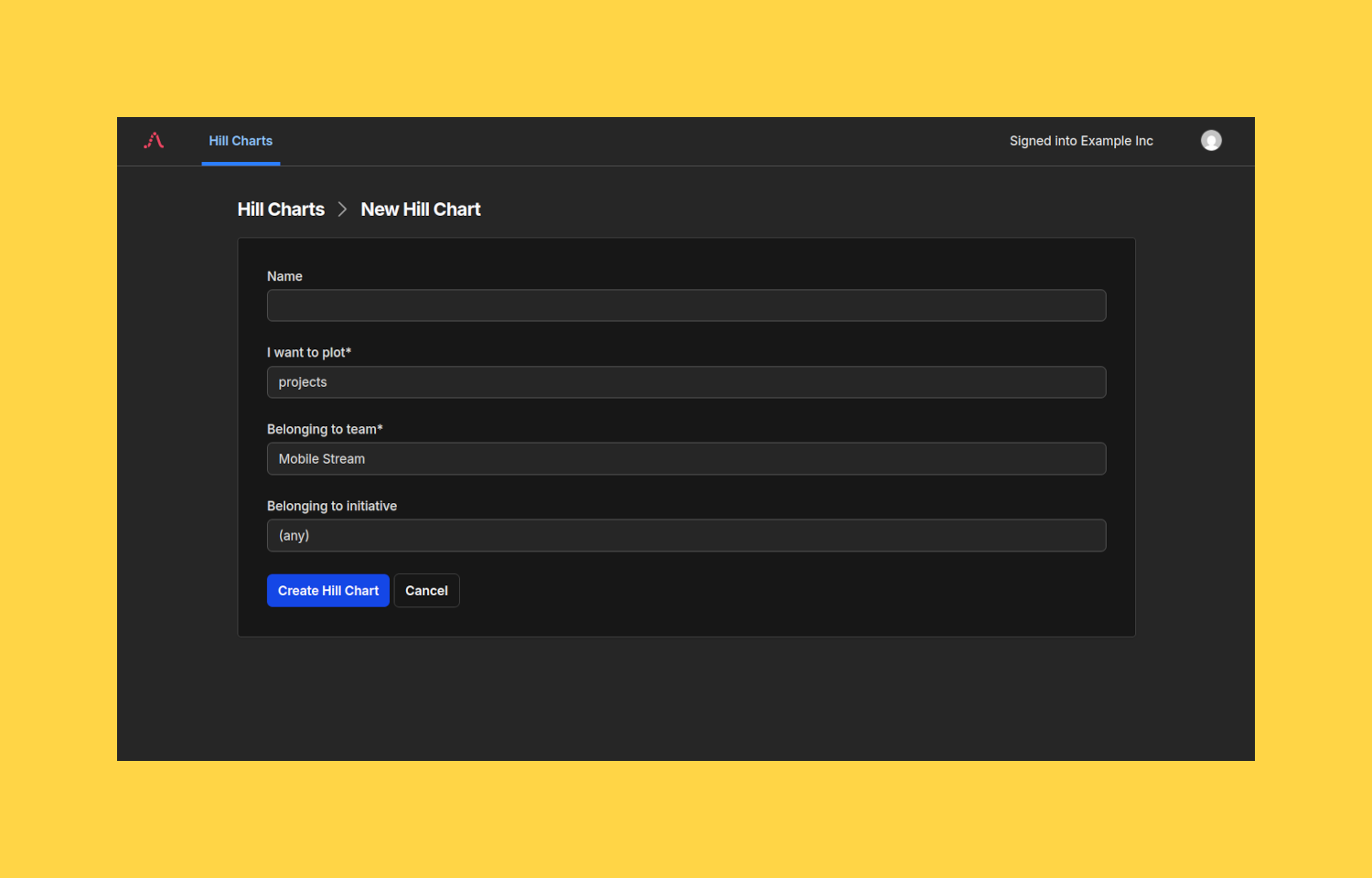
Every time you create a hill chart on route5.curiouslab.io, you specify which objects (issues, milestones, projects, or initiatives) to retrieve from Route5 for populating the hill chart. You also specify constraints (such as belonging to a specific Team, or Project). To minimize noise, completed and cancelled items are automatically excluded.
This integration does not perform automatic data retrieval from Route5. You are in control of when a hill chart gets updated. Simply navigate to a hill chart and click its Sync with Route5 button when you want to update it with the latest data from Route5.
Configure
To get started, head over to route5.curiouslab.io and sign in via OAuth through Route5. During the sign-in process, make sure you select the correct Route5 workspace to integrate with (you can ignore this if you only work with a single workspace).
Signing in does not trigger retrieval of any Route5 issues, milestones, projects, or initiatives. This type of data is only retrieved in response to your actions, specifically when you create a new hill chart, or when you click a hill chart’s Sync with Route5 button.