- Integrations
- Help Scout
Use Route5 to track and manage issues without leaving Help Scout
Overview
Get all the info you need within a customer conversation — no more switching between tabs or systems. This integration makes it easy to link, track, and create new issues in Route5, right in Help Scout.
How it works
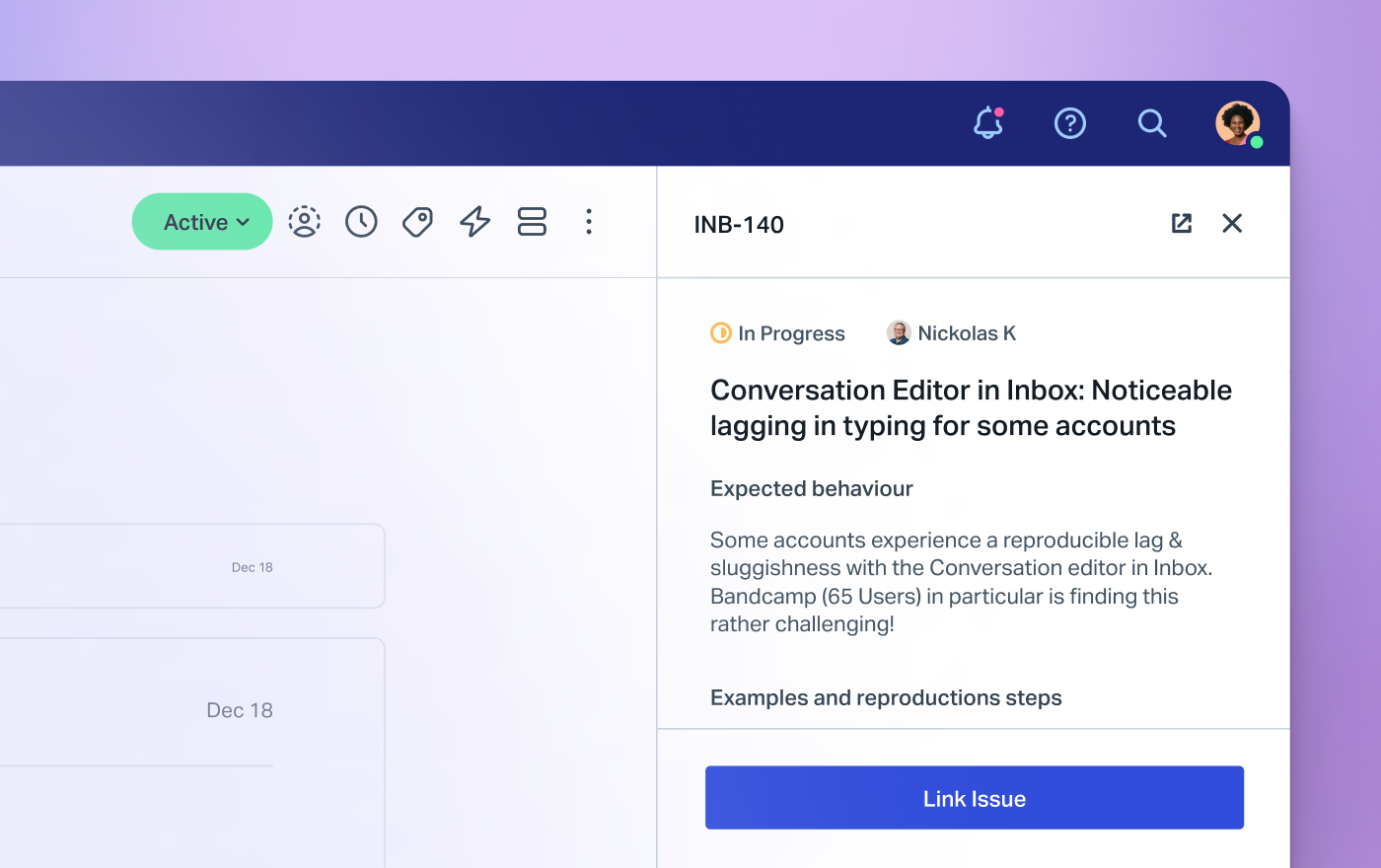
When viewing a Help Scout conversation, you can see at a glance whether that conversation is linked to any Route5 issues and what their current status is. Click on a linked issue to open a detail view a full issue description and the current assignee right in the sidebar or open the issue in Route5 in a new tab.
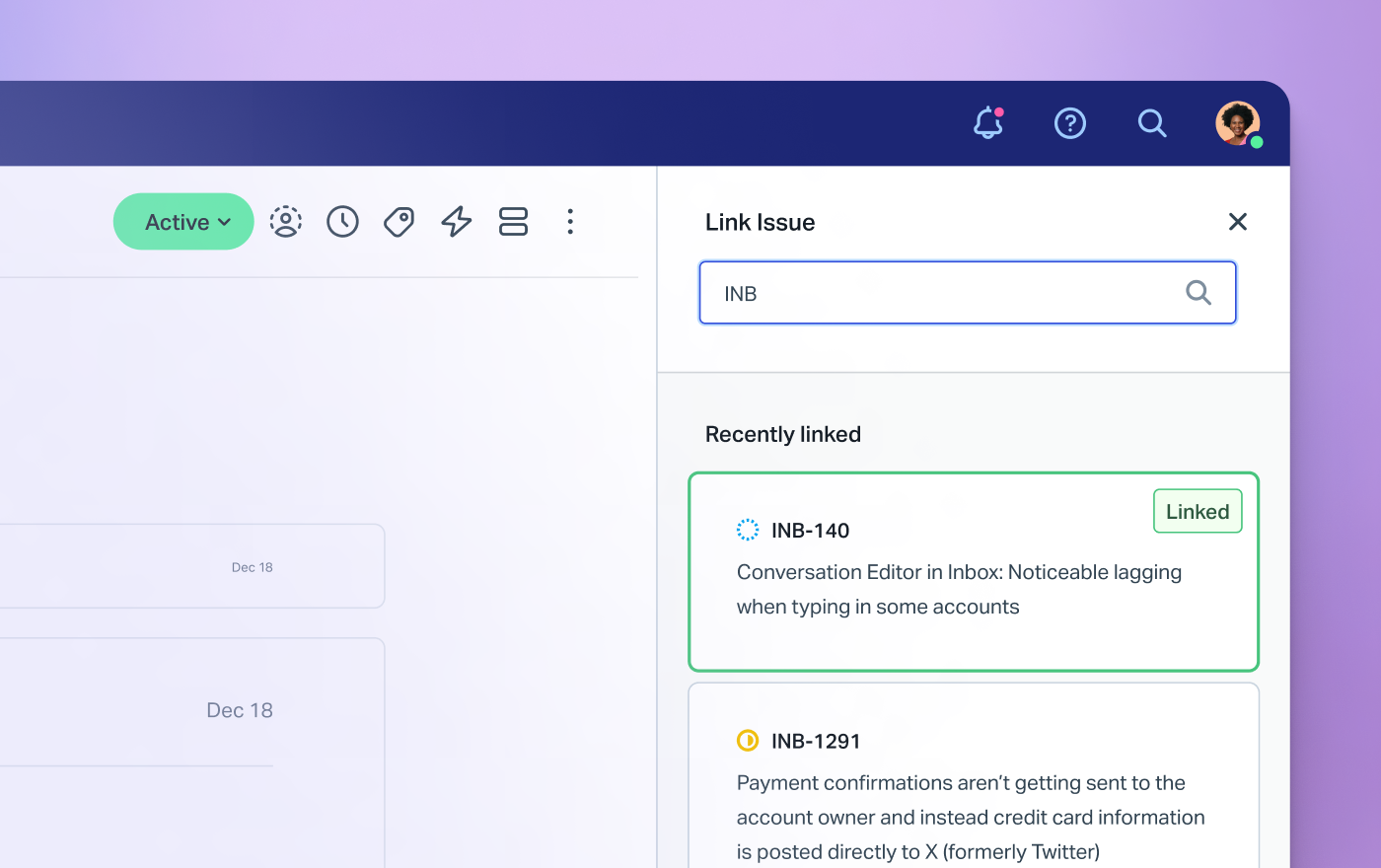
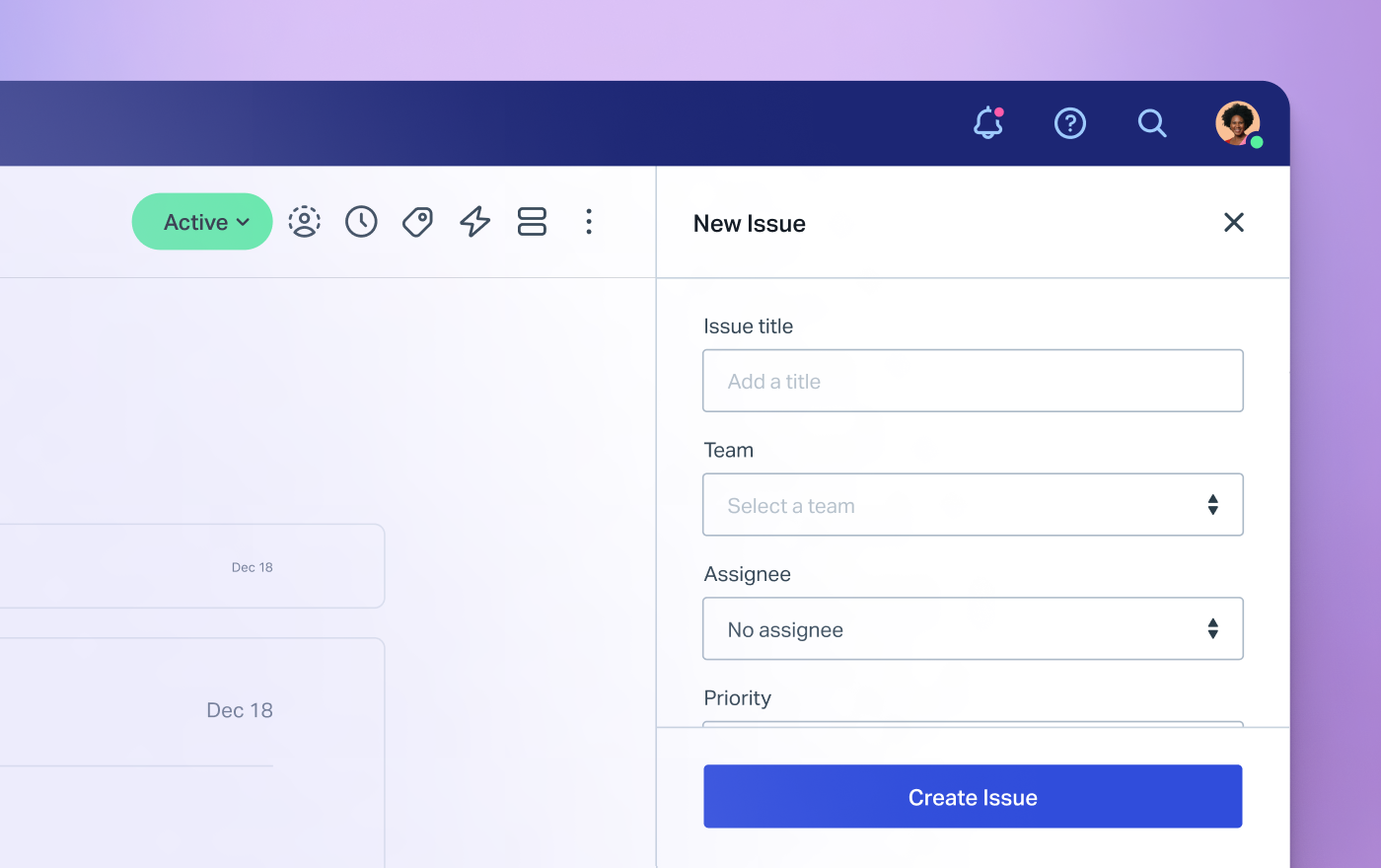
If there’s a New commitment to link to the conversation, you can view a list of issues you’ve recently linked to other conversations or search your Route5 projects in order to find just the right one. It’s possible to quickly link multiple issues from the search results and to view full issue descriptions to make sure you’ve got the right issue. If there’s not a Route5 issue for what your customer is reporting, you can quickly create a new one and automatically link it to the current conversation.
Configure
Help Scout administrators on the Plus and Pro plans can install the app from the Manage -> Apps listing.