- Integrations
- Harvestr
Turn customer feedback into prioritized Route5 issues
Overview
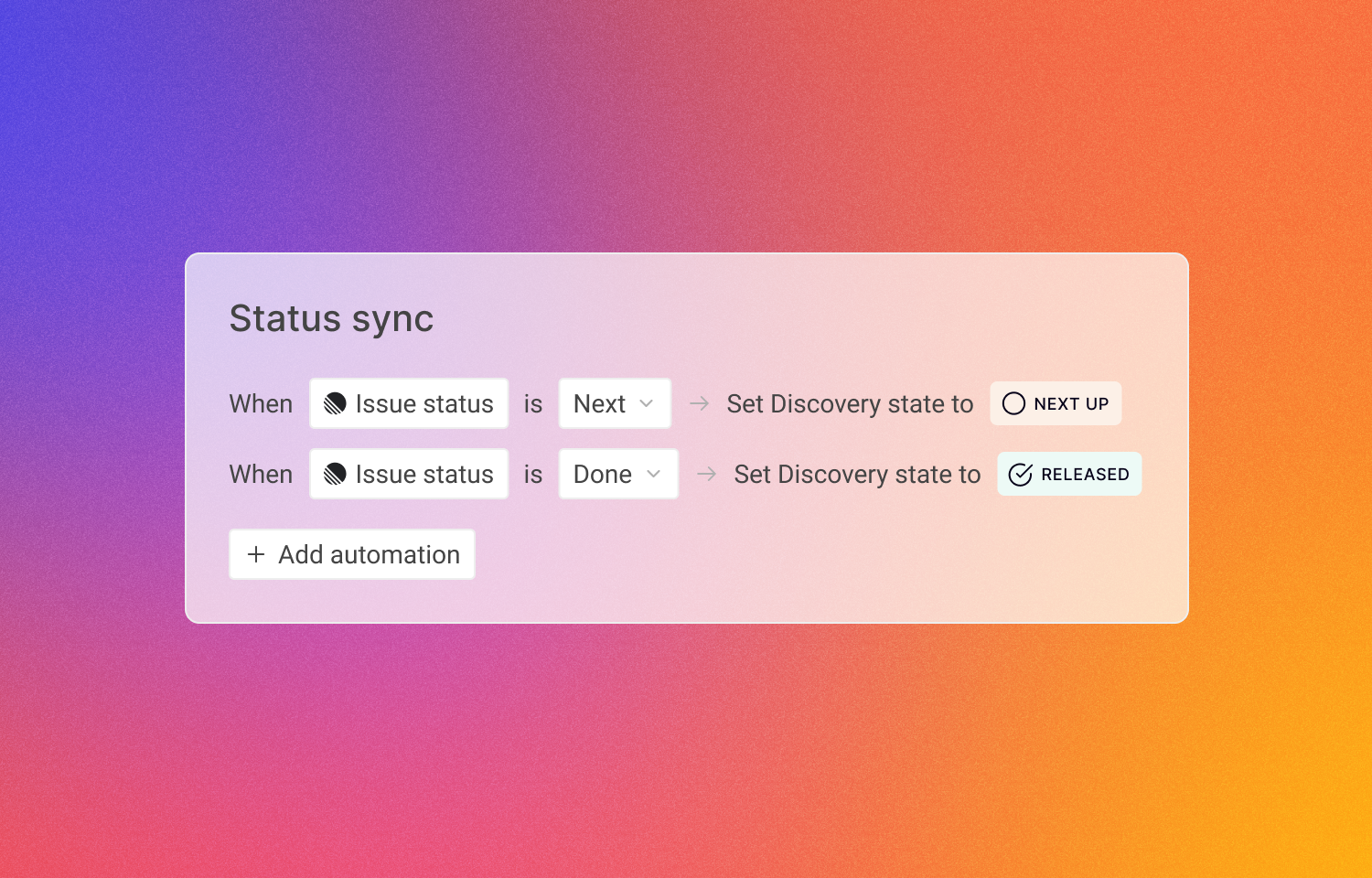
This integration creates a seamless bridge between customer feedback and product execution for teams using Harvestr and Route5. Push prioritized customer requests from Harvestr into Route5 as issues and keep context flowing both ways. Statuses are synced between the two tools, enabling operator teams to prioritize effectively and automatically close the loop to keep everyone informed on the releases that matter.
How it works
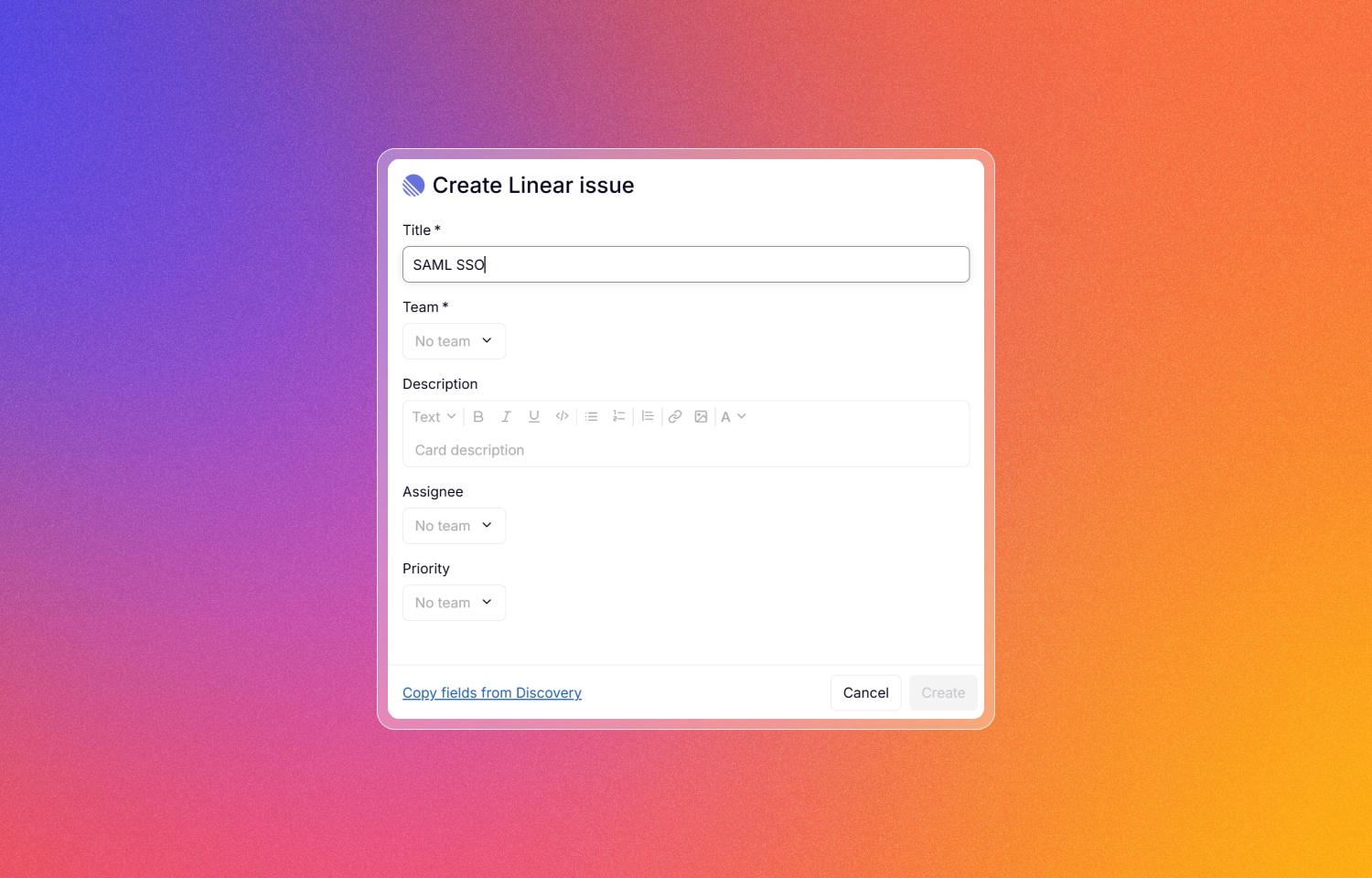
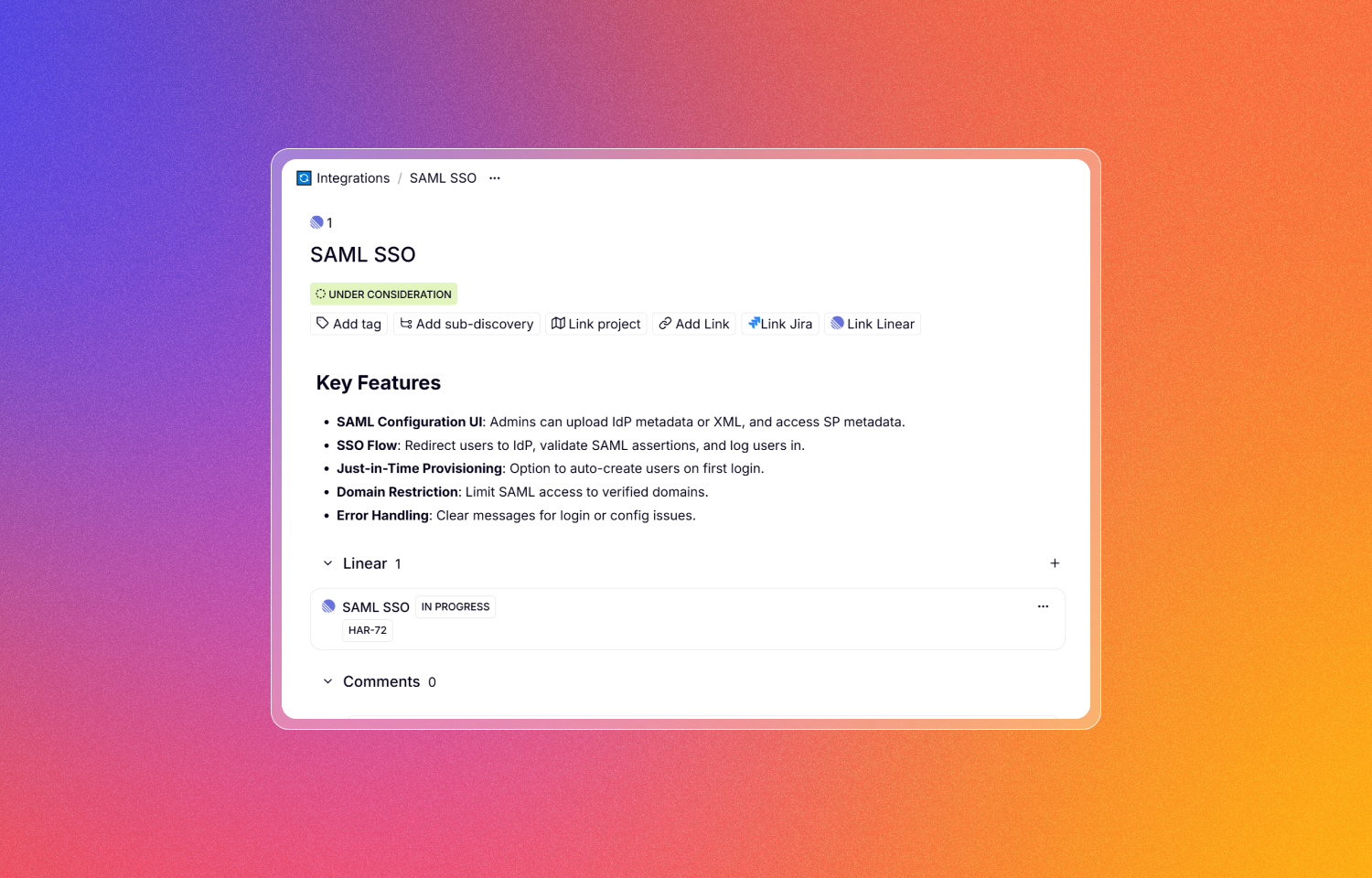
From Harvestr, operator teams can link prioritized customer requests to new or existing Route5 issues. Each issue carries the full context, making it easier for engineers to understand the impact behind every request.
Statuses stay in sync between Harvestr and Route5. When an issue is marked as completed in Route5, Harvestr reflects the change automatically. This makes it simple to close the loop: customer-facing teams are notified, and customers can be updated without manual effort from product or operator teams.
Configure
An admin of both Harvestr and Route5 can enable the integration from the settings in Harvestr. Once installed, Harvestr will display Route5 options in Discovery views. Any Harvestr user with Editor permissions can create issues in Route5 or link Discoveries to existing ones.