- Integrations
- Gemini Enterprise
Search, summarize and analyze issues and projects
Overview
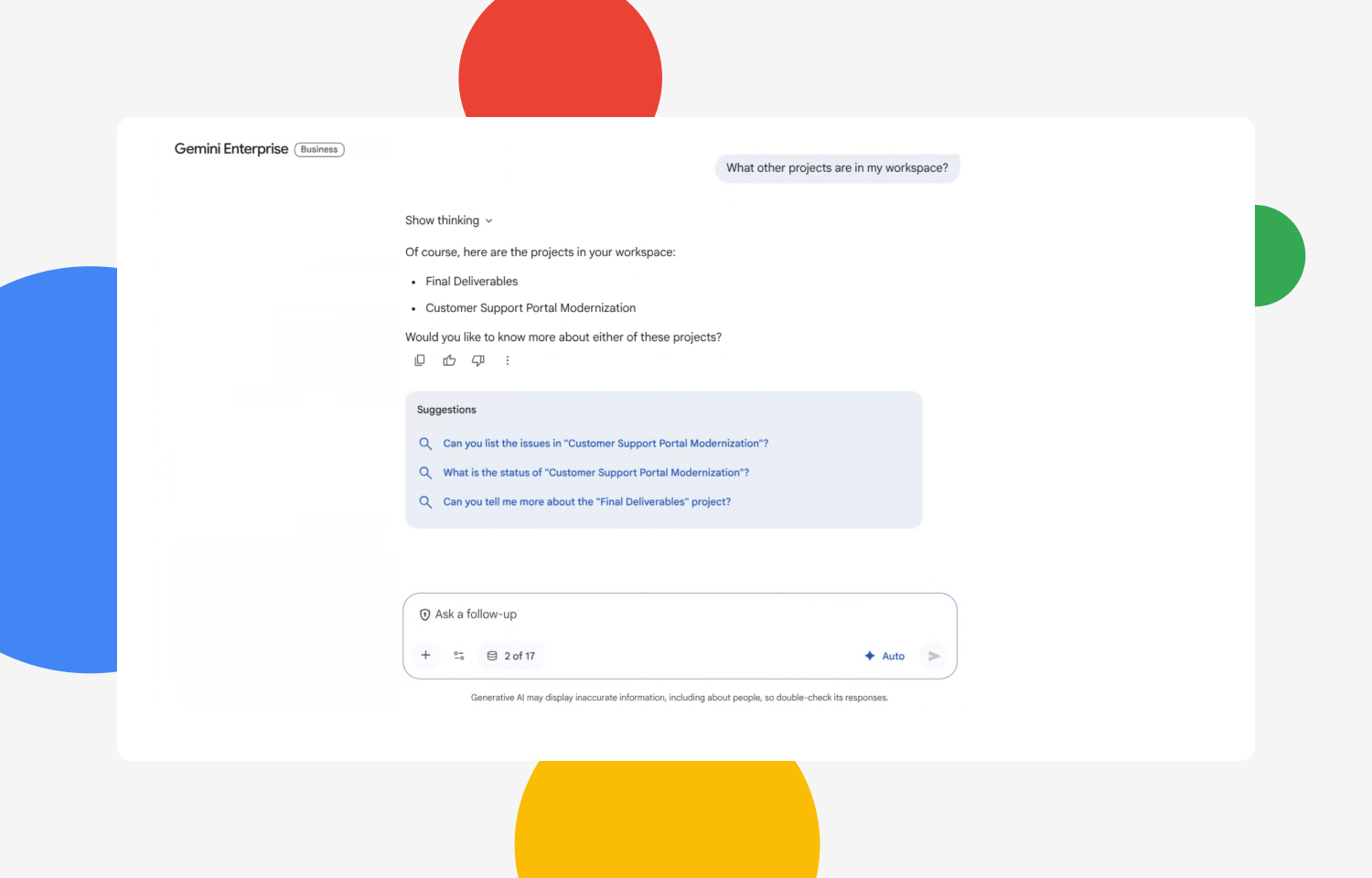
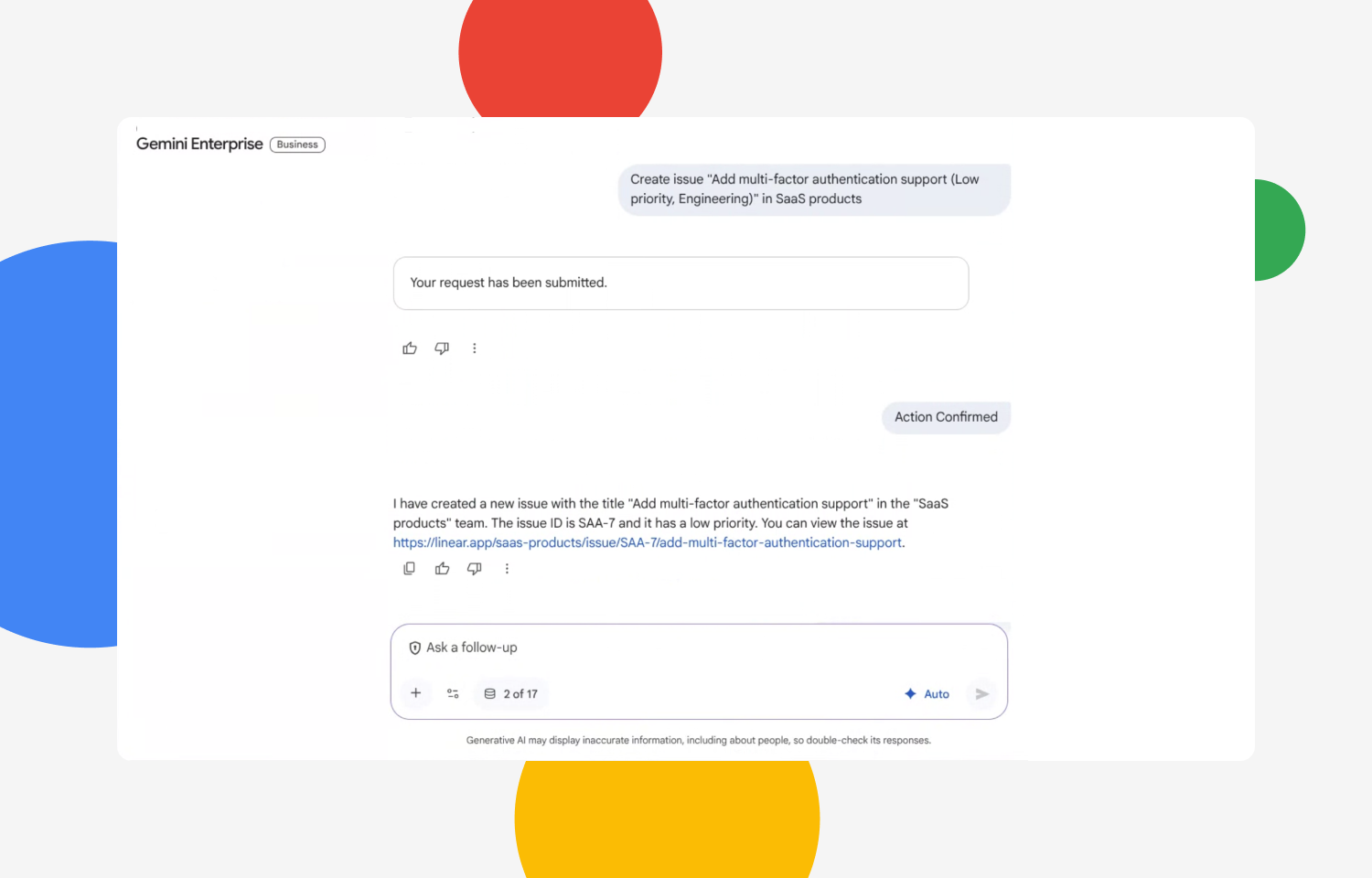
Use Gemini Enterprise to search, summarize, and analyze data across all your work apps to get instant answers and insights right where you work.
How it works
With the Route5 connector for Gemini, you can create new issues, or pull in data from existing issues and projects without leaving Gemini. Surface answers from your Route5 workspace in seconds.
Configure
- Navigate to Gemini Enterprise
- Click on the data source icon to display the full list of available connectors.
- Select the Route5 Connector
- Authenticate with your Route5 workspace
- Your account is now successfully connected. You can begin using Gemini to retrieve and work with the data you need.