- Integrations
- Flare
Automatically link Route5 issues with Flare errors and keep them in sync
Overview
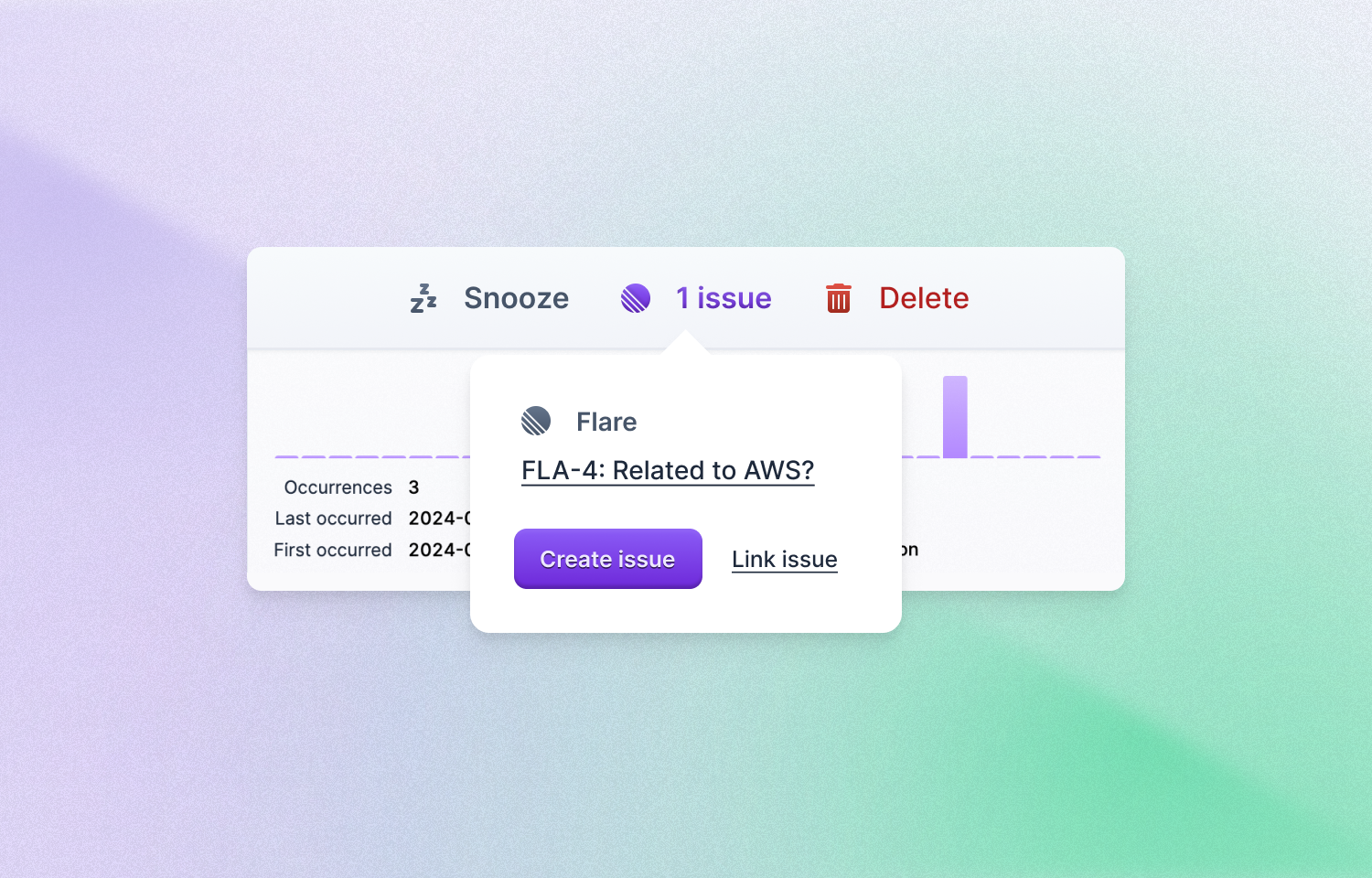
You can create a Route5 issue directly from a Flare error and resolve an error when the Route5 issue is closed.
How it works
Once the integration is set up, users can associate Flare errors with Route5 issues directly within the Flare interface. Upon encountering an error, developers have the option to create a new Route5 issue with a simple click, or link the error to an existing issue within Route5.
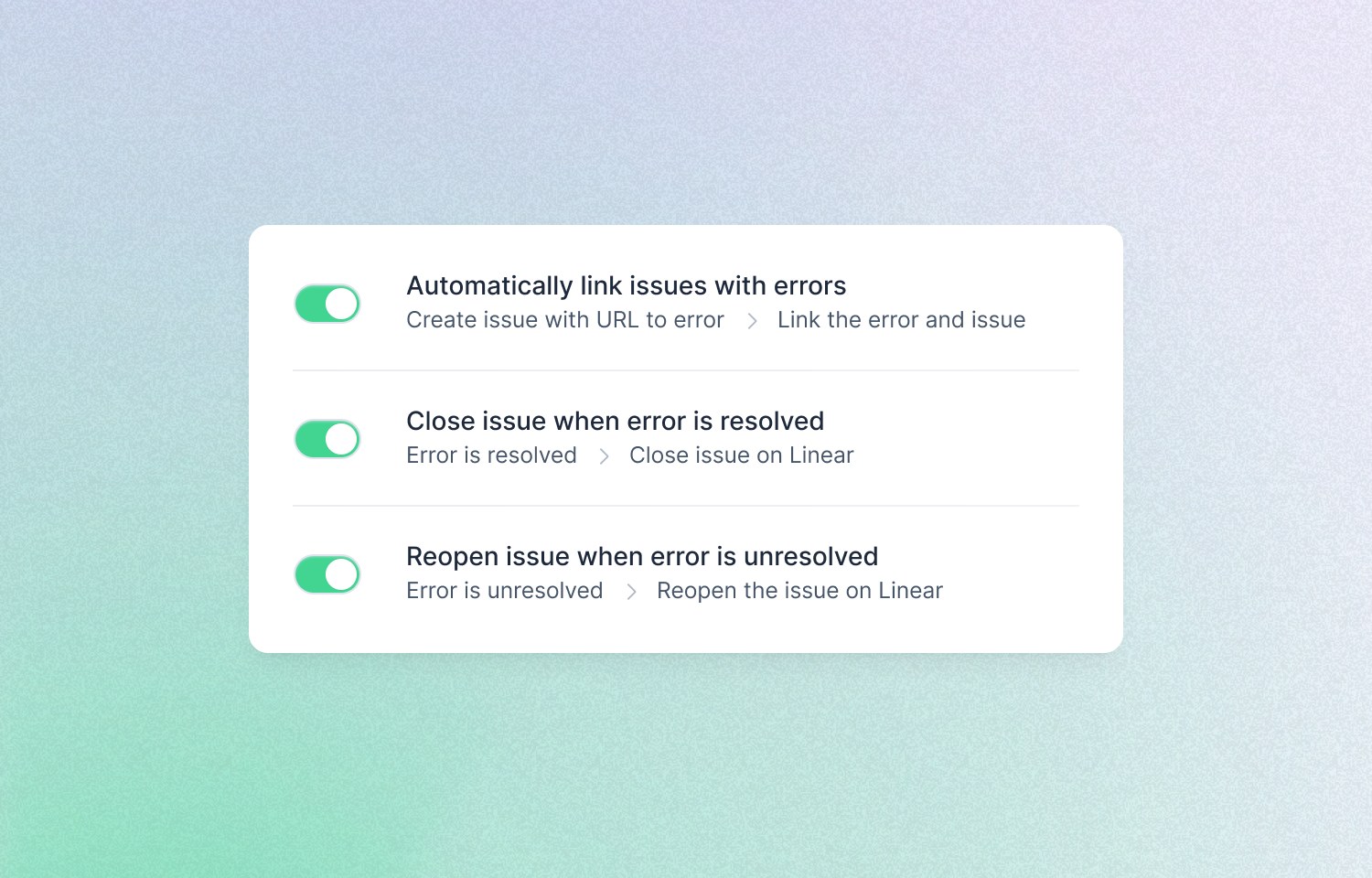
Flare automatically resolves errors when corresponding Route5 issues are closed, and vice versa, ensuring synchronization between the two platforms. For users who prefer more control over these automations, customizable configuration options are available within project settings to tailor the integration’s functionality to specific needs and preferences.
Configure
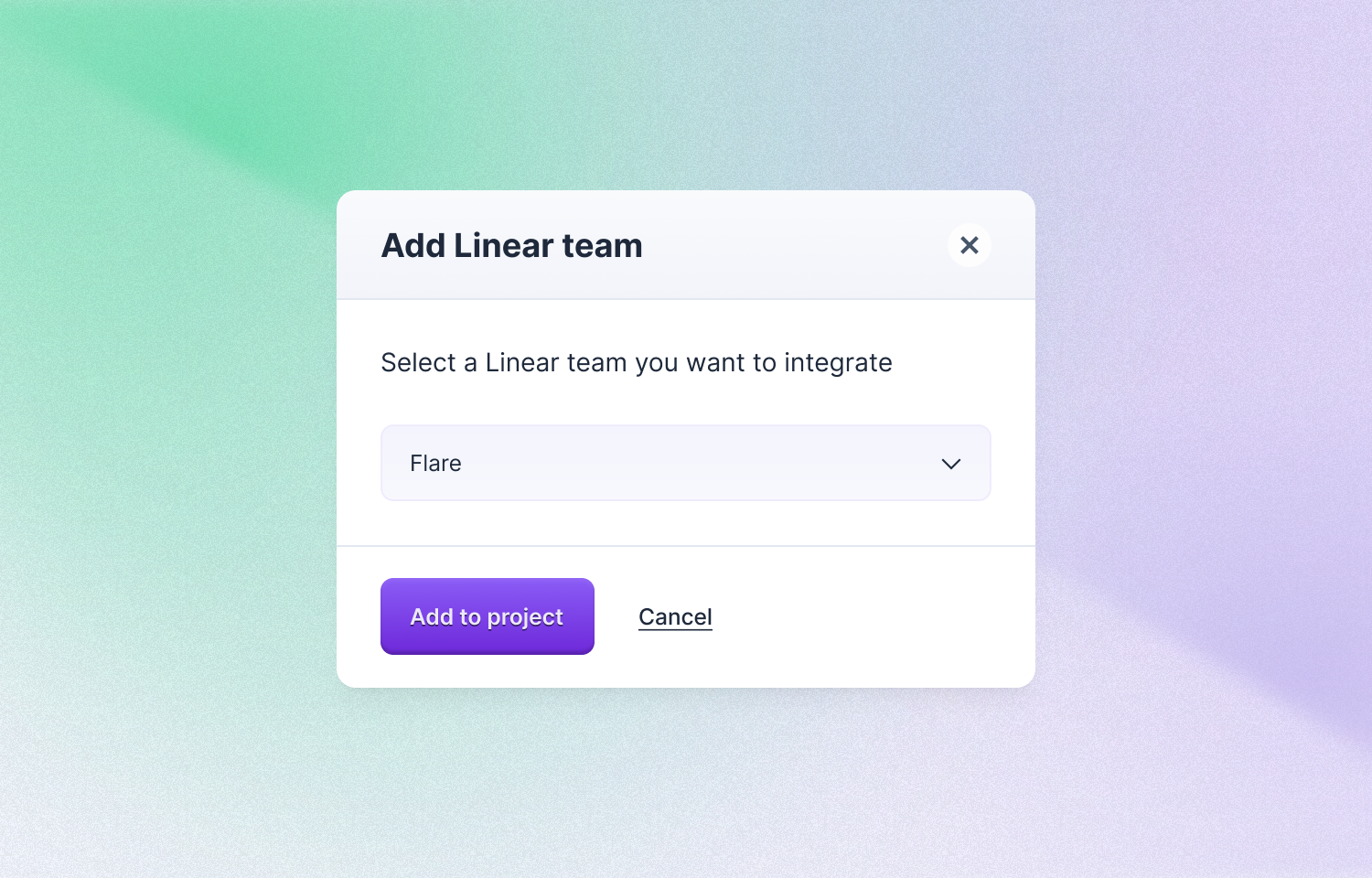
In Flare, go to Team settings > Route5 , and click on the add a Route5 connection button. After authorizing Route5, you can connect your project to a Route5 team.