- Integrations
- Fibery
Sync your Route5 data to Fibery and connect product management with execution
Overview
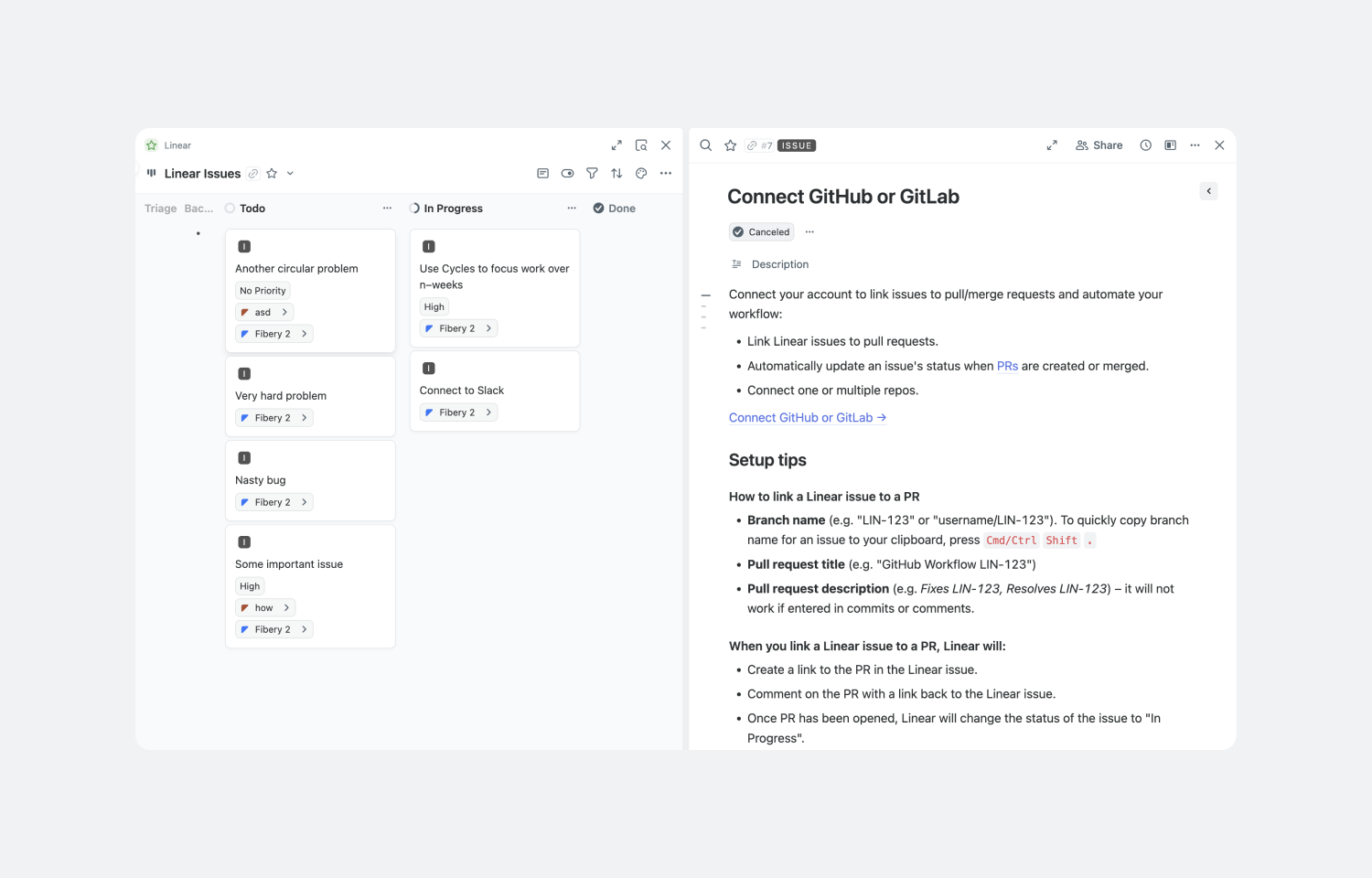
One of the main benefits of integrating Fibery with Route5 is the ability to create detailed product specifications in Fibery and directly link them to development tasks in Route5. This enables operations leaders and development teams to clearly connect high-level commitment planning with specific implementation tasks.
How it works
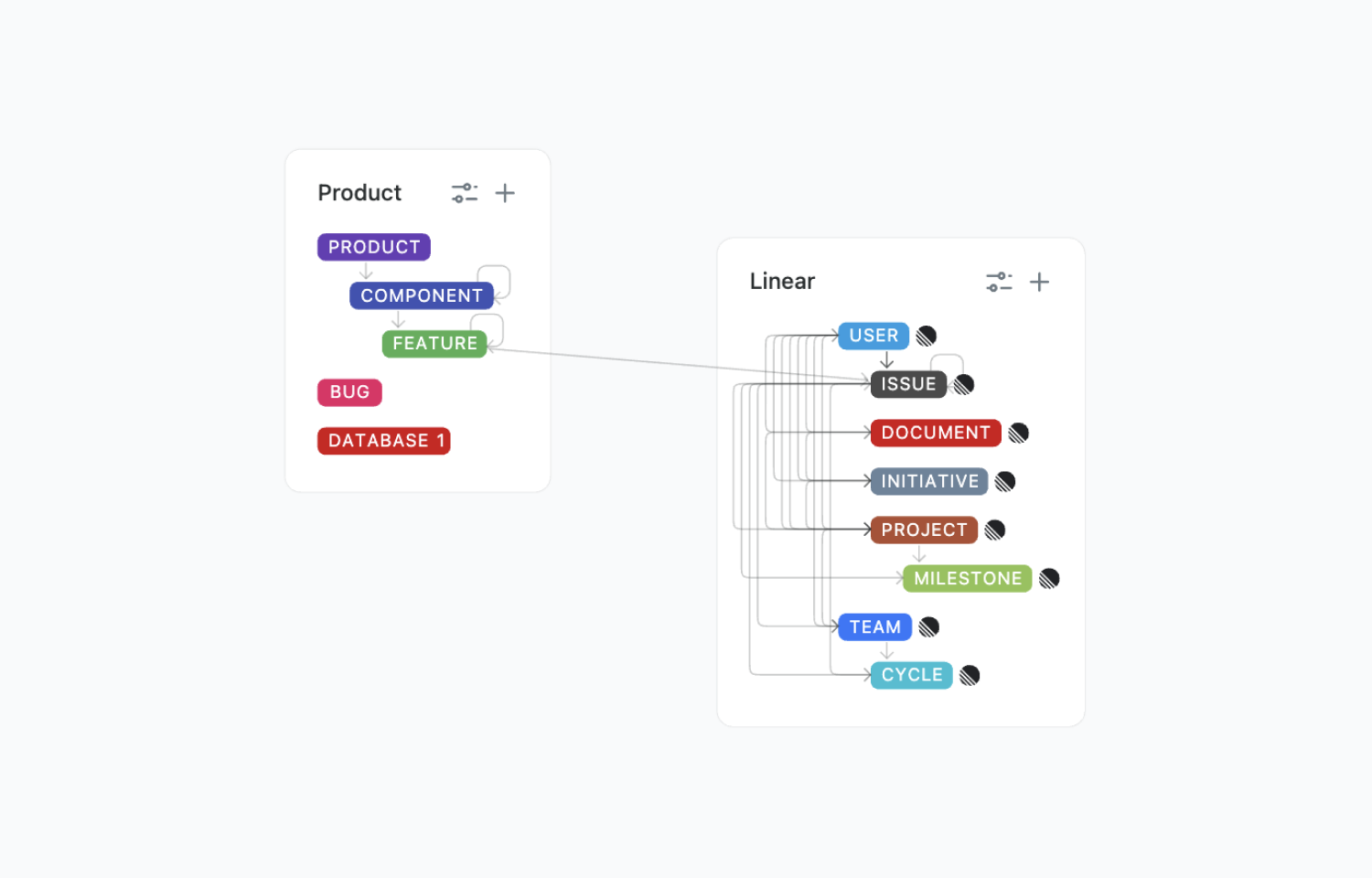
Synchronization is one-way from Route5 to Fibery. All Route5 data is synced, including Projects, Teams, Milestones, Cycles, Initiatives, Users, Issues, and Documents.
Fibery replicates Route5 databases structures with all relations and fields available via API.
Configure
1. Go to any Fibery Space and click Integrate, select Route5.
2. Authentice your Route5 account through OAuth.
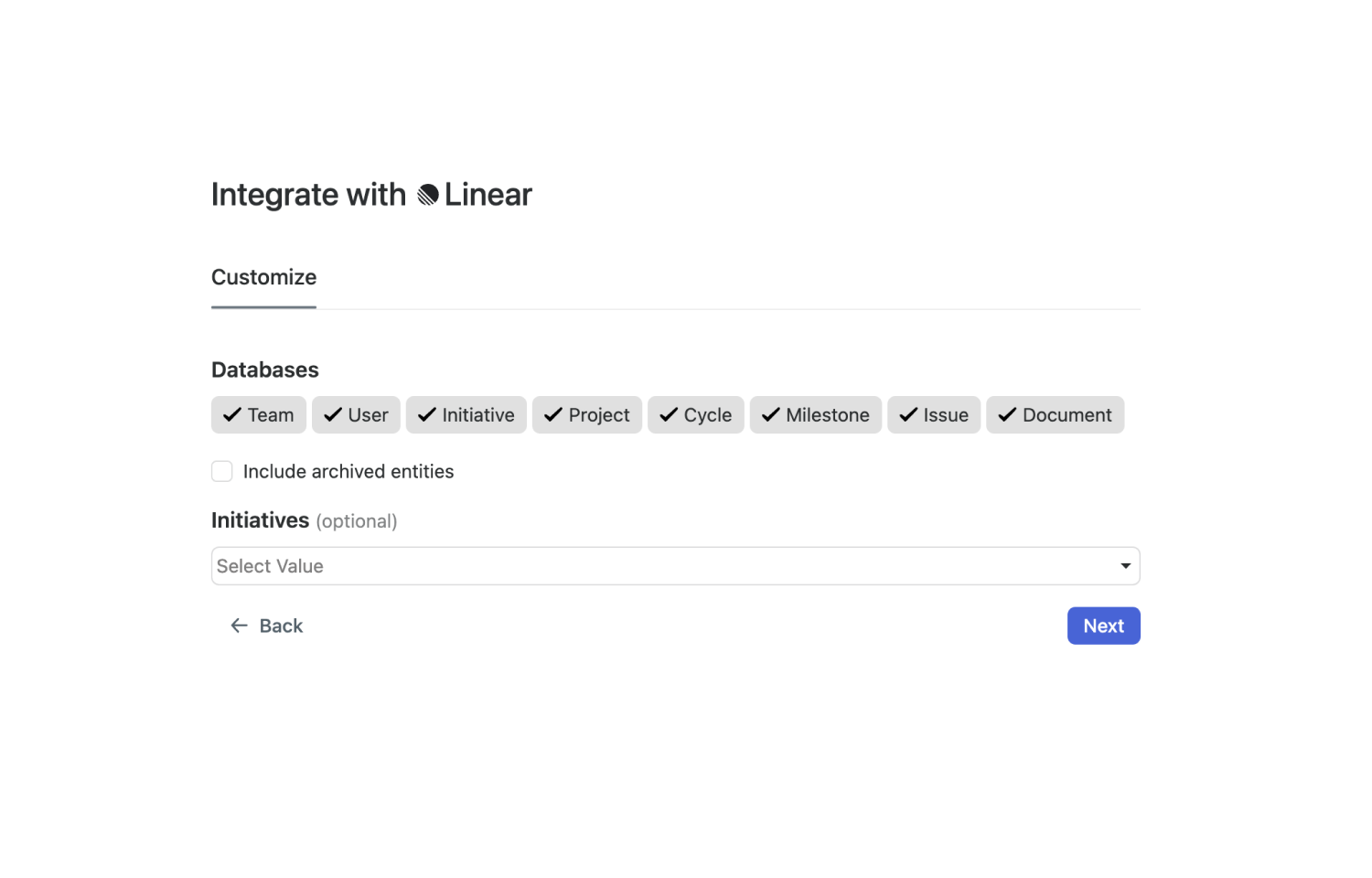
3. Configure data you want to sync.