- Integrations
- DailyBot
Effortless commitment tracking for asynchronous daily stand-ups
Overview
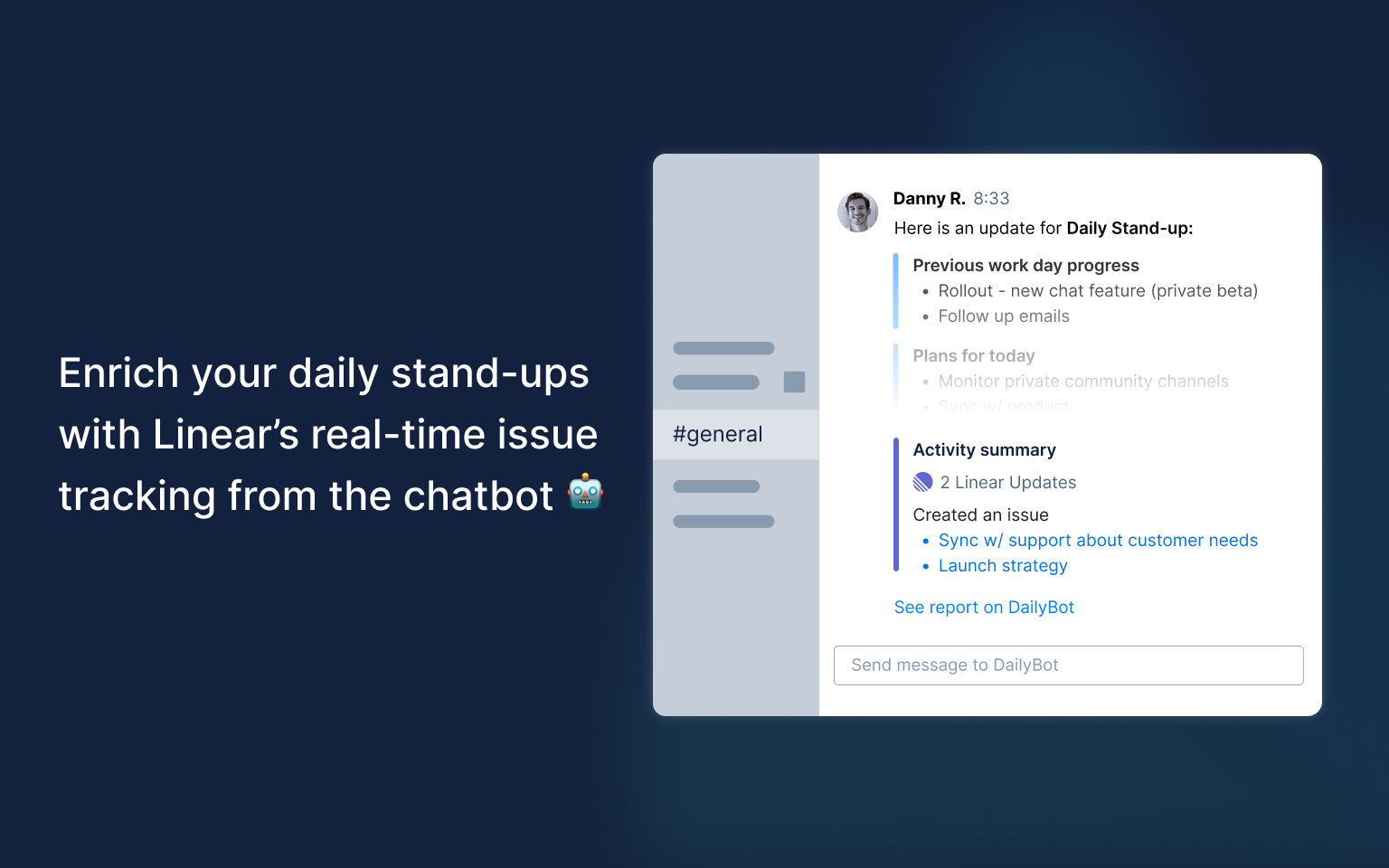
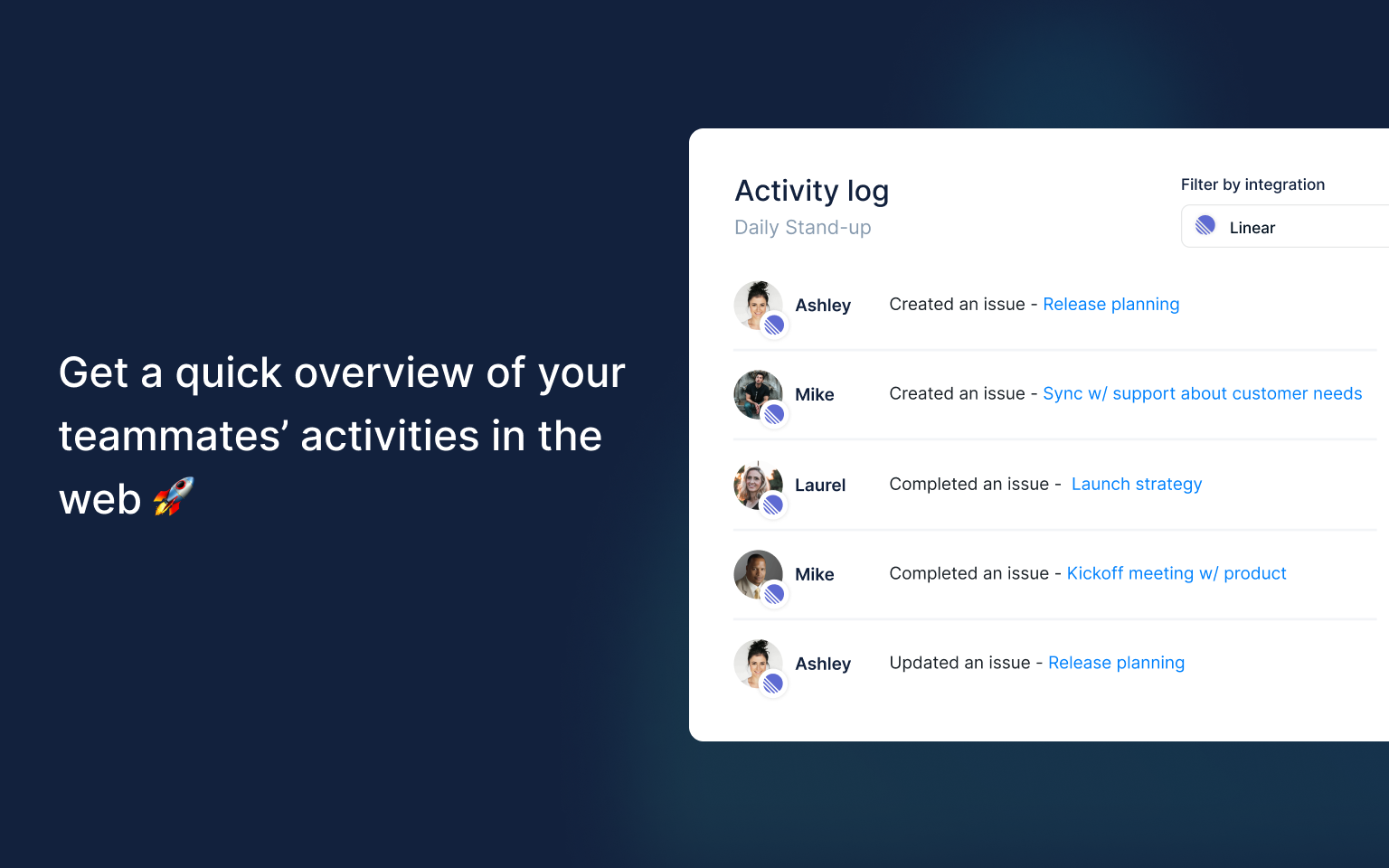
With this powerful integration, remote teams can effortlessly track issues and gain valuable insights during their asynchronous daily stand-ups. All without ever leaving their chat.
How it works
This integration connects Route5 to DailyBot, a chatbot that helps teams manage their work asynchronously. By creating a webhook in Route5 and inputting the Route5 API key in DailyBot, DailyBot can track issue activities in Route5 and include them in async check-in reports. To ensure activity is tracked properly, all DailyBot users must have an email address that matches the email address of the corresponding Route5 user. The activity tracked in the reports includes any activity logged in the 24 hours prior to the check-in reports.
Configure
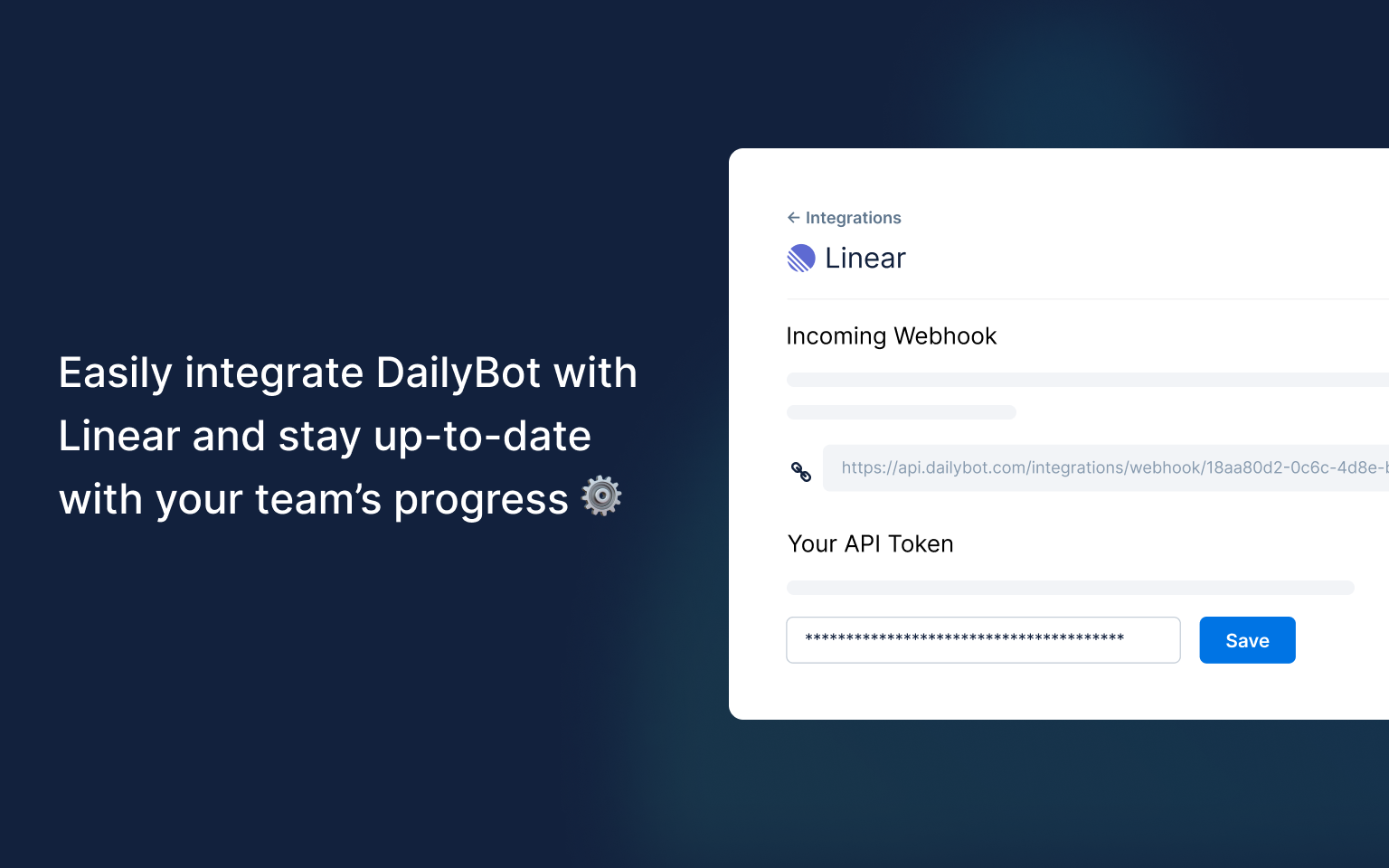
Go to the DailyBot Integrations page, select Route5, and copy your hook URL. Then, navigate to Settings > API > Webhooks in Route5 and add a new webhook. Paste the URL from DailyBot, select “Issues” as the event type, and create an API key in Route5. Input the Route5 API key in DailyBot, and you’re done! DailyBot will only use the API key to fetch user-related activities.