- Integrations
- Craft.io
Connect commitment planning in Craft.io with Route5 issues
Overview
Craft.io is an end-to-end platform for operator teams to prioritize, plan, and manage product commitment timelines. The Route5 integration connects commitment planning with engineering execution by allowing teams to push work items to Route5 issues and track development progress.
How it works
Craft.io integrates with Route5 to connect commitment planning with engineering execution. operator teams manage ideas, feedback, prioritization, and commitment timelines in Craft.io, then link or push selected work items to Route5 as issues for development.
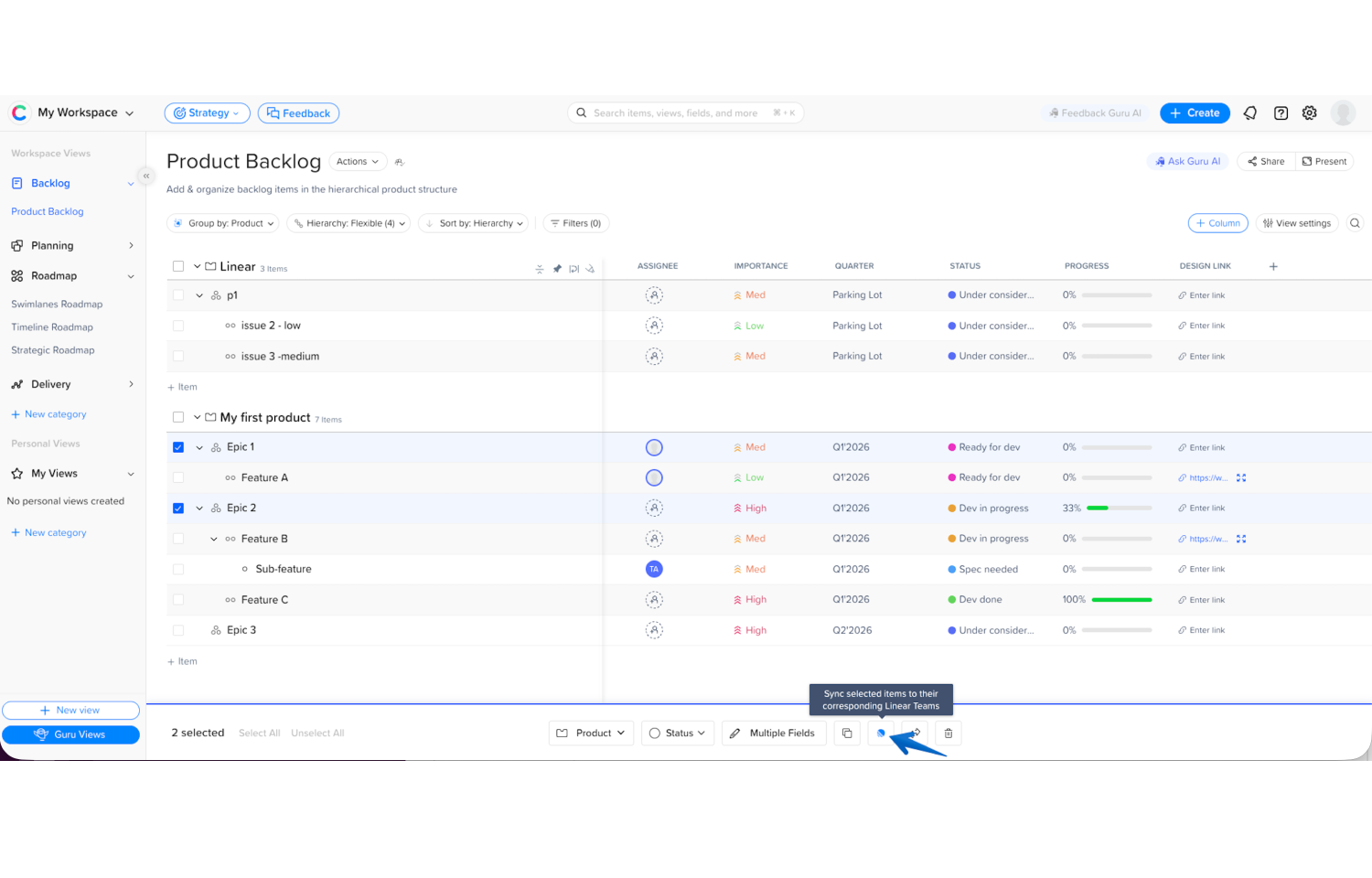
Teams can push work items from Craft.io to Route5 while maintaining a clear connection between product decisions and engineering tasks. The integration keeps both systems aligned, allowing operations leaders to track development progress from within Craft.io while operator teams continue working in Route5.
By linking Craft.io items with Route5 issues, teams maintain visibility across the full product lifecycle, from strategy and prioritization through planning and delivery. This helps ensure product plans remain connected to real execution without disrupting existing workflows.
Configure
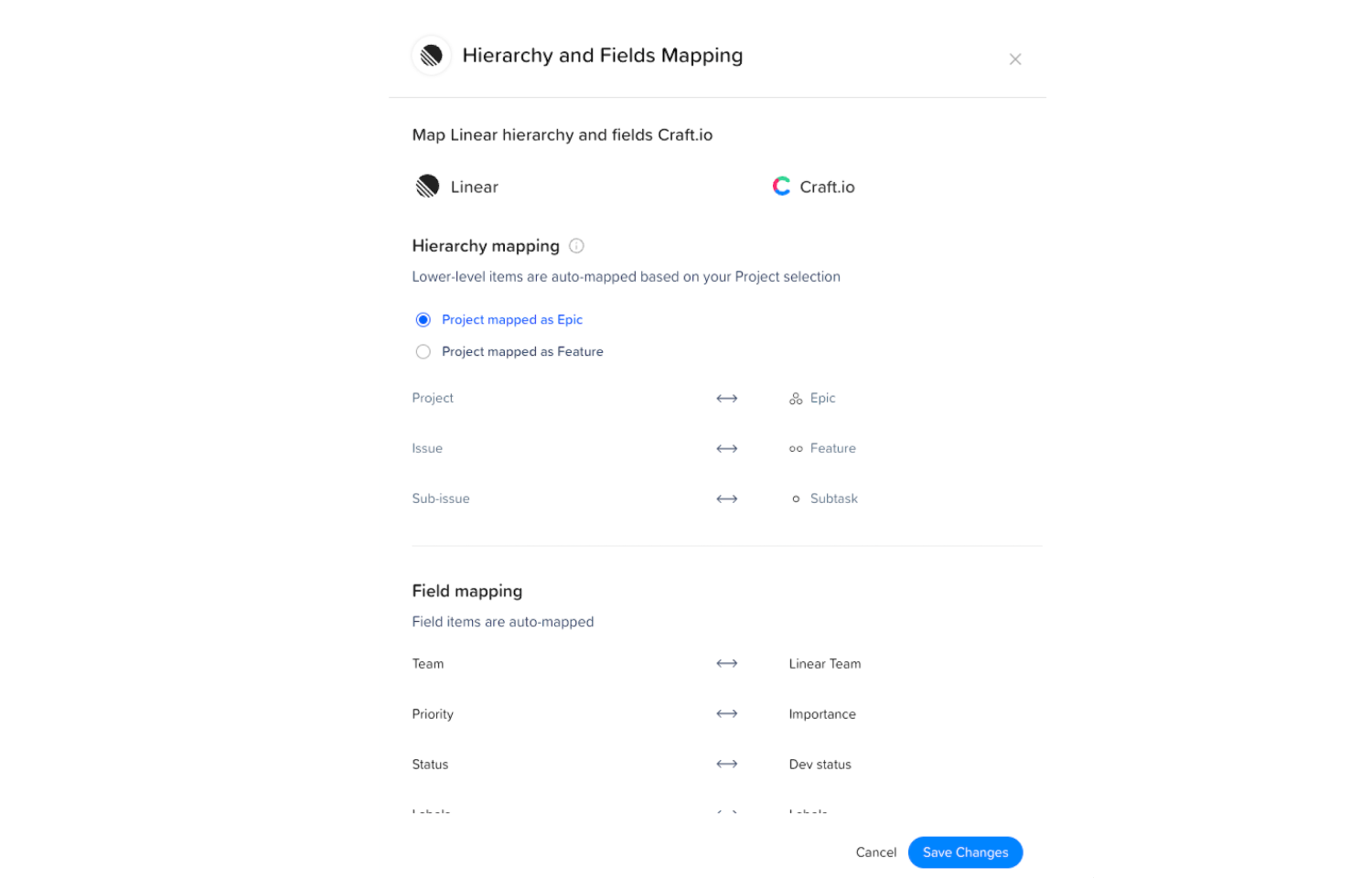
To configure the integration, an administrator connects Route5 to Craft.io from the integrations settings in Craft.io. During setup, the admin authorizes access to their Route5 workspace and selects the teams that should be available for synchronization.
Once connected, operator teams can link Craft.io work items to Route5 issues or push new issues to Route5 directly from Craft.io. Teams can then track development progress from within Craft.io while engineers continue working in Route5.
For detailed setup instructions, see the documentation.