- Integrations
- Circleback
Automatically create Route5 issues from meeting action items
Overview
The Circleback integration allows you to keep Route5 up-to-date with meeting action items.
How it works
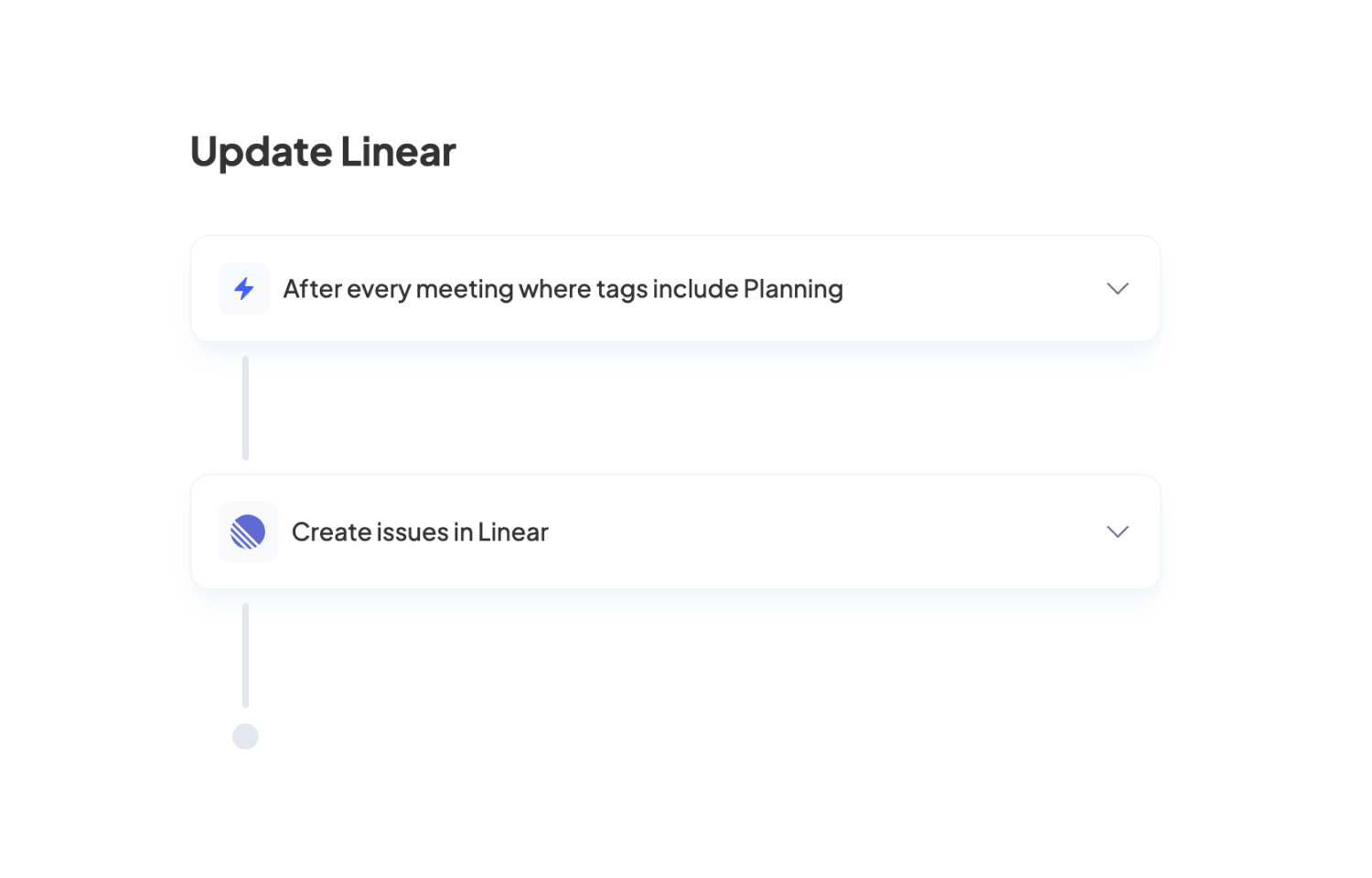
Set up the integration by creating an automation on Circleback with a step to create Route5 issues for meeting action items. You can add conditions to the automation to have it only run for the meetings you choose (e.g. planning meetings, customer demos). Issues will be automatically assigned to the right person if they’re a part of your workspace.
Automations can be shared with your team, allowing you to keep track of action items across team meetings in Route5. Create multiple automations for different types of meetings to have issues be associated with the appropriate Route5 team.
Configure
To get started, create an automation on Circleback and choose which meetings to run the automation after by adding conditions. By default, the automation will run after every meeting.
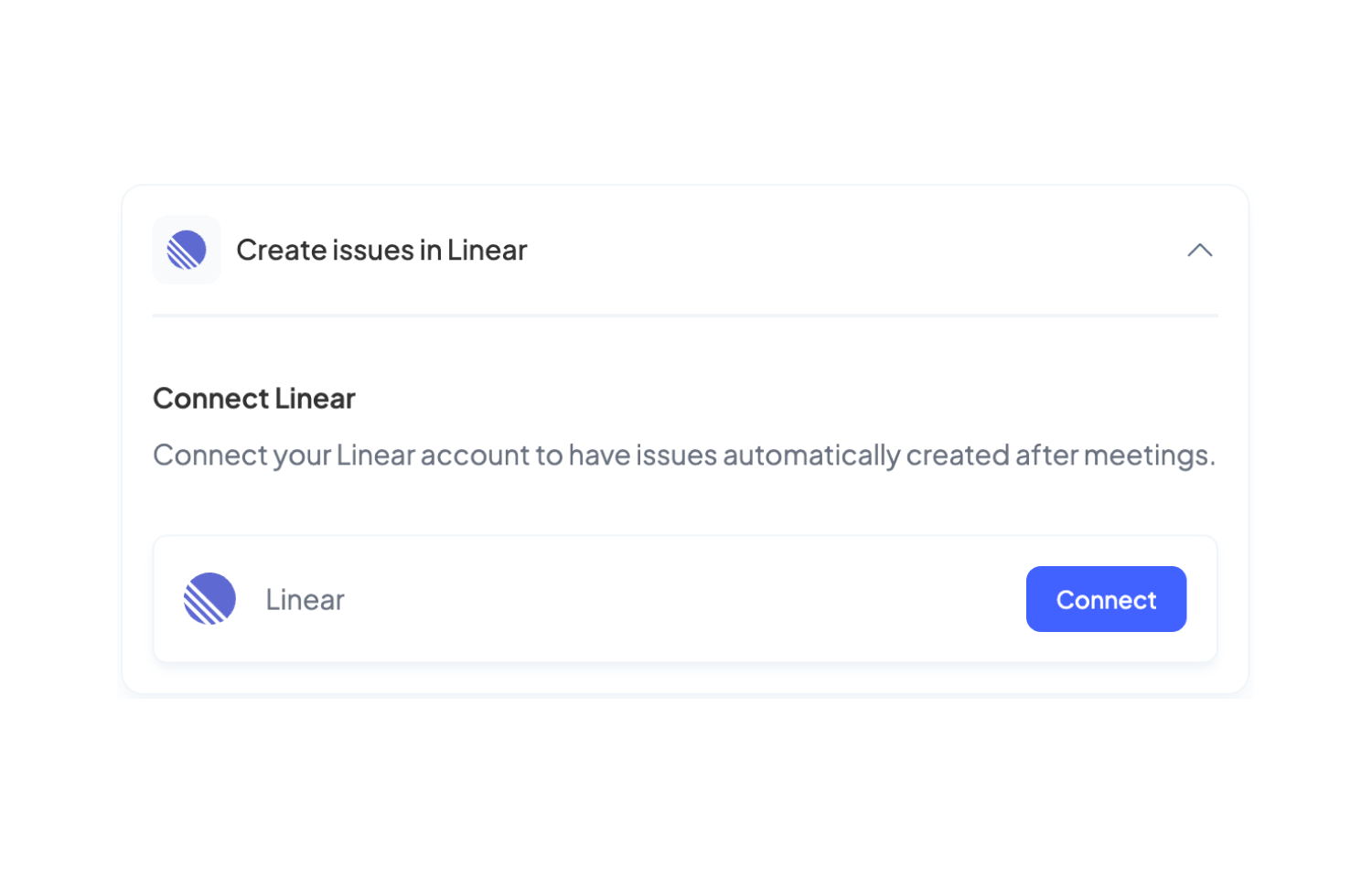
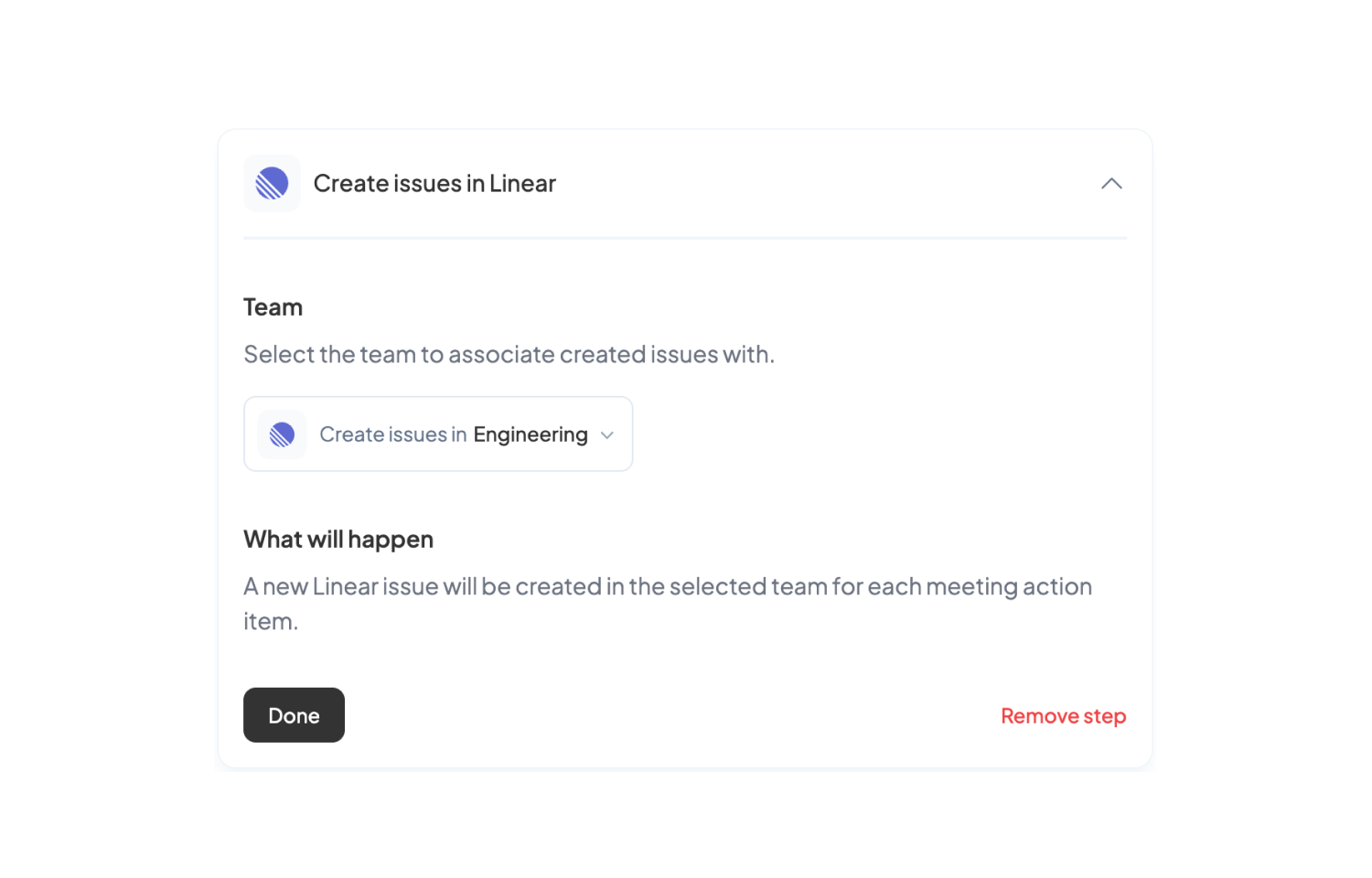
Then, add a Route5 step to the automation and connect your Route5 account if you haven’t already. Once connected, select the team you want to create issues in. Create the automation and you’re all set. A new Route5 issue will be created for each meeting action item each time this automation runs.