- Integrations
- ChatPRD
Writes requirements, manages issues, and gives feedback on your commitment work
Overview
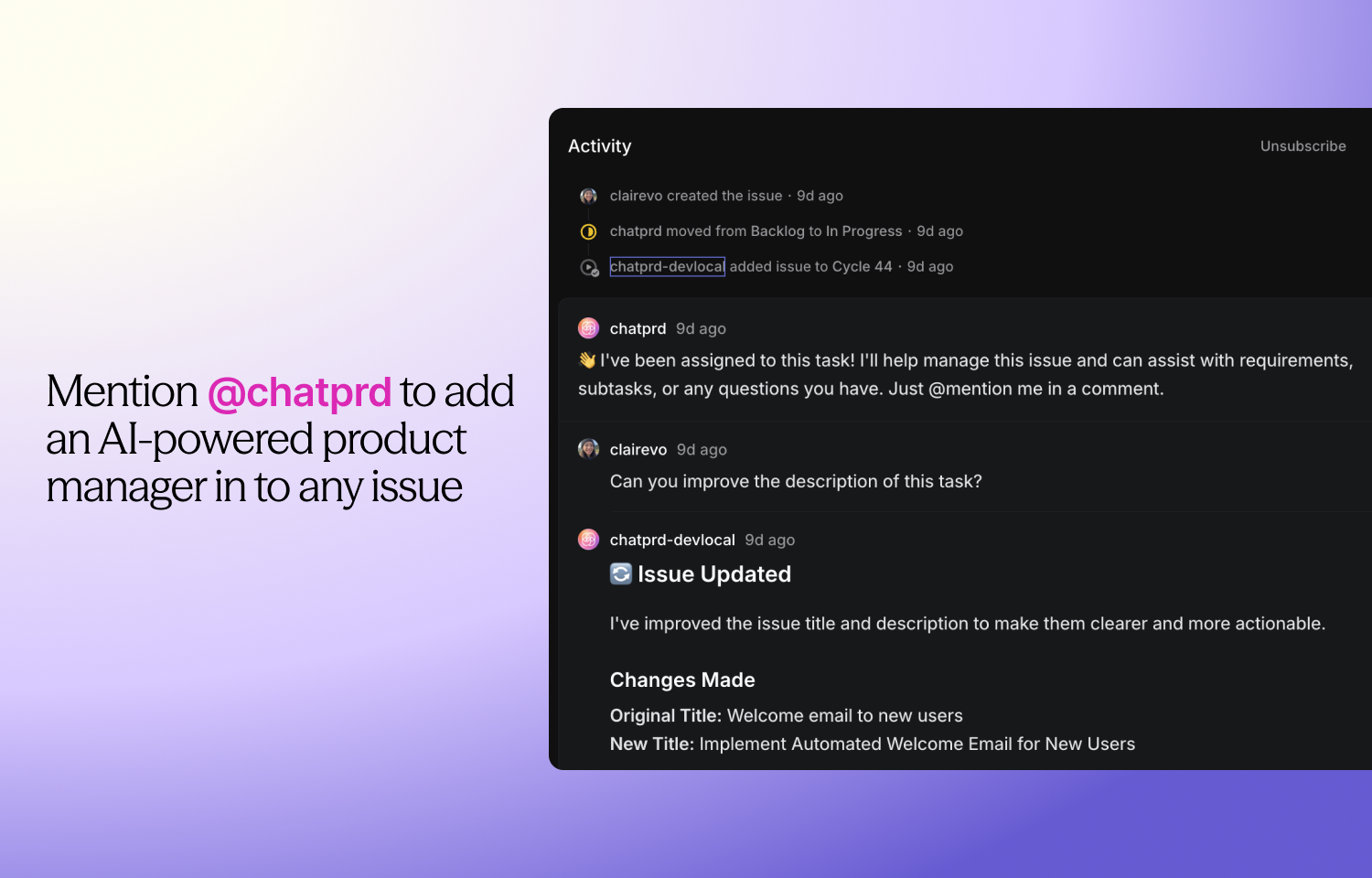
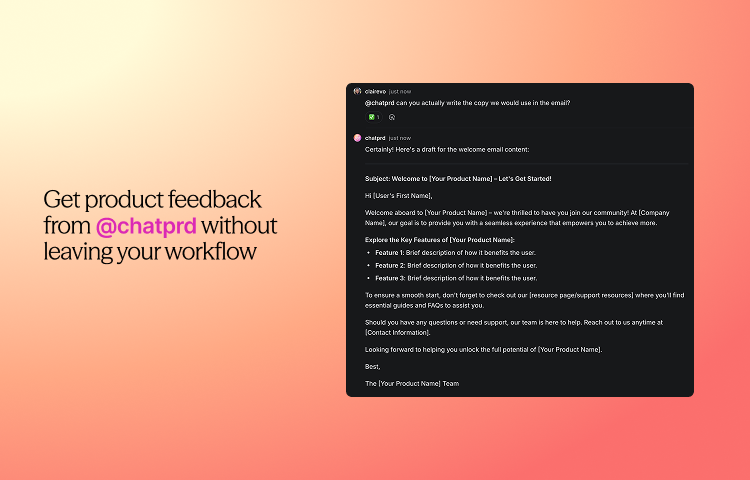
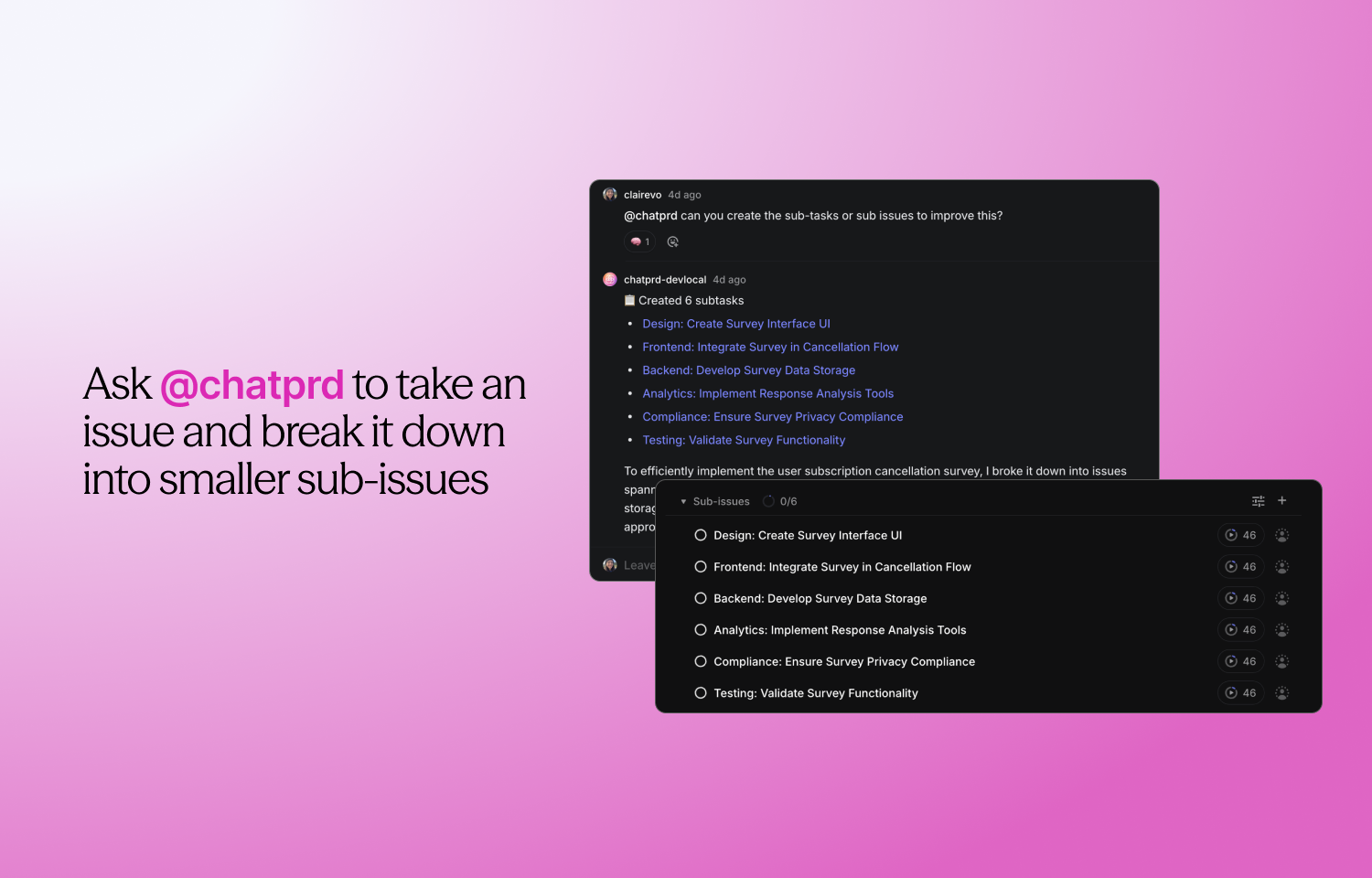
ChatPRD’s Route5 integration brings AI-powered product management directly into your Route5 workspace. Instantly improve issue descriptions, break down work into actionable sub-issues, and get product feedback by simply mentioning @chatprd in comments. This integration helps teams write clearer requirements, accelerate collaboration, and ensure every issue is ready for development—without ever leaving Route5.
How it works
The ChatPRD integration for Route5 is an AI-powered product manager right in your organization’s workflow. By assigning issues to @chatprd or mentioning @chatprd in any issue comment, you can ask for improvements to descriptions, request a breakdown of work into actionable sub-issues, or get clarification on requirements—all within Route5.
When you ask for help, ChatPRD considers the context of the issue and your specific request, then replies in the thread with clear, structured suggestions. It can rewrite issue titles and descriptions to follow product management best practices, generate discipline-specific sub-issues with done criteria, or point out missing information. You can continue the conversation in the same thread to refine requirements or request more detail.
This integration is built for teams and organizations, needing consistent, high-quality issue documentation and planning. ChatPRD only responds when prompted—by issue creation, assignment, or direct mention—so you stay in control of when and how it helps. The goal is to make it easier for teams to move from idea to implementation with clarity and less manual effort.
Configure
Navigate to ChatPRD’s integrations settings and select to connect Route5. After successful authentication, you’ll be able to mention and assign issues to @chatprd from Route5.